

16 online job boards compared
Jump to the platform descriptions below, or check the comparison table below for a quick overview.
Useme
Indeed
LinkedIn
ZipRecruiter
Glassdoor
Upwork
Fiverr
FlexJobs
Toptal
Google for Jobs
SimplyHired
USAJobs.gov
Remote.co
Snagajob
Dice
Ladders
Platform comparison table
| Platform | Best for | Free posting | AI matching | Freelance-focused |
| Indeed | High-volume hiring across all industries | Yes (up to 3/month) | Yes | No |
| Professional networking, mid-senior roles | Basic | Yes | No | |
| ZipRecruiter | Fast hiring, SMB, broad reach | Trial only | Yes | No |
| Glassdoor | Employer branding, salary research | Basic | Limited | No |
| Upwork | Project-based freelance work | Yes | Yes | Yes |
| Useme | Freelance hiring with legal + payment handling | Yes | No | Yes |
| Fiverr | Quick, fixed-price gig work | Yes | Yes | Yes |
| FlexJobs | Vetted remote and flexible roles | Subscription | No | Partial |
| Toptal | Elite freelance developers and designers | No | No | Yes |
| Google for Jobs | Broad aggregation, SEO reach | Yes | No | No |
| SimplyHired | Broad listings, simple interface | Yes | No | No |
Data sourced from platform official pages as of April 2026.
Key takeaways on online job boards
- Online job boards are the fastest way to reach active candidates and find new clients – but they work best as part of a broader strategy.
- Choosing the wrong platform wastes budget and time, whether you’re hiring or job hunting.
- Among the most used online job platforms globally are LinkedIn and Indeed, with others like ZipRecruiter and Glassdoor also widely recognized. For freelance-specific work, platforms like Useme offer distinct features – particularly around contracts and payments.
- Writing clear, keyword-optimized job descriptions and profiles dramatically improves the quality of matches on both sides.
- Top freelancers often don’t browse job boards passively. Businesses should combine boards with referrals and direct outreach – and freelancers should optimize their profiles to get found.

What is an online job board?
A job board is a website where businesses publish open roles and candidates search for work. It works like a marketplace. You post a position. People apply.
Most job listings include key details such as:
- scope of work or responsibilities,
- required skills or experience,
- pay range or project budget,
- application instructions.
Depending on the platform, candidates can either apply directly on the site or be redirected to your company’s career page.
Understanding what an online job board actually is matters more than ever in 2026. Many people still confuse them with job search engines, freelance marketplaces, or career portals. And that confusion leads to wasted time and budget.
Job boards vs. job search engines
The terms are often used interchangeably, but there is a difference:
- Job boards host listings directly from employers.
- Job search engines collect listings from many sources and display them in one place.
In practice, the line is blurred. Many modern platforms do both – hosting jobs while also pulling in listings from across the web. On most sites, listings are displayed to members based on their location, skills, and search history. Some platforms also show sponsored ads alongside organic results.
Types of online job boards
Not all job boards serve the same purpose. The main categories include:
- General online job boards – cover a wide range of industries and roles. Good for reach, but often crowded.
- Niche job boards – focus on specific industries, skills, or work styles, like tech, design, or remote work. They typically offer more relevant candidates.
- Specialized audience boards – target specific groups, such as students, veterans, or freelancers.
- Freelance marketplaces – built specifically for independent work. They include freelancer profiles, ratings, work history, and often handle contracts and payments.
👉 For freelancer hiring: niche and specialized platforms often deliver better results than broad, high-volume sites.
5 benefits of using online job boards
Online job boards remain one of the fastest ways to find talent. When you use them correctly, they simplify and speed up the hiring process – especially for short-term or project-based work. Many major platforms give both employers and candidates tools to research market rates, benchmark salaries, and make more informed decisions before reaching out.
Here’s where they bring the most value:
1. Fast access to available talent
One of the key advantages of online job boards is immediate exposure to active candidates. Instead of searching manually, you can publish a role and start receiving applications within hours.
Many platforms also allow you to:
- filter candidates by skills, location, or experience,
- sort by most recent applicants,
- stay updated with new profiles entering the market.
👉 Why it matters: speed is critical when hiring freelancers for time-sensitive projects.
2. Access to candidate data and market insights
Job boards aren’t just hiring tools – they’re also research tools. They give you access to real-time labor market data that used to require expensive third-party resources.
You can use them to:
- understand current rates for freelance work,
- identify in-demand skills,
- see how competitors describe similar roles.
3. Streamlined hiring process
Most platforms are designed to reduce friction on both sides, making it easier for you to post and for candidates to apply.
Common features include:
- one-click applications,
- resume or portfolio uploads,
- built-in messaging,
- basic screening tools.
Advanced filters in online job boards also let you narrow down results by location, job title, and company. This saves significant time during the shortlisting phase. It’s also one of the most underused features on major platforms. After all, a well-configured filter set can cut your review time in half before you’ve read a single application.
4. Improved candidate evaluation tools
Modern platforms often go beyond resumes. Depending on the site, you may get access to:
- portfolios and past work,
- skill assessments,
- reviews or testimonials,
- pre-screened candidates.
Profiles on job boards must be optimized for search algorithms. This means including industry-specific keywords in the profile and resume. It directly increases how often the right employers find the right candidates. In fact, keyword-optimized profiles are more likely to appear in recruiter searches.
For you as a business, this works in your favor. The more precisely a candidate has optimized their profile, the easier it is to evaluate fit – before you’ve even contacted them. For freelancers – past work often matters more than CVs.
5. Platform security
Reputable job boards invest heavily in security to protect both employers and job seekers. Most major platforms use security measures to reduce fraud and bot activity, though verification levels vary by platform. When you or a candidate sees a “verification successful” message, that’s the platform performing security verification and actively working to protect its members.
The best job boards in 2026: full comparison
In 2026, LinkedIn, Indeed, ZipRecruiter, and Glassdoor remain the most popular online job boards. But the right platform depends on what you need.
Useme
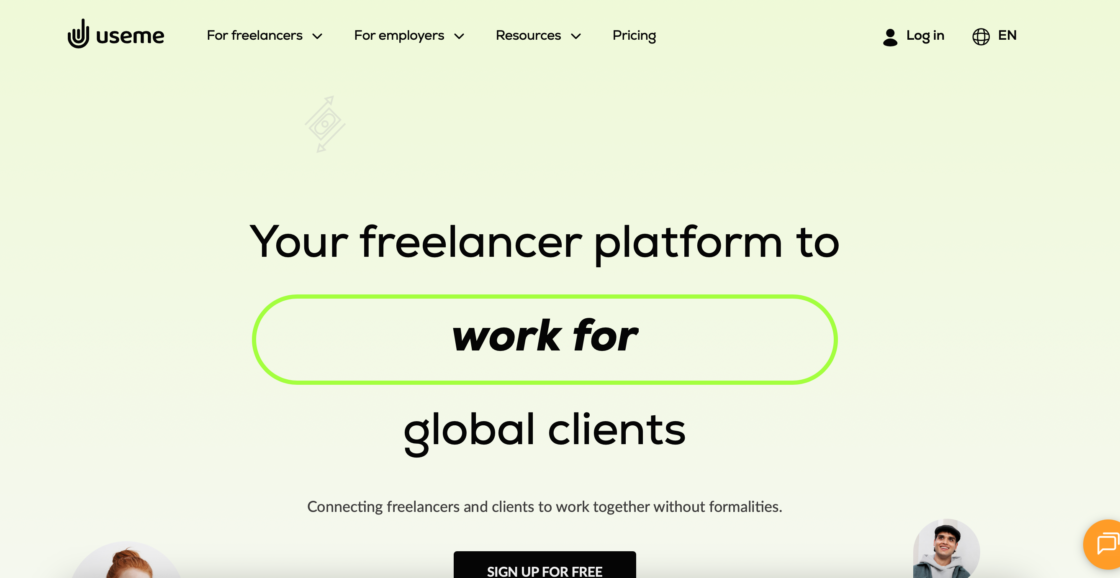
Useme is a freelance job marketplace and payment platform that acts as a legal intermediary between clients and freelancers. It’s especially useful for businesses that work with contractors regularly but want to avoid managing contracts, invoices, and tax compliance each time.
Useme has a strong base of freelancers. The platform supports international collaboration and cross-border payments without the usual legal complexity.
- For employers: free to access the freelancer base and post jobs; service fee on successful transactions only.
- For freelancers: free account; Useme acts as your legal intermediary – handling the paperwork, so you can get paid fast and securely.
- Best for: businesses hiring freelancers internationally, teams that want paperwork-free contractor management, and freelancers without a registered business who need to invoice clients legally.
For clients:
When you hire through Useme, you don’t sign a contract directly with the freelancer. Useme signs the contract on your behalf, and takes over the admin tasks.
There are no setup or subscription fees. You access the freelancer database and post unlimited job offers for free. The service fee is 4.99% of the invoice amount, but it’s never higher than $99 per transaction and never lower than $9 per transaction. What’s important is that the fee is covered by only one side of the transaction.
Find a freelancer, post a project, receive offers from freelancers, compare portfolios and quotes, and choose who you want to work with. Copyright transfer and licensing are built into the transaction flow – no need to draft custom clauses.
For freelancers:
Useme lets you invoice clients from around 170 countries without needing a registered company. You fill out a form with the work details and your client’s data. Useme drafts and sends the invoice, collects payment, and transfers it to you – typically within 24 hours. Your files and work are held until payment is confirmed, protecting you from non-payment.
If you don’t have a client yet, you can apply for projects through Useme Jobs and close the deal through the platform. Clients can also browse the freelancer database and reach out directly.
Indeed
Indeed is one of the largest job board by traffic, operating in more than 60 countries.
It pulls listings from company websites, other job boards, and direct employer posts – making it the default first stop for many job seekers. That scale makes it indispensable for reach, but your listing needs to be well-optimized to stand out.
- For employers: post up to 3 jobs/month free.
- For job seekers: one-click apply, resume upload, job alerts, and a resume database employers can search.
- Best for: high-volume hiring across industries, entry-to-mid-level roles, and fast applicant flow.
LinkedIn is widely recognized as the dominant professional networking platform for recruiters. According to LinkedIn’s own data, over 87% of recruiters use the platform regularly.
Recruiters spend significant time sourcing candidates here daily. A strong LinkedIn profile – with the right keywords, complete work history, and recent activity – will generate inbound recruiter messages. Professional branding details like a high-quality photo and a compelling headline also improve your visibility significantly – recruiters filter by these signals before they even read a CV. Companies that build an active presence are often contacted by top candidates directly, without posting a single ad. Joining industry-related LinkedIn groups is also an effective way to find connections within targeted companies.
- For employers: free basic posts; LinkedIn Recruiter Lite from ~$170/month; enterprise plans from $8,999/year per seat.
- For job seekers: network building, direct recruiter contact, InMail, job alerts, and professional branding.
- Best for: professional and executive roles, networking-driven hiring, tech, finance, consulting, and marketing.
ZipRecruiter
ZipRecruiter is built for speed. A single job post is distributed to over 100 partner job boards automatically. Its AI matching engine evaluates candidate skills and proactively invites them to apply – flipping the traditional dynamic so the platform recruits on your behalf. According to ZipRecruiter data, around 80% of employers report finding quality candidates on their first day of posting.
- For employers: plans start at $299/month; no free tier beyond a trial. Strong mobile app and AI-driven outreach.
- For job seekers: text alerts for new matches, pay information on 70%+ of listings, AI-enhanced resume tools.
- Best for: U.S. and Canadian hiring, SMBs, fast turnaround, and roles where broad reach matters more than depth.
Glassdoor
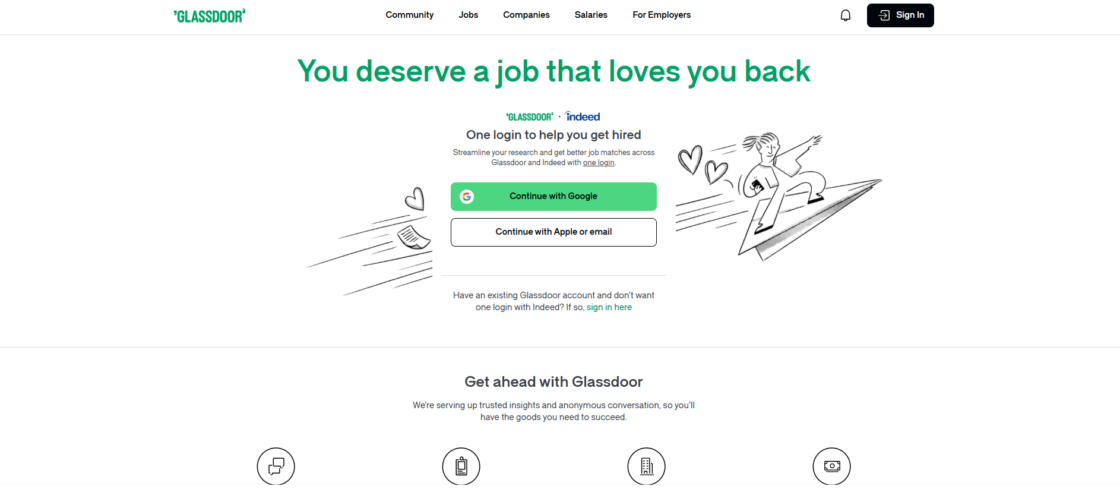
Glassdoor is primarily a research and employer branding tool. Job seekers use it for salary benchmarking, company reviews, and interview insights before applying elsewhere. Since its parent company also owns Indeed, job postings on Indeed often get Glassdoor distribution included.
- For employers: free basic company profile and job posting; paid employer branding packages available.
- For job seekers: salary data, employee reviews, interview questions from real candidates, and company culture insights.
- Best for: employer branding, research-driven hiring, salary transparency, and attracting informed, self-directed candidates.
Upwork
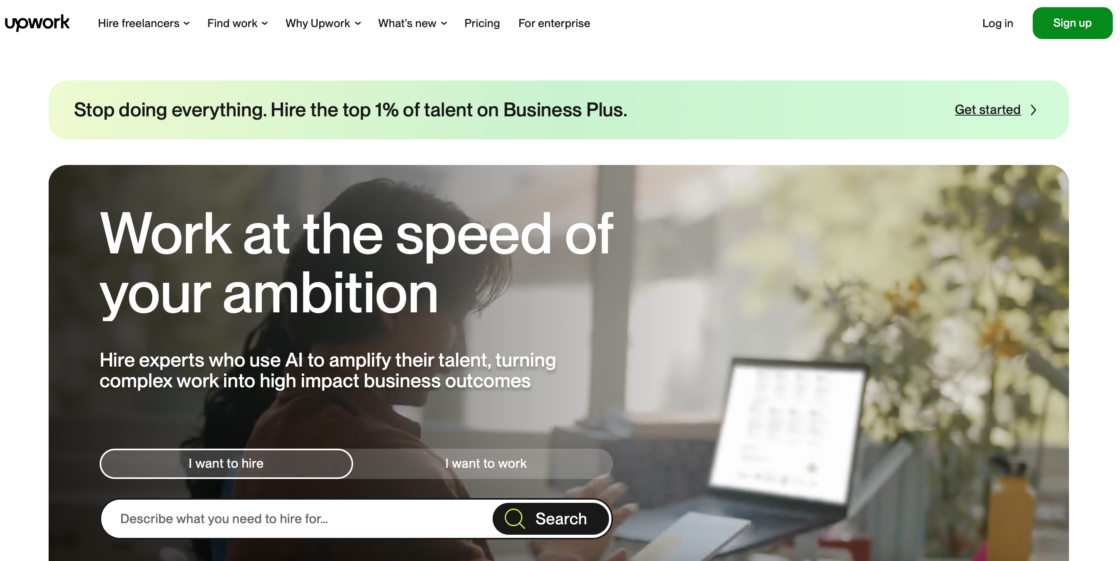
Upwork is one of the world’s largest freelance marketplaces, connecting over 18 million freelancers with 796,000 active clients across 180+ countries.
Clients post projects, review proposals, and hire. Freelancers build profiles, bid on jobs, and build long-term client relationships.
- For employers: free to post; client fee up to 7.99% on contracts plus an initiation fee. Business Plus plan at 8–10%.
- For freelancers: service fee of 0–15% per contract; bids via Connects at $0.15 per token.
- Best for: project-based freelance work across tech, design, marketing, writing, and admin. Strong for both one-off and ongoing work.
💡 Want to learn more about this and similar platforms? Check out top Upwork alternatives in 2026: best platforms for freelancers and clients.
Fiverr
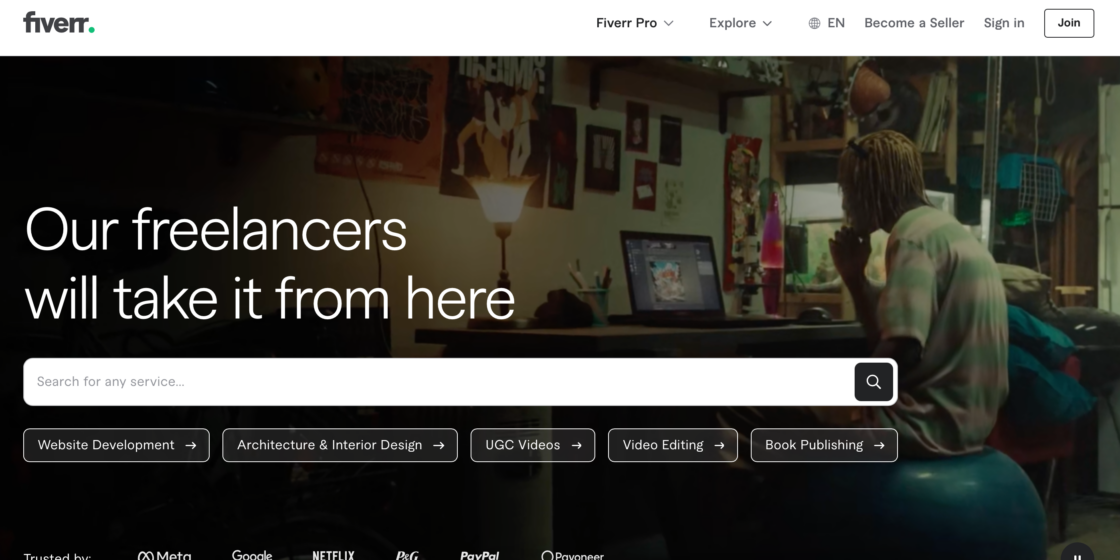
Fiverr uses a gig-based model where freelancers package their services into fixed-price offerings that clients purchase directly. You don’t apply for jobs – clients come to you. It’s especially popular for creative work: logo design, copywriting, video editing, voice-overs, and translation.
- For employers: browse and purchase predefined service packages; no upfront fees. Fiverr takes 20% from the freelancer.
- For freelancers: flat 20% fee on all transactions; earnings grow as you collect reviews and level up on the platform.
- Best for: quick, defined-scope projects where you know exactly what output you need. Ideal for one-off creative tasks.
💡 Ready to discover Fiverr alternatives? Browse through 12 top Fiverr alternatives for businesses to explore.
FlexJobs
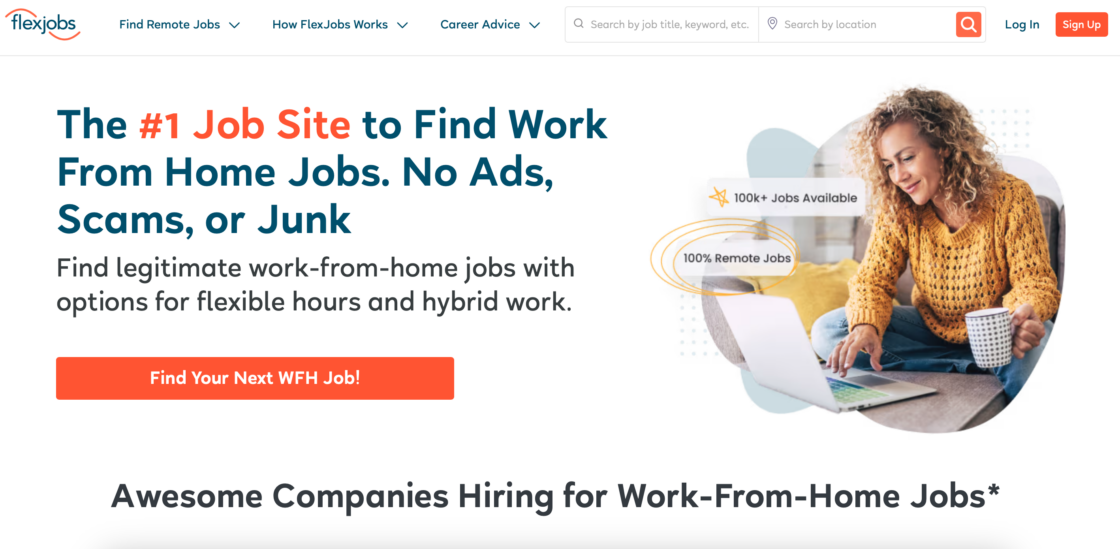
FlexJobs curates remote, hybrid, and flexible job listings from verified employers.
- For employers: subscription-based posting; access to a vetted, remote-ready talent pool.
- For job seekers: subscription from $49.95/year; unlimited access to listings, skills tests, resume reviews, and webinars.
- Best for: remote-first hiring, vetted listings, and job seekers who want quality over volume.
Toptal
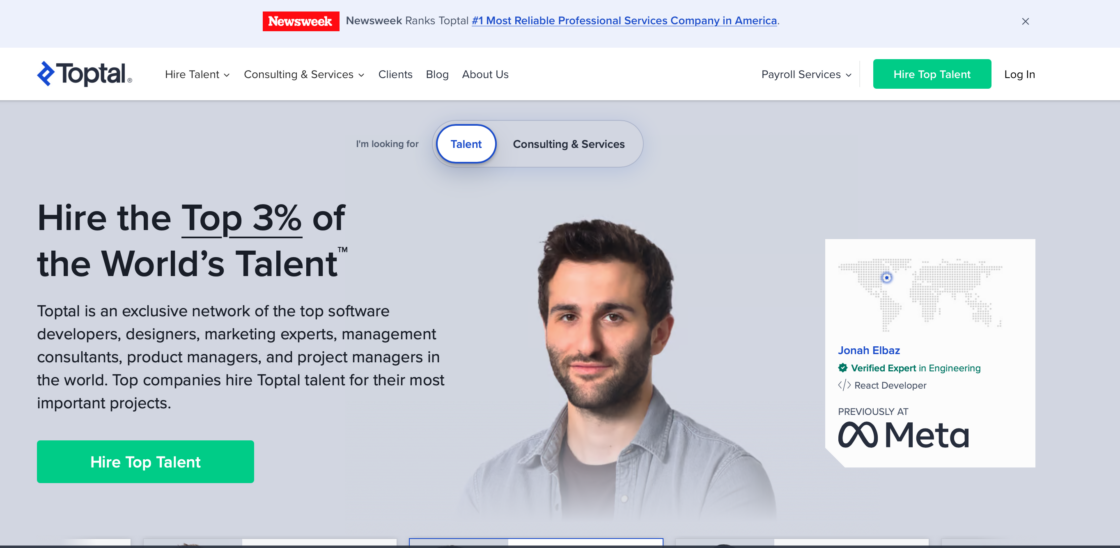
Toptal claims to accept only around 3% of applicants, citing a multi-stage technical and soft-skills screening process. When you post a role, a human matcher reviews your brief, vets a shortlist, and sends you 3–5 candidates – usually within 5 days.
- For employers: no listing fee; you pay only when you hire. A 2-week no-risk trial is included – pay nothing if the match isn’t right.
- For freelancers: highly selective; acceptance requires passing multiple technical and soft-skills screening rounds.
- Best for: premium freelance work in tech and design where quality is more important than speed or cost.
🤔 Looking for skilled professionals for your next tech project? See our top 10 Toptal alternatives.
Google for Jobs
Google for Jobs aggregates listings from thousands of sources – company career pages, job boards, and ATS exports – and displays them directly in Google search results. There’s no native job board interface; it works via structured data on your own website or through platforms that automatically feed into it.
- For employers: free; requires structured markup on your careers page or posting via a supported platform.
- For job seekers: search directly from Google, with filters for location, job type, salary, and posting date.
- Best for: maximizing organic reach for job postings that are already live on your own site or major platforms.
SimplyHired
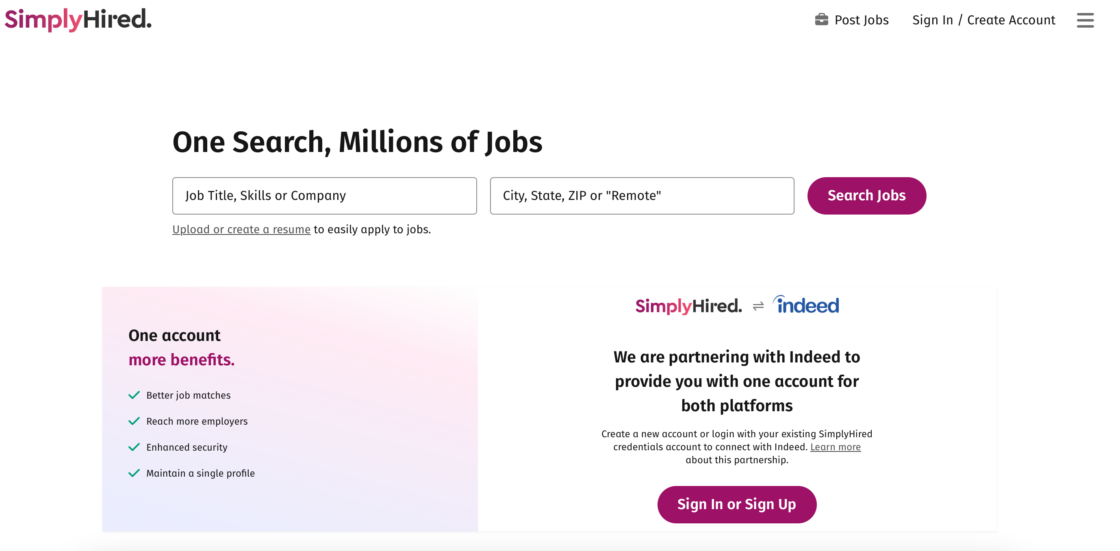
SimplyHired is a straightforward job aggregator with a broad listing base and a simple, no-frills interface. It pulls listings from across the web and displays them in a clean search format, making it a useful secondary channel for both employers and job seekers.
- For employers: free basic listings; optional paid promotion available.
- For job seekers: simple keyword and location search; salary estimator tool included.
- Best for: broad coverage as a secondary platform; useful when you want additional distribution without extra setup.
USAJobs.gov
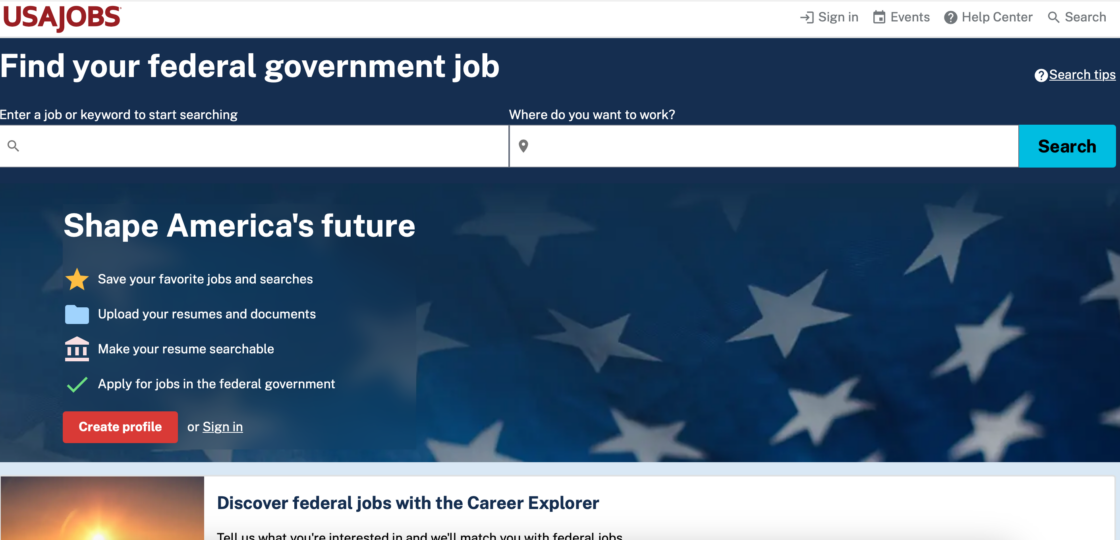
USAJobs.gov is the official job site for the U.S. federal government. Every federal agency posts exclusively here, making it the only place to find and apply for government positions. The site covers a wide range of career levels and fields – from administrative roles to scientific and defense positions – across the U.S. and internationally.
Every listing includes the exact salary range, eligibility requirements, and application guidance. The process is more structured than commercial job boards, but the transparency is unmatched.
- For employers (agencies): mandatory posting channel for all federal roles; no cost.
- For job seekers: free to create a profile and apply; includes a Career Explorer tool to match interests to federal job categories. Unique hiring paths exist for veterans, students, graduates, and people with disabilities.
- Best for: anyone seeking stable, long-term employment in the U.S. federal government. Not relevant for freelance or contract hiring.
Remote.co
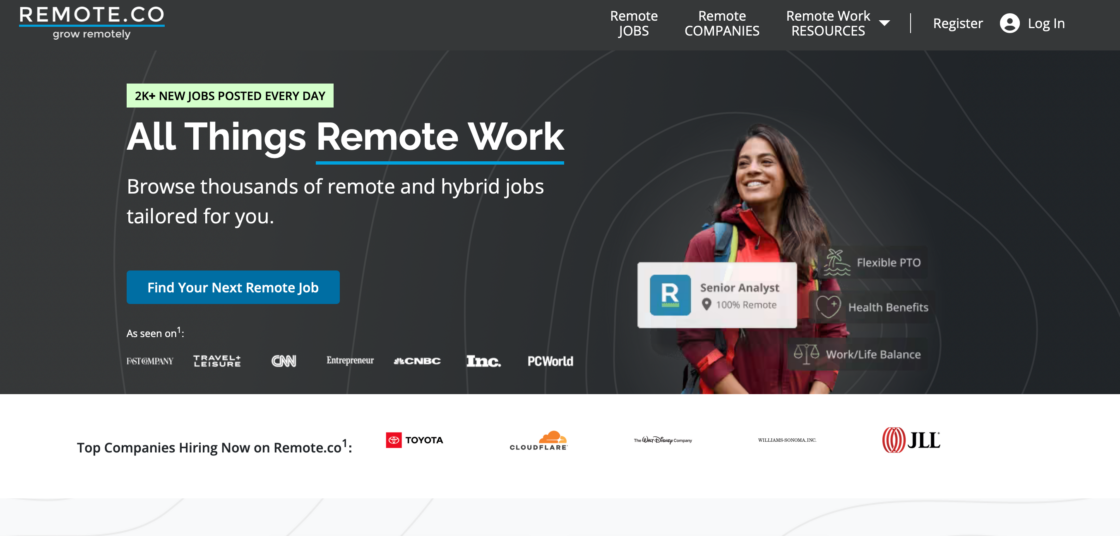
Remote.co specializes in legitimate, fully remote roles from vetted employers. It’s the sister site of FlexJobs and follows the same careful curation process – every listing is reviewed before going live. In addition to job postings, the site provides expert advice on remote work, productivity, and career development.
- For employers: subscription-based; listings are reviewed and verified before appearing on the platform.
- For job seekers: free to browse; listings are trustworthy and spam-free by design.
- Best for: employers building fully distributed teams and candidates committed to permanent remote work.
Snagajob
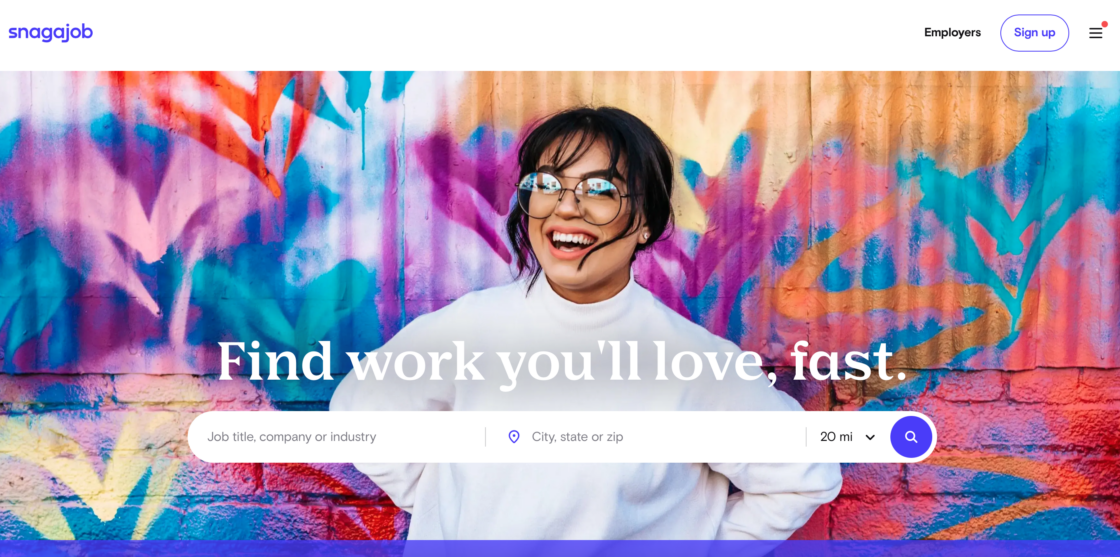
Snagajob focuses on hourly, part-time, and shift-based work – particularly in retail, food service, hospitality, and customer service. It’s one of the largest platforms of its kind in the U.S., with a user base that skews toward workers looking for flexible schedules and quick starts. Candidates can build a profile and use “Easy Apply” to move through applications fast.
- For employers: post hourly roles and reach a large, mobile-first audience quickly.
- For job seekers: free profile creation; job alerts and fast-apply features included.
- Best for: hiring for shift-based roles in consumer-facing industries. Not suitable for knowledge work or freelance projects.
Dice
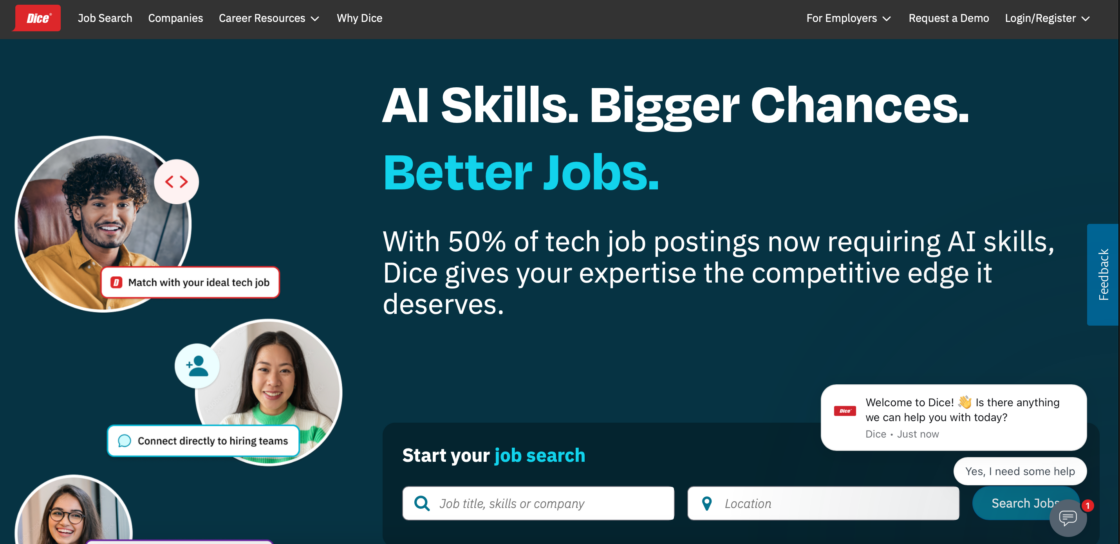
Dice is a niche job board built exclusively for technology professionals. It covers software development, data science, cybersecurity, IT infrastructure, and related fields. Because the audience is so targeted, both employers and candidates tend to find a higher signal-to-noise ratio than on general platforms.
- For employers: paid listings; access to a focused database of verified tech candidates.
- For job seekers: free to create a profile; salary insights, skills assessments, and tech-specific job alerts included.
- Best for: companies hiring developers, engineers, data professionals, or IT specialists at any level.
Ladders
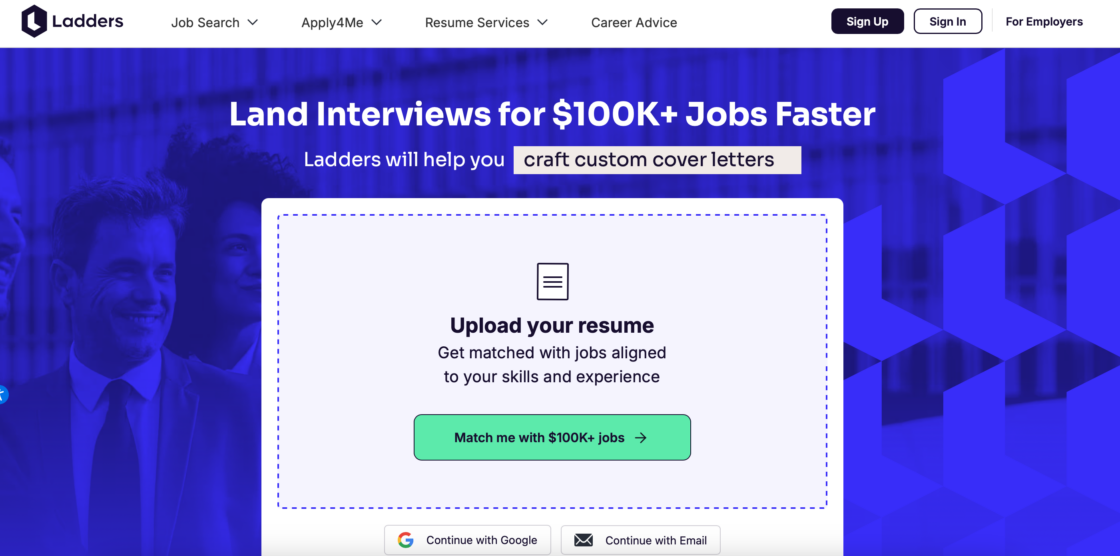
Ladders focuses exclusively on high-paying roles – typically positions with salaries of $100,000 or more. It’s used by senior professionals and executives who want to filter out entry-level noise, and by employers looking to hire experienced talent efficiently.
- For employers: subscription-based access to a senior-level candidate database.
- For job seekers: free basic access; premium membership unlocks full contact details and application insights.
- Best for: executive search, senior leadership roles, and high-value individual contributors across industries.
How to use job boards effectively (employer playbook)
Most advice about job boards is written for candidates. But if you’re hiring freelancers, the approach needs to be different. It’s not about applying – it’s about attracting the right people and filtering efficiently. Understanding the features each platform offers, the location filters available, and how the matching algorithms work will help you find the right person for your next job posting faster than most businesses do.
1. Start with a clear, well-defined brief
Before posting anything, clarify what you actually need. Avoid vague descriptions like “looking for a designer” or “need a developer.”
Instead, define:
- project scope,
- deliverables,
- timeline,
- budget range.
👉 Why it matters: clear job posts attract better-matched freelancers and reduce irrelevant applications.
2. Use the right mix of platforms
Don’t rely on a single job board. Choose your platforms intentionally – each one works best for a different use case. Using a mix makes it easier to reach the right people and fill jobs faster.
A more effective approach:
- 1 general platform → for reach,
- 1 niche platform → for relevance,
- 1 freelance marketplace → for execution.
👉 Tip: smaller, specialized platforms often bring higher-quality candidates than large, crowded ones.
3. Write job descriptions for search and matching
Job boards rely heavily on keywords and algorithms. A vague or generic job description gets buried. Most successful job search strategies require a targeted approach – focusing on niche platforms and optimizing for specific keywords rather than casting a wide net. The same principle applies when you write a job post: generic language produces generic results.
To improve visibility and matching:
- use specific role titles (e.g., “Shopify developer” instead of “web expert”),
- include relevant tools, skills, and deliverables,
- mention work type (freelance, contract, remote).
👉 Result: your job is shown to more relevant candidates – and fewer unqualified ones.
4. Use filters and screening questions
Most platforms let you narrow down applicants. Use this to your advantage:
- filter by experience or location,
- ask short screening questions,
- request portfolios or work samples.
👉 For freelancers: past work is often more valuable than a resume.
5. Don’t chase volume – focus on fit
High application numbers can look promising on online job boards, but they often create more work. There’s even a term for the candidate-side equivalent: “spray and pray” – the ineffective method of applying to numerous jobs with the same resume. The employer equivalent is posting the same generic brief across every platform and hoping for the best. Both approaches waste time.
Instead of reviewing 100+ candidates focus on a smaller, qualified pool, and prioritize relevance over quantity.
👉 Insight: more applicants ≠ better hiring outcomes.
6. Combine automation with manual review
Modern online job boards offer AI-based recommendations and ranking. Use them – but don’t rely on them entirely.
- Let the system suggest candidates.
- Then manually view and review top matches.
👉 Balance is key: automation speeds things up, but your judgment ensures quality.
7. Use online job boards for market research
Even if you’re not actively hiring, online job boards are useful. You can:
- benchmark freelance rates,
- identify trending skills,
- see how competitors structure job posts.
👉 This helps you stay competitive and realistic about what your next job posting should look like – and what it should offer.
8. Don’t rely on online job boards alone
This is one of the biggest mistakes businesses make. Job boards are just one channel. Strong hiring strategies also include:
- referrals,
- direct outreach,
- freelance platforms,
- existing contractor networks.
👉 Reason: many top freelancers don’t actively browse online job boards. Learn where your specific talent pool actually spends its time, and be present there too.
9. Track and improve your results
Treat hiring like a process you can optimize. Tracking which platforms, descriptions, and screening questions consistently produce your best hires gives you a compounding advantage over time. On the candidate side, maintaining a spreadsheet to track applications – including dates, contacts, and follow-up status – is a widely recommended practice. As an employer, the same discipline applies: a simple tracking sheet that logs platform, role, applications received, and time-to-hire will show you patterns that save real money over time.
Simple steps:
- track how many applicants turn into hires,
- note which platforms deliver the best candidates,
- adjust your job descriptions over time.
👉 Over time, this reduces hiring cost and effort.
10. Think about how candidates present themselves
Strong candidates typically customize their resumes and cover letters for each application. A tailored application is far more likely to pass ATS filters and catch a hiring manager’s eye than a generic one sent to dozens of roles. When you receive a tailored application, it signals genuine interest in your specific role – not mass-applying.
Similarly, using professional branding, such as a high-quality photo and compelling headline, can improve visibility on job boards like LinkedIn. It shows how seriously a candidate takes their professional presence. These aren’t vanity signals; they often correlate with how a freelancer presents themselves to clients.
👉 Takeaway: a polished, targeted application is a better indicator of fit than volume of experience alone.
Online job boards: common mistakes to avoid
Even experienced hiring managers make these errors. Here’s what to watch out for:
- Posting a vague job description. Unclear briefs attract unclear candidates. Be specific about scope, deliverables, and budget.
- Using only one platform. Each board reaches a different audience. Diversify to improve quality and reach.
- Ignoring the first 48 hours. Most applications come in right after posting. Respond quickly or you’ll lose the best candidates to faster employers.
- Skipping screening questions. Without filters, you’ll spend hours reviewing applicants who don’t meet basic requirements.
- Relying on volume as a quality signal. 200 applications doesn’t mean 200 good candidates. Focus on relevance, not numbers.
- Not tracking results. If you don’t know which platforms or descriptions work best, you can’t improve over time.
Online job board hiring checklist
Before posting on online job boards
▢ Define the project scope, deliverables, timeline, and budget
▢ Choose 2–3 platforms (general + niche + freelance marketplace)
▢ Write a specific job title and keyword-rich description
▢ Add screening questions or portfolio requests
After posting on online job boards
▢ Monitor applications in the first 24–48 hours
▢ Filter by relevance, not volume
▢ Respond promptly to top candidates
▢ Track source of each hire for future reference
Conclusion on how to find jobs on online job boards
Job boards are essential but incomplete. The biggest mistake is relying on them alone. The future of hiring combines the right platforms, clear job briefs, and a system for tracking what works. That’s how you hire smarter – not just faster.

FAQs on online job boards
What is an online job board?
An online job board is a website where employers post open roles and candidates search for work. Examples include Indeed, LinkedIn, and ZipRecruiter. Some boards are general, covering all industries. Others focus on specific fields or work types, like remote work or freelancing.
What is the best job board for hiring freelancers in 2026?
It depends on your needs. Upwork and Useme are built specifically for freelance work. Useme also handles contracts, invoices, and payments – making it especially useful for teams that want a paperwork-free process. For broader reach, LinkedIn and Indeed work well, but you’ll need to filter carefully to find freelancers rather than full-time job seekers.
Are online job boards free to use?
Many offer free basic listings, including Indeed, LinkedIn, and Glassdoor. However, free posts often get less visibility. Paid options – from pay-per-click to monthly subscriptions – typically deliver better results for competitive roles.
How do I write a job post that attracts the right freelancers?
Be specific. Include the project scope, deliverables, timeline, and budget. Use a precise job title (e.g., “Freelance UX designer for mobile app” rather than “designer needed”). Add screening questions or ask for portfolio samples.
How is a job board different from a freelance marketplace?
A job board lists roles and lets candidates apply. A freelance marketplace (like Upwork or Useme) also includes freelancer profiles, ratings, work history, and often handles contracts and payments. Marketplaces are better for ongoing collaboration; job boards are better for one-time hires or reaching a broader candidate pool.
Should I use multiple online job boards at once?
Yes – but strategically. Use one general platform for reach, one niche platform for relevance, and one freelance marketplace for execution. Don’t spread your budget thin across too many sites.
How long should I leave a job post active?
Most applications arrive in the first 48–72 hours. If you haven’t received enough quality candidates after one week, review and update your description rather than just waiting longer.
This article was created with the assistance of AI technology.
| Author: Ela Binkowska |