
Your brand’s visual identity is often the first thing people notice – and the last thing they remember. From logos to marketing materials, packaging, and social media graphics, design plays a crucial role in shaping how customers see your business.
In this article, we’ll explore the top 99designs alternatives for U.S. businesses. You’ll discover services that range from subscription-based design teams and freelance marketplaces to crowdsourcing platforms and DIY tools. By the end, you’ll have a clear idea of which option is the best fit for your next design project.
Graphic design services – key takeaways
- 99designs is popular but expensive – contest-based pricing can add up quickly, especially for small businesses and startups.
- 17 strong alternatives exist – from flexible options like Useme (pay per contract) to hybrid platforms like Designhill.
- Subscription services offer predictable costs – platforms like Kimp ($698/month) and Design Pickle ($1,279/month) provide unlimited design requests.
- Choose based on your needs – contest platforms for variety, freelance marketplaces for flexibility, or subscription services for ongoing work.
- Direct hiring gives more control – platforms like Useme let you work directly with designers without contests.
Is it worth using 99designs these days?
99designs is one of the most recognized platforms for hiring freelance designers. Thousands of businesses in the U.S. and around the world have used it to create logos, websites, marketing materials, and more.
While it’s popular, it isn’t the perfect fit for every project or every business.
Why consider a 99designs alternative?
99designs alternatives exist across the market. Understanding what makes each platform unique – from their approach to design contests versus direct hiring, to their tiered pricing structures and level of dedicated support – can help you make a better choice for your creative projects.
Here are some common challenges businesses often face on the platform:
- Costs can add up quickly: higher-quality designers and specialized projects come with higher price tags. Design contests, in particular, can get expensive for small businesses or startups.
- Hidden costs can emerge: some platforms advertise low starting prices but add fees for features like project management tools, priority support, or accessing more experienced designers.
- Limited insight into designers’ skills: you can view portfolios and past projects, but it’s harder to verify qualifications or conduct interviews before hiring.
- Quality can vary: many designers on the platform are building their portfolios, which means results are sometimes inconsistent.
- One-on-one projects carry risk: you pay for the design, even if it isn’t exactly what you hoped for. Revisions help, but they don’t always guarantee satisfaction.
- Customer support challenges: some users report slow responses and the need to fill out multiple forms to get help.
On the positive side, 99designs offers a money-back guarantee if the final design doesn’t meet expectations. This provides some protection for clients. However, the process of requesting refunds can still be time-consuming. Additionally, 99designs is a popular platform that connects designers and clients through design contests and submissions, making it a familiar option for many businesses exploring crowdsourced design solutions.
These limitations show why exploring other 99designs alternatives can help you find a solution that better matches your workflow, budget, and quality expectations.
How to choose the right alternative for creative services
Not all design platforms work the same way. When comparing options, consider these key factors:
- Pricing – some services offer flat monthly subscriptions, while others charge per project. Know what fits your budget.
- Process – each platform handles requests differently. Some rely on contests, others assign dedicated designers, and communication channels can vary.
- Design types – certain platforms focus on logos and branding, while others cover a wider range of projects like brochures, web pages, videos, and packaging.
- Plan value – look for services that provide room to grow. A platform with flexible plans and scalable options can support future design needs without constant switching.
- Designer expertise – consider whether you need specialized designers for complex projects like mobile app design or web development, or if you’re looking for experts who can handle various design requests including t-shirt design and marketing materials.
- Ownership and licensing – clear ownership and licensing of designs are essential when selecting a design platform. Verify that you’ll receive full rights to the final work and understand any restrictions on usage or modifications.
By comparing these factors, you can decide which alternative will work seamlessly with your operations and deliver the quality you need.
Top 99designs alternatives
The platforms below represent the best 99designs alternatives currently available to U.S. businesses. Whether you’re seeking a crowdsourcing platform, a traditional freelance marketplace, or a subscription service with unlimited design requests, each option offers distinct advantages.
From graphic design services and logo design to web design and social media graphics, these platforms connect businesses with professional designers with specialized expertise across all design styles and project complexity levels.
| Platform | Type | Starting price | Best for | Key feature |
| Useme | Freelance marketplace | Pay per project | Custom projects & long-term partnerships | Direct collaboration, no subscriptions |
| Magier | Subscription service | €2,490/month | High-volume ongoing design needs | 48-hour turnaround, unlimited requests |
| Dribbble | Portfolio / hiring platform | Free (Pro $8/month) | Finding designers by style | High-quality portfolios |
| Behance | Portfolio / hiring platform | Free | Handpicking designers | Adobe Creative Cloud integration |
| DesignCrowd | Crowdsourcing platform | $69–$779/project | Contest-based projects | Multiple design concepts |
| Kimp | Subscription service | $698–$1,697/month | Social media graphics | Unlimited requests, team collaboration |
| Penji | Subscription service | $499–$1,497/month | Unlimited print & digital graphics | Account manager support |
| DesignContest | Crowdsourcing platform | Varies (contests) | Budget-friendly contests | Money-back guarantee |
| Design Pickle | Subscription service | $1,279–$1,918/month | Constant design output | Dedicated designer, unlimited revisions |
| Designhill | Hybrid platform | $249–$999 (contests) | Budget flexibility | Contest + direct hire + AI tools |
| Fiverr | Freelance marketplace | $5–$200+/hour | Budget-conscious projects | Vast talent pool, Fiverr Pro available |
| Freelancer | Freelance marketplace | Varies | Global reach, competitive pricing | Large freelancer pool |
| Upwork | Freelance marketplace | $3–$200+/hour | Versatile hiring needs | 300,000+ designers, time tracking tools |
| Toptal | Elite network | Premium pricing | High-stakes UX/UI projects | Top 3% of applicants only |
| Hatchwise | Crowdsourcing platform | Starting at $99 | Startups on tight budgets | Hundreds of submissions at low cost |
| Manypixels | Subscription service | Varies | Graphic + web design needs | Combined design services |
| Growmodo | Subscription service | $1,795/month | Design + development integration | Transparent unlimited pricing |
Let’s have a detailed look at some of the best platforms, subscription services, and marketplaces for design work. Each has its unique strengths.
1. Useme
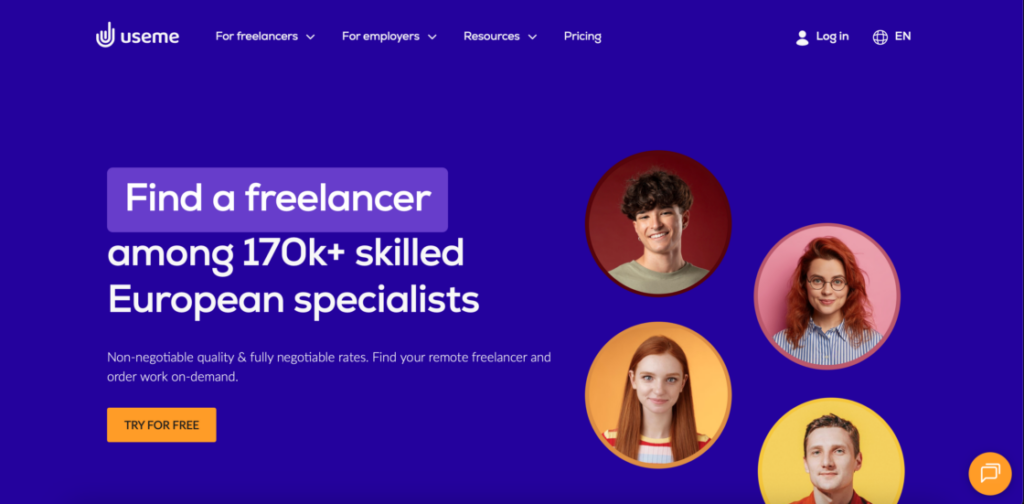
Useme is a freelance platform designed to connect clients with professional designers, illustrators, video editors, and other creative specialists. Unlike contest-based platforms like 99designs, Useme follows a traditional project-based billing model. This gives both clients and freelancers more control over the work process and helps build long-term collaborations.
There are no long-term commitments. Clients pay per project with transparent, upfront pricing. This “pay as you go” approach eliminates ongoing subscriptions and lets businesses scale design needs according to demand.
Process: Clients and freelancers agree on the exact scope of the project, timelines, and revision policies before work begins. The process is iterative and individualized, ensuring both parties are aligned throughout the project. Unlike 99designs contests, where clients define a brief and wait for submissions with limited direct collaboration, Useme enables direct, continuous communication from the start. This makes it easier to build ongoing relationships with trusted freelancers.
Design types: Useme platform offers a wide range of creative services, including:
- design
- UX/UI design
- 2D & 3D graphics
- architecture
- 3D printing
Additionally, Useme’s freelance marketplace structure lets clients work on both one off projects and establish ongoing relationships. This makes it suitable for businesses of all sizes, including small businesses looking for an affordable alternative to expensive subscription services.
Pros:
- direct collaboration with selected freelancers from the start;
- iterative and flexible workflow tailored to client needs;
- easy to establish long-term working relationships;
- no monthly or annual fees – pay only for completed projects with a secure payment system;
- full control over project scope, schedule, and revisions;
- access to a huge talent pool of qualified designers and creative talent across multiple disciplines.
Cons:
- traditional model means no “contest-style” competition – only the agreed-upon work is paid;
- project setup may take more initial coordination compared to a brief-and-wait contest model.
Why Useme is a good 99designs alternative: Useme provides a structured, transparent alternative to contest-based platforms. Clients maintain full control over the project, revisions, and timelines. This reduces uncertainty and enables reliable long-term partnerships with freelancers. It’s ideal for businesses looking for high-quality, customized creative work without the unpredictability of contests.
💵 See exactly how much you’re going to pay for your next project with Useme calculator.
2. Magier
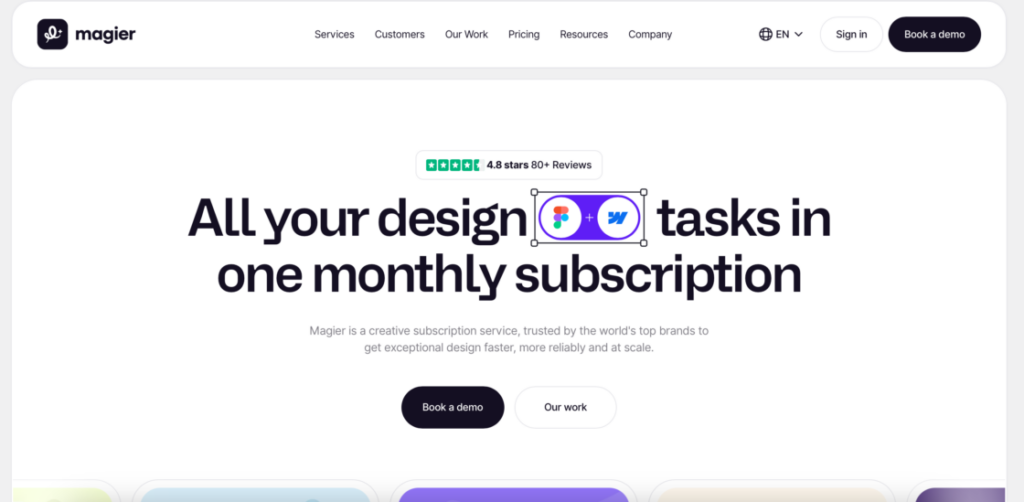
Magier is a subscription-based graphic design service that delivers professional designs fast. It’s ideal for businesses that need high-quality visuals without managing in-house designers.
Process: You submit requests via a dashboard and prioritize tasks. Magier designers deliver high-quality results quickly. They integrate tools like Webflow for seamless development handoff.
Design types: Websites, ads, apps, books, social media graphics, and more. Magier’s dedicated design team handles ongoing design needs with consistent design quality and high quality designs across all creative projects.
Pros: Quick turnaround, unlimited requests, easy-to-use platform, integrated development services, ability to track project progress in real-time, managing projects efficiently through their dashboard.
Cons: High pricing, suited mostly for frequent users.
Why Magier is a good 99designs alternative: Unlike 99designs’ contest-based approach, Magier provides unlimited access to a dedicated team for ongoing, fast-paced design work. It’s ideal for businesses with multiple projects running at the same time.
3. Dribbble
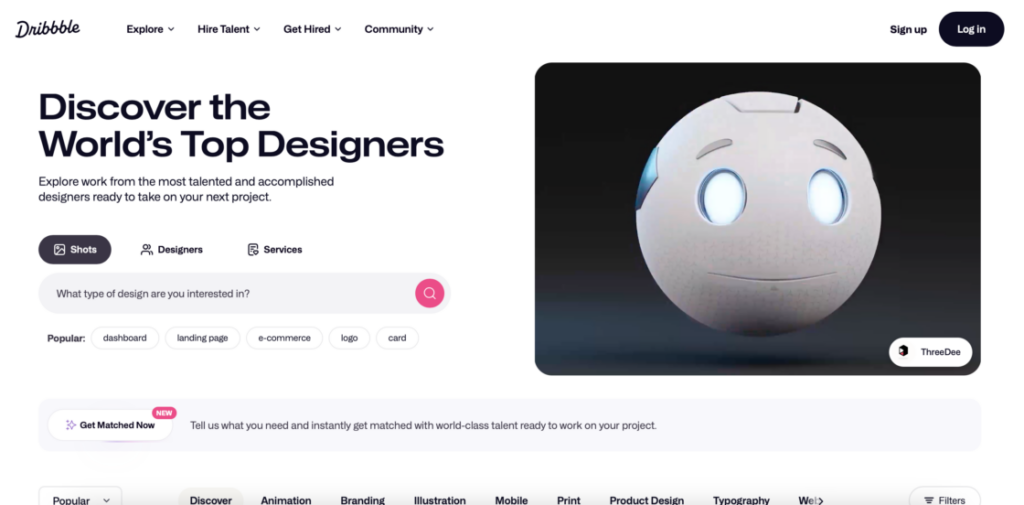
Dribbble is both a designer showcase and a hiring platform. Marketers and businesses can browse portfolios to find designers whose style fits their brand.
Process: You explore designer portfolios, post job opportunities, or reach out to freelancers directly. You can evaluate past work and contact designers one-on-one.
This global creative platform lets you evaluate design concepts and design ideas before committing. Unlike design contests where designers submit work speculatively, Dribbble lets you choose based on proven portfolios and then work directly with your selected designer.
Design types: Logos, branding, web design, app UI/UX, illustrations, and social media graphics.
Pros: High-quality portfolios, easy to assess designer style, cost-effective.
Cons: Project management is handled externally, not a full-service design platform.
Why Dribbble is a good 99designs alternative: Dribbble is ideal if you prefer choosing designers individually rather than running contests. It gives more control over style and hiring.
4. Behance
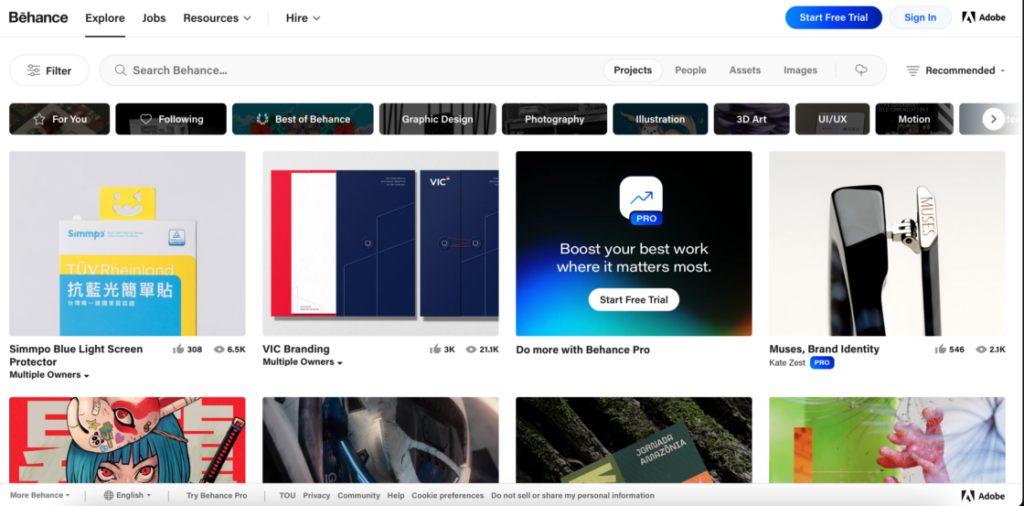
Behance, owned by Adobe, is an online portfolio platform and a creative community where designers showcase their work.
Process: You browse millions of projects, filter by category or style, and contact designers directly. Integration with Adobe Creative Cloud ensures high-quality submissions.
Design types: Graphic design, branding, web/UI, illustration, motion graphics, and more.
Pros: High-quality work, inspiration-driven platform, Adobe integration.
Cons: Hiring and payments are managed outside the platform, no built-in project management tools or dedicated project manager to coordinate work.
Why Behance is a good 99designs alternative: Behance lets you handpick designers based on style and portfolio, rather than relying on contests or algorithms.
5. DesignCrowd
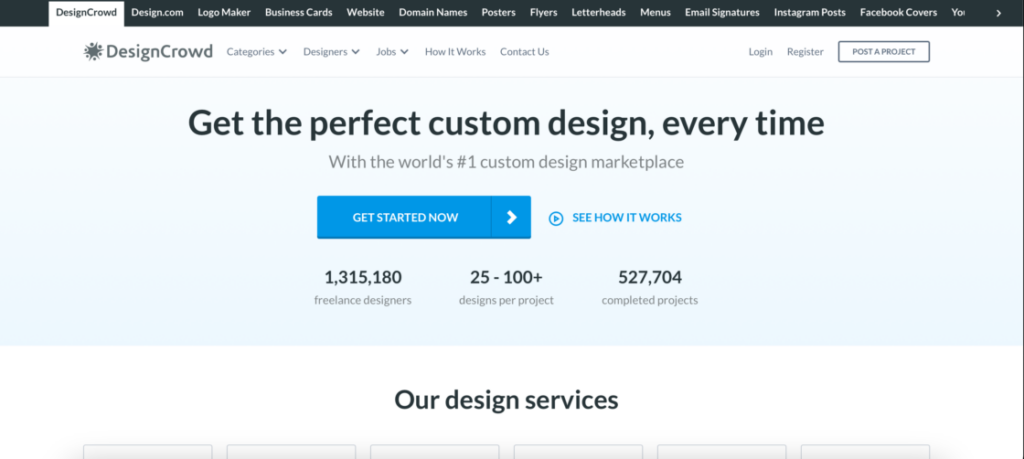
DesignCrowd is a crowdsourcing platform that specializes in design services, providing access to a global community of talented designers. Like 99designs, multiple designers compete to provide the best concept.
Process: You post a project brief and receive multiple design concepts as designers submit their ideas. Then you select the winning design. This crowdsourcing platform model lets clients provide feedback throughout the contest process. Designers can also be invited for one on one projects.
Design types: Logos, websites, infographics, packaging, and more.
Pros: Large designer pool, budget flexibility, diverse design categories.
Cons: Contest-based format can take time, quality varies.
Why DesignCrowd is a good 99designs alternative: DesignCrowd provides similar crowdsourcing functionality with potentially lower costs and more direct hiring options.
6. Kimp
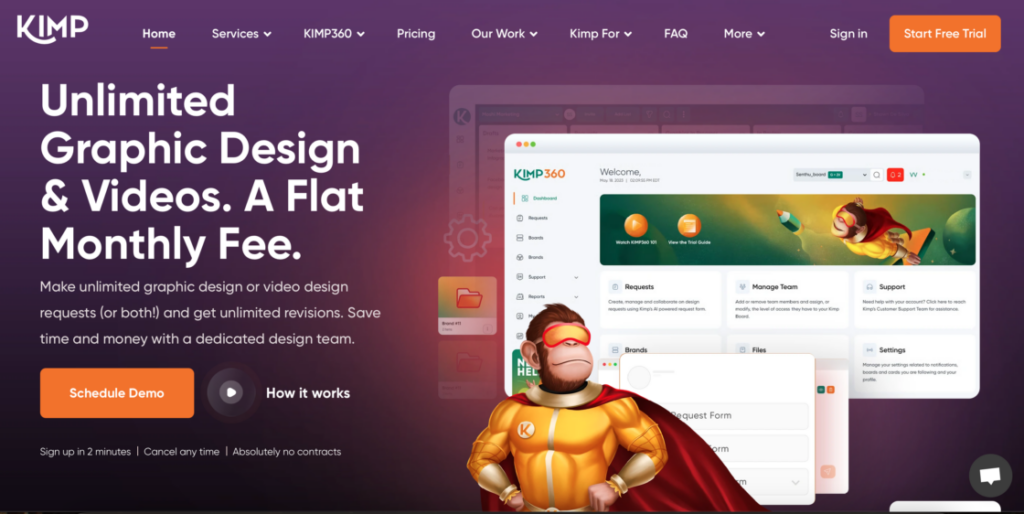
Kimp is a subscription service that gives you unlimited access to a team of designers for a flat monthly fee. This makes it ideal for businesses that prioritize consistent social media presence.
Process: You submit requests via dashboard or email. After that, you receive multiple tasks in parallel, with up to 2–3 designers working on projects at the same time.
Design types: Logo design, social media graphics, illustrations, video content, and various marketing materials.
Pros: Unlimited requests, team collaboration, Canva integration.
Cons: Primarily social media-focused, less suitable for one-off unique projects.
Why Kimp is a good 99designs alternative: Kimp’s subscription model ensures consistent output without contest-based uncertainty. It’s ideal for agencies and marketing teams.
7. Penji
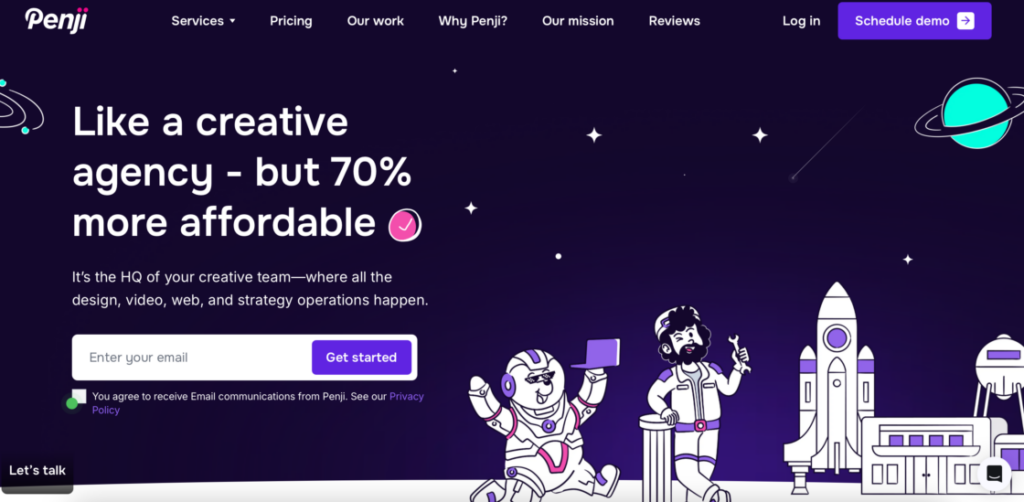
Penji is an affordable alternative to 99designs, offering unlimited print and digital graphics. This subscription-based unlimited graphic design platform is popular among businesses and agencies.
Process: You submit design requests, and Penji’s team delivers within 1–2 days. Each client gets an account manager to coordinate projects.
Design types: Logos, illustrations, marketing materials, and app interfaces.
Pros: Unlimited design requests, account manager support (similar to a dedicated project manager), fast turnaround, ideal for design projects of varying scale.
Cons: Doesn’t include video design services.
Why Penji is a good 99designs alternative: Continuous design output without hiring in-house designers. Fast and simple for businesses needing reliable support. Quality and expertise are often higher in subscription-based design services due to dedicated teams, and Penji exemplifies this with their consistent output and account manager support.
8. DesignContest
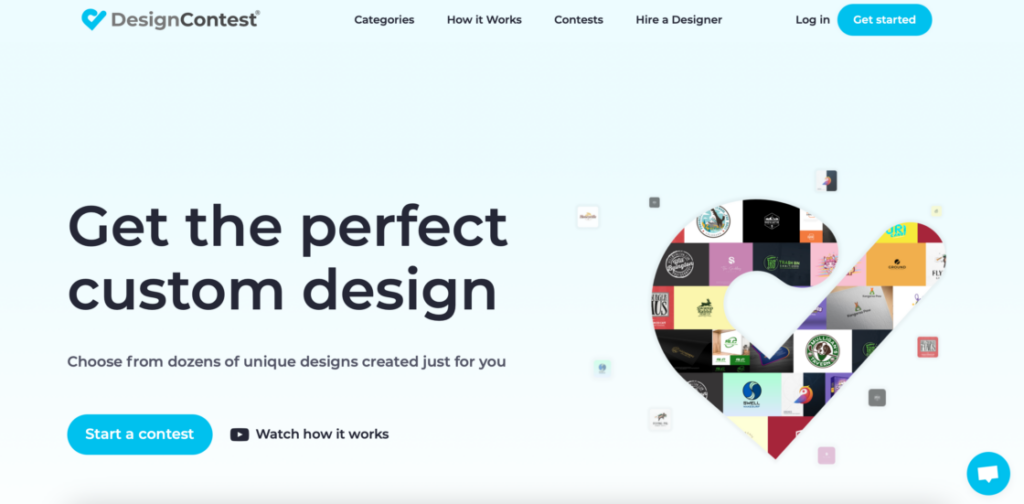
DesignContest lets clients run design contests or hire freelancers directly.
Process: You post a brief, launch a contest, receive submissions, and pick the winner. One-on-one projects allow direct freelancer engagement.
Design types: Illustrations, advertising, corporate identity, web design, merchandise.
Pros: Large designer pool, money-back guarantee, simple to use.
Cons: Contest quality can be inconsistent.
Why DesignContest is a good 99designs alternative: Similar contest-based experience, with additional one-on-one hiring flexibility and guaranteed satisfaction.
9. Design Pickle
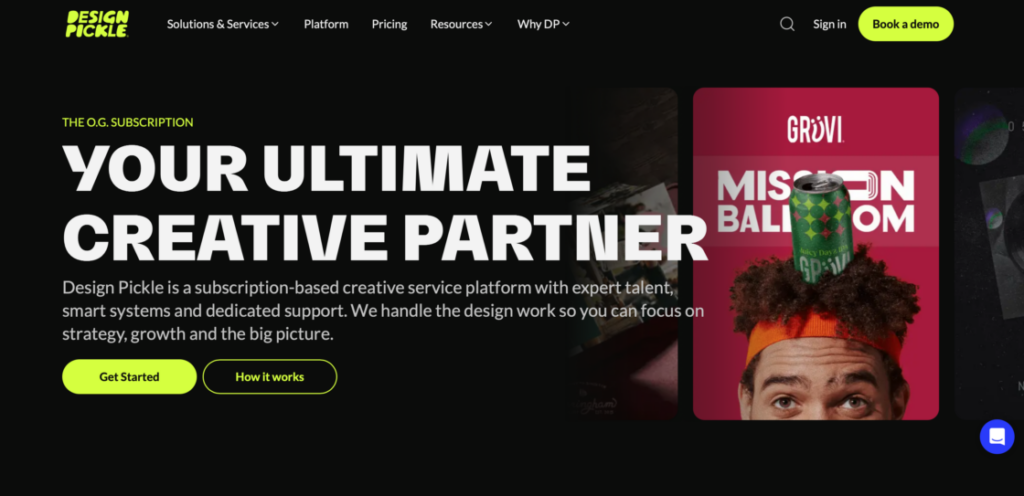
Design Pickle is a subscription service that gives you unlimited access to a team of designers for a flat monthly fee. It positions itself as a strong alternative to 99designs for businesses with continuous design needs.
Process: A dedicated designer is assigned to you. You submit unlimited design requests with unlimited revisions. Turnaround time is usually 1–2 days. This model offers dedicated support and eliminates concerns about service quality inconsistency.
Design types: Brochures, infographics, illustrations, and motion graphics (Premium Plan). The platform handles various design requests including custom designs for marketing materials.
Pros: Fast, unlimited revisions, dedicated designer.
Cons: Less flexible for sporadic projects, subscription-based.
Why Design Pickle is a good 99designs alternative: Ideal for businesses needing constant design output with predictable costs.
10. Designhill
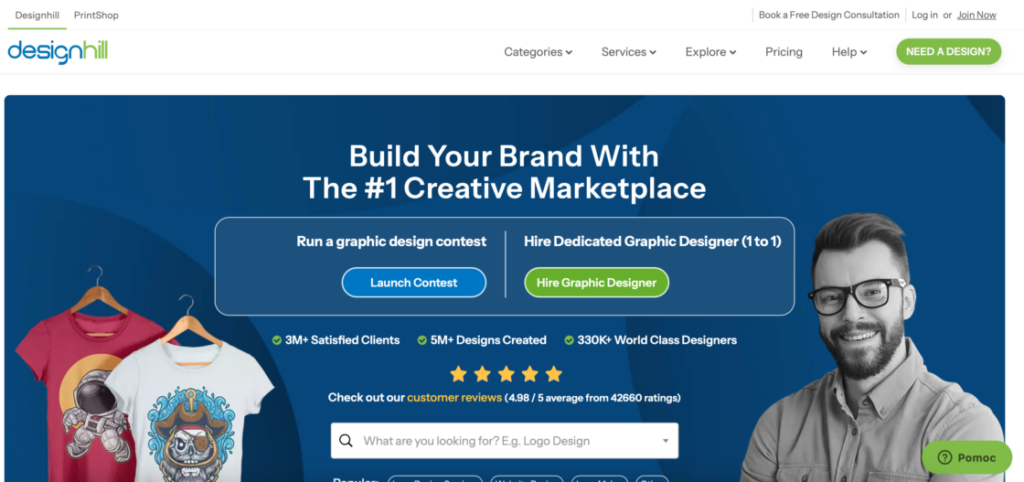
Designhill is a versatile design platform that offers solutions for every budget, similar to 99designs. It combines contests, one-on-one hiring, and AI-powered tools.
Process: You launch a contest, hire freelancers, or use the AI logo maker for quick concepts.
Whether you need a custom logo, professional design work, or want to explore AI-generated options, Designhill’s flexible approach accommodates different project details and creative solutions. The platform connects businesses with a diverse network of graphic designers and freelance designers.
Design types: Logos, branding, websites, marketing materials, AI-generated options.
Pros: Variety of options, AI assistance, global designer pool.
Cons: Premium plans required for top designers.
Why Designhill is a good 99designs alternative: Offers both contest-based and direct-hire flexibility with AI tools for faster design iterations.
11. Fiverr
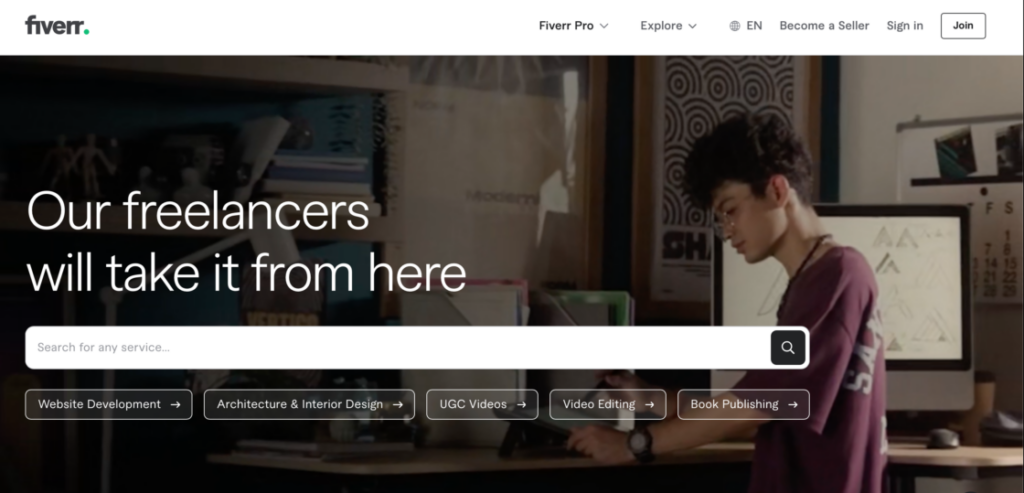
Fiverr is a global freelance marketplace with designers of all skill levels and budgets.
Process: You browse portfolios, hire directly, communicate through Fiverr, receive deliverables, approve or request revisions. Fiverr offers a flexible option for budget-conscious projects, with “Fiverr Pro” for vetted, high-end talent. This lets businesses choose between affordable options and premium services depending on their needs.
Design types: Logo design, web design, infographics, illustrations, social media graphics, video, marketing materials, and more.
This freelance platform gives access to freelance designers, web designers, and other creative talent at various price points and skill levels.
Pros: Affordable, flexible, vast talent pool, wide range of design services from basic to premium, accommodating different project complexity levels.
Cons: Quality varies, projects may require extra vetting.
Why Fiverr is a good 99designs alternative: Perfect for small businesses or freelancers needing flexible, cost-effective solutions without long-term commitments.
12. Freelancer
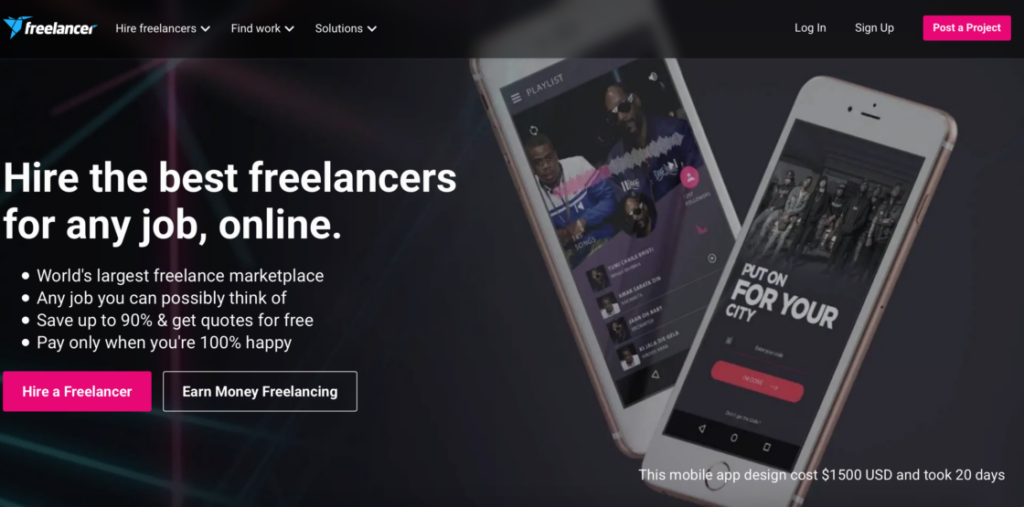
Freelancer lets you browse and hire designers worldwide for various projects. You can run contests or hire individuals directly.
Process: You post a project or launch a contest and typically receive bids within 60 seconds. For direct hiring, you review freelancer portfolios, ratings, and past client feedback before awarding work. For contests, multiple designers submit concepts, you provide feedback, and select a winner. All payments are held in escrow until you approve the work.
Design types: Website design, logo design, mobile app design, graphic design, business cards, infographics, packaging, t-shirt design, banner ads, illustrations, and more. The platform covers virtually all design categories.
Pros: Huge global talent pool (80+ million registered users), flexible payment options (hourly, fixed-price, or contest-based), escrow payment protection with dispute resolution.
Cons: Additional costs add up (3% fee, currency conversion ~3%, optional upgrades), platform interface can feel overwhelming for first-time users, customer support response times vary.
Why Freelancer is a good 99designs alternative: Freelancer offers more flexibility than 99designs with both contest and direct-hire options. The massive global talent pool provides access to designers at every price point and skill level. While 99designs focuses primarily on contests, Freelancer lets you choose your preferred working method. The platform’s low barrier to entry means projects start faster, though quality control requires more client involvement.
13. Upwork
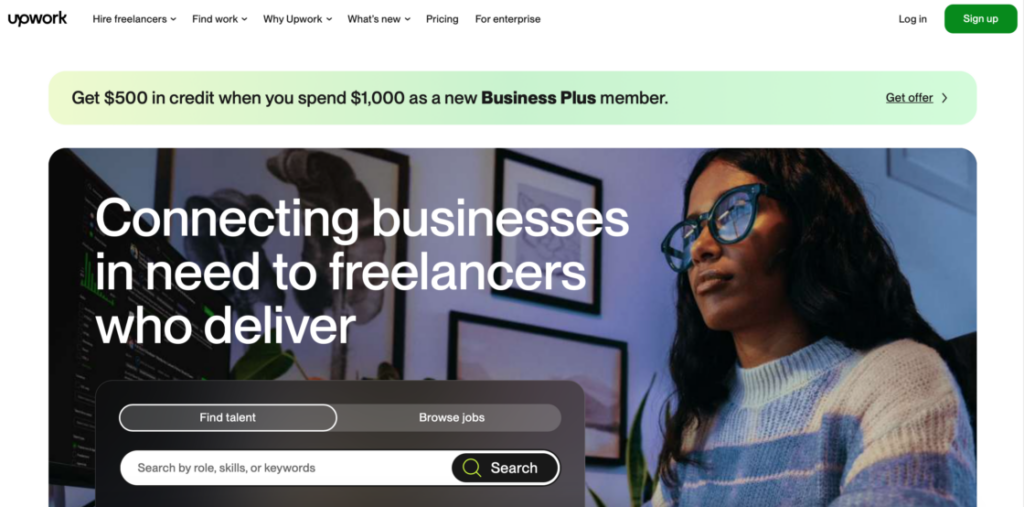
Upwork is one of the world’s largest freelance marketplaces, connecting businesses with over 300,000 graphic designersand creative professionals. Unlike contest platforms, Upwork lets you browse portfolios, interview candidates, and hire directly for both short-term and long-term projects.
Process: You post a job description, receive proposals from interested freelancers, review portfolios and client feedback, conduct interviews, and hire your preferred designer. Upwork offers both hourly and fixed-price contracts. The platform includes time tracking tools, milestone-based payments, and escrow protection for both parties.
Design types: Brand identity, logo design, business cards, illustration, packaging design, t-shirts, digital design, social media graphics, web and mobile design, photography, infographics, presentation design, print design, and more. Upwork covers virtually every design category.
Pros:
- massive talent pool with 300,000+ designers across all skill levels and specializations.
- detailed profiles with verified work history, client reviews, and ratings help you assess freelancer capabilities.
- flexible hiring – choose hourly or fixed-price contracts, built-in time tracking and work diary for hourly projects.
Cons:
- service fees can add up, especially on Business Plus plan (8-10%).
- quality varies significantly – requires careful vetting.
- some reviewers mention challenges with freelancer reliability and support responsiveness.
Why Upwork is a good 99designs alternative: Upwork offers more control and flexibility than contest platforms. You can build long-term relationships with designers, scale your team as needed, and access specialists across every design discipline. The platform’s extensive vetting tools (portfolios, reviews, work history) help you make informed hiring decisions. It’s ideal for businesses that want the freedom to interview and select designers directly rather than waiting for contest submissions.
💡 Browse other Upwork alternatives in our article, and learn which platform to choose in 2026.
14. Toptal
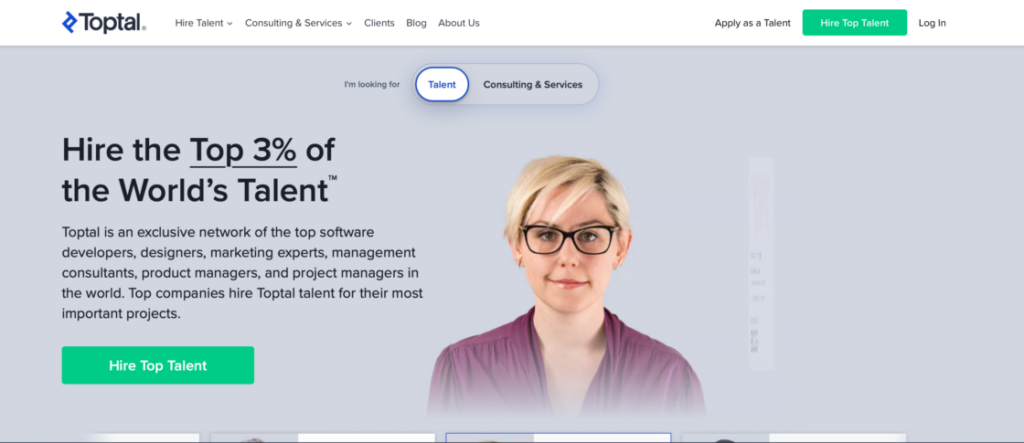
Toptal is an elite network that rigorously vets freelancers, accepting only the top 3% of applicants, recommended for high-stakes UX/UI projects. This selective approach ensures clients work with exceptional talent for mission-critical design work.
Process: You fill out a detailed project brief, and Toptal matches you with pre-vetted designers within 24-72 hours. You get a 2-week risk-free trial period to evaluate the designer. If satisfied, you continue with the engagement and are billed for the trial period. If not, Toptal finds a replacement or refunds your deposit. All communication happens through Toptal’s platform with dedicated support.
Design types: UI/UX design for web and mobile apps, product design, brand identity, wireframing and prototyping, design systems, interaction design, visual design, and user research. Toptal specializes in complex, high-stakes design projects requiring senior-level expertise.
Pros: Dedicated account management and support, no recruiting or termination fees.
Cons: Premium pricing – among the most expensive options, $500 upfront deposit required, less suitable for simple projects or tight budgets.
Why Toptal is a good 99designs alternative: Toptal is the opposite of 99designs’ crowdsourced approach. Instead of receiving dozens of speculative designs, you work directly with a single, thoroughly vetted senior designer. This model works best for complex projects requiring specialized expertise, ongoing collaboration, and guaranteed quality. While 99designs focuses on variety and competition, Toptal emphasizes elite talent and reliable execution. It’s ideal for enterprise-level projects, critical product launches, or situations where quality absolutely cannot be compromised.
15. Hatchwise
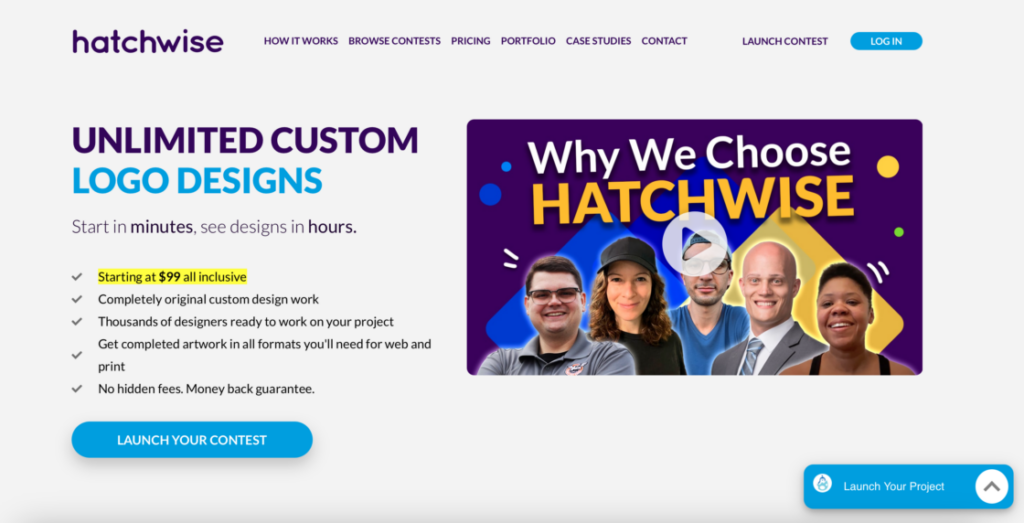
Hatchwise is a budget-friendly option where contests can start as low as $99, often yielding hundreds of design submissions. This makes it one of the most accessible crowdsourcing platforms for startups and small businesses.
Process: You fill out a creative brief (takes about 5 minutes), set your prize amount, and launch the contest. Contests run for 10 days by default, during which designers submit concepts. You provide feedback to guide submissions. Once you select a winner, you receive high-resolution files and full copyright ownership. Additional entries can be purchased for $100 each if available.
Design types: Logo design, graphic design, website design (delivered as PSD files for development), business cards and stationery, t-shirt design, brochure design, banner ads, mascot design, company naming, product naming, taglines, slogans, and more.
Pros: High submission volume (can receive hundreds of designs), fast results – can receive submissions within hours of launch, money-back guarantee if unsatisfied, full copyright ownership of winning design.
Cons: Quality varies significantly between submissions, contest format requires active client involvement and feedback, 10-day timeline may be slow for urgent projects (rush option available).
Why Hatchwise is a good 99designs alternative: Hatchwise offers the same contest-based model as 99designs but at significantly lower price points. For startups and small businesses with limited budgets, Hatchwise provides an affordable entry into crowdsourced design. While 99designs has higher average designer quality, Hatchwise’s low cost and high submission volume make it attractive for businesses willing to provide detailed feedback to guide the creative process. The $449/month unlimited subscription is ideal for businesses needing multiple logos or designs regularly.
16. Manypixels
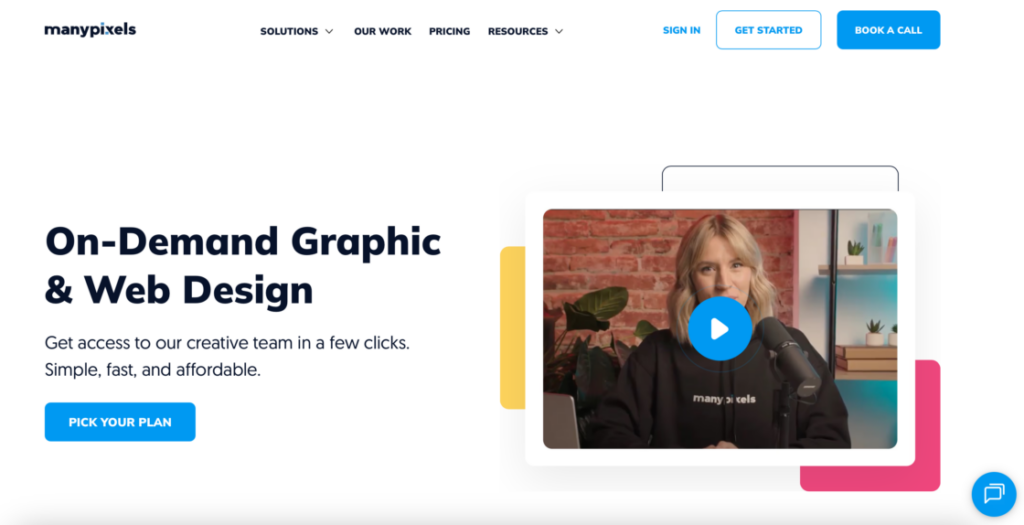
Manypixels offers various design subscription services, including unlimited graphic design and web design services. Their flexible subscription model caters to businesses needing both graphic and digital design support.
Process: You subscribe to a plan and submit design requests through their easy-to-use platform. Each request includes a detailed brief with examples and specifications. Designers deliver initial concepts within 1-2 business days (same day for Dedicated Plan). You provide feedback and request unlimited revisions until satisfied. All designs include source files and stock assets.
Design types: Logos, web design, landing pages, presentations, social media graphics, ads, banners, infographics, illustrations, business cards, brochures, packaging design, email templates, and 80+ other design categories. The platform covers both digital and print design needs.
Pros: Fast turnaround (1-2 business days, same day for premium plan), unlimited requests and revisions at flat monthly rate; 14-day money-back guarantee (annual/quarterly plans).
Cons: Doesn’t offer 3D design, prototypes, or UI/UX design, not cost-effective for sporadic, occasional projects, one active request at a time on Advanced plan.
Why Manypixels is a good 99designs alternative: Manypixels replaces the uncertainty of contests with predictable subscription pricing and consistent design quality. Instead of waiting 7-14 days for contest results, you receive designs in 1-2 days. The unlimited revision model ensures you get exactly what you want without additional fees. This works best for businesses needing regular design support across multiple categories rather than one-off contest projects. The platform’s strength is versatility – handling everything from logos to websites to marketing materials under one subscription.
17. Growmodo
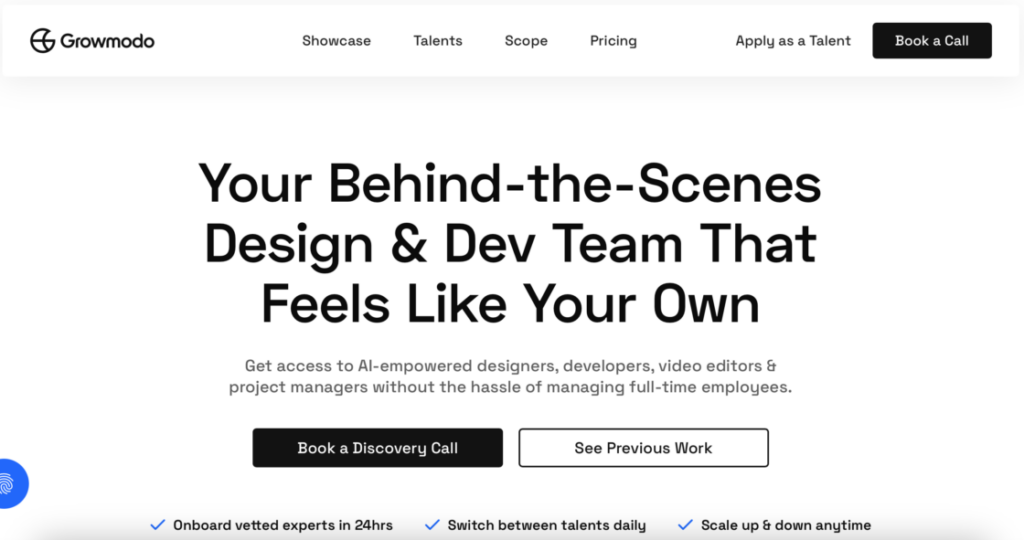
Growmodo‘s transparent pricing starts at $1995/month for unlimited design and development requests, positioning it as a comprehensive solution for businesses needing both creative and technical support.
Process: You subscribe and submit requests through Asana project management software. Each subscription includes a dedicated project manager who handles all communication between you and the design/development team. You receive daily progress reports and updates. Work is delivered in phases, with 6-8 hours of active work per day per talent. You provide feedback via text or screen-recording videos directly in Asana.
Design types: UX/UI design, graphic design (brand identity, social media graphics, motion graphics, presentations, packaging, email templates), web design and development (homepage, landing pages, e-commerce sites, custom animations), video editing, website maintenance (bug fixes, plugin updates, security), marketing automation setup, chatbot development, and technical SEO services.
Pros: Comprehensive services – both design and development in one subscription, dedicated project manager for streamlined communication, no setup fees or initial costs.
Cons: Higher price point ($1,795+ monthly) requires consistent project volume, works primarily during Philippine Time (PHT) business hours.
Why Growmodo is a good 99designs alternative: Growmodo goes far beyond 99designs by combining design and development services. Instead of just getting a logo from a contest, you can have that logo designed and immediately integrated into a fully developed website. This integrated approach eliminates coordination challenges between separate designers and developers. The dedicated project manager ensures smooth execution without you managing multiple freelancers. While 99designs excels at discrete design projects, Growmodo shines for businesses needing continuous creative and technical support. It’s particularly valuable for agencies, marketing teams, and scale-ups running multiple campaigns simultaneously..
In-house designer vs. design platforms: which is right for you?
You know all about top 99designs alternative options, but there’s also one more: hiring an in-house designer. Let’s consider in what situations it’s better to do it in-house.
When to hire in-house:
- You need 20+ hours of design work per week consistently.
- Brand consistency across all materials is critical.
- Your projects require deep understanding of your industry and company culture.
- You have budget for a full-time salary ($50,000–$90,000 annually plus benefits).
- You need immediate availability and real-time collaboration.
When to use design platforms:
- Your design needs vary from month to month.
- You need specialized skills for specific projects (3D design, packaging, etc.)
- You’re a startup or small business without budget for full-time staff.
- You want access to diverse creative styles and perspectives.
- You prefer paying only for completed work.
Hybrid approach: Many successful businesses use both – an in-house designer for ongoing brand work and platforms for specialized projects or overflow work during busy periods.
Tips for working with freelancers and platforms
Hiring freelance talent – whether for graphic design, UX/UI work, video production, copywriting, or web development – is now standard for U.S. businesses. But managing those relationships well determines whether you get great results or frustrating delays and revisions. These practical tips help you build productive, long-lasting collaborations with freelancers across platforms like Useme, Upwork, Fiverr, and others.
1. Define clear project scope and expectations
Before any work begins, make sure both you and the freelancer understand what success looks like:
- write a detailed brief that explains goals, deliverables, preferred style, and deadlines;
- include examples of past work you like or brand guidelines they should follow;
- highlight any technical requirements or constraints early on;
- clarify ownership terms early to ensure clear ownership and licensing of designs are essential when selecting a design platform and working with freelancers.
This clarity prevents misunderstandings and sets a solid foundation for quality results.
2. Communicate clearly and often
Strong communication is crucial when working remotely with independent professionals:
- agree on preferred channels (e.g., Slack, email, video calls);
- set expectations for response times and updates;
- schedule regular check-ins for larger projects.
Freelancers do their best work with clear guidance and timely feedback. Over-communicate rather than assuming everything is understood.
3. Break work into milestones
Instead of one big deliverable, split the project into stages:
- set checkpoints like concept designs, draft submissions, and final revisions;
- tie payments to completed milestones.
This keeps projects on track, lets you assess progress early, and reduces the risk of major revisions late in the process.
4. Provide the resources graphic designers need
A freelancer can only create great work if they have the right materials:
- share brand assets, style guides, access to tools (e.g., Figma, Adobe Creative Cloud);
- give context about your audience and business objectives;
- offer background on your strategy or campaign goals;
- give access to project management tools that help track project progress and maintain version control.
Providing thorough context upfront helps freelancers align more closely with your expectations.
5. Set realistic deadlines and priorities
Freelancers often juggle multiple clients. Make sure workloads and timelines are reasonable:
- ask freelancers if your deadlines are feasible before you finalize them;
- build buffer time for revisions or unforeseen delays;
- prioritize urgent tasks to prevent last-minute pressure.
This shows respect for their time and results in higher quality work.
6. Pay fairly and on time
Timely payment builds trust and long-term loyalty. Freelancers depend on punctual payments to manage their businesses:
- agree on payment terms upfront (rates, milestones, methods);
- release payments promptly when agreed work is completed;
- consider bonuses for exceptional performance.
Quick payment isn’t just polite – it’s a competitive advantage when attracting top talent.
7. Protect your work and expectations with contracts
A clear contract keeps both sides aligned:
- define deliverables (including how many design concepts or revisions are included), payment terms, revision limits, and deadlines;
- clarify ownership of final work and usage rights;
- include confidentiality or non-disclosure terms if needed.
Contracts protect you legally and financially and help prevent disputes later.
🔍 Read our guide on online contracts, and get to know more about platforms, e-signatures, and secure collaboration.
8. Give constructive and specific feedback
Feedback should be clear, specific, and tied to goals:
- instead of saying “make it better,” point to specific changes needed (such as color adjustments or layout tweaks);
- frame feedback around business goals (“align this design with our brand voice”).
Constructive feedback helps freelancers refine work without guesswork.
10. Treat freelancers as trusted partners
Freelancers produce their best work when they feel valued, so:
- include them in relevant team discussions or planning sessions;
- share project context and future vision;
- offer repeat work or referrals when they do great work.
After all, a positive relationship can transform a one-off gig into a long-term partnership.
11. Maintain a freelancer database
Once you find reliable freelancers track their skills, past performance, availability, and rates. This lets you quickly rehire trusted professionals and reduces onboarding time for future projects.
By following these best practices, U.S. businesses can optimize freelancer collaborations – from initial briefing through final delivery. The result? Better quality work, smoother processes, and stronger professional relationships that help your brand grow and adapt in a flexible market.
Common mistakes to avoid when hiring designers
You know the 99designs alternatives, you know how to work with freelancers, all it’s left is to go through some of the common mistakes when hiring designers. Because even with the right platform, these errors can derail your design project:
- Skipping the creative brief – starting work without a detailed brief leads to misaligned expectations and endless revisions. Always document your goals, target audience, preferred style, and technical requirements.
- Choosing based on price alone – the cheapest option often costs more in revisions and delays. Balance cost with designer experience and portfolio quality.
- Ignoring communication styles – a designer who doesn’t respond promptly during the hiring phase likely won’t improve once work begins. Test responsiveness early.
- Forgetting about file formats – confirm you’ll receive source files (AI, PSD, Figma) and formats you need (PNG, SVG, PDF) before starting work.
- Not checking usage rights – verify you own full commercial rights to the final design. Some platforms or designers retain partial rights unless explicitly transferred.
- Rushing the selection process – taking an extra day to review portfolios thoroughly saves weeks of revision time later.
- Overlooking cultural fit – for brand-critical work, ensure the designer understands your industry, audience, and brand values.
Conclusion
Navigating the world of freelancers and design platforms can feel overwhelming. But with the right approach, it’s an opportunity to access top-tier talent, scale projects efficiently, and elevate your brand. Whether you’re exploring alternatives to 99designs like Useme, Kimp, Fiverr, or Upwork, the key is to choose the platform that aligns with your needs – from subscription-based unlimited services to flexible project-based marketplaces.
Success comes down to clear communication, well-defined project scopes, fair and timely payment, and building long-term relationships with reliable freelancers. By following the tips outlined in this article, businesses can maximize creativity, maintain control over quality, and foster partnerships that deliver consistent, high-value results.
Ultimately, the best freelance collaboration is one where expectations are clear, feedback flows easily, and both client and freelancer feel supported and motivated to create outstanding work. With the right strategy, working with freelancers isn’t just a solution – it’s a competitive advantage.
FAQ
Which 99designs alternative is best for small businesses?
For small businesses, it depends on your needs:
- For one-time projects: Useme or Fiverr offer flexibility without long-term commitments.
- For ongoing work: Kimp ($499/month) or Penji ($499/month) provide unlimited designs.
- For tight budgets: Hatchwise or DesignContest offer affordable contest options.
- For quality control: Toptal ensures premium designers but at higher rates.
How long does it take to get custom designs from these platforms?
Turnaround times vary by platform type:
- Contest platforms: 7-14 days (Hatchwise, DesignCrowd, Designhill).
- Subscription services: 1-2 days (Design Pickle, Kimp, Penji, Magier).
- Freelance marketplaces: 3-10 days depending on project scope (Useme, Fiverr, Freelancer).
- Elite networks: 10-20 days due to vetting process (Toptal).
Can I get unlimited revisions?
Yes, but it depends on the platform:
- Subscription services like Design Pickle, Kimp, and Penji offer unlimited revisions.
- Freelance marketplaces typically include 1-3 revision rounds (negotiate more upfront).
- Contest platforms allow feedback during the contest but limited revisions after selection.
Always clarify revision policies in your initial agreement.
What’s better: design contests or direct hiring?
Choose contests if you:
- Want to see multiple design concepts before committing.
- Need a simple project like a logo or business card.
- Have time to review many submissions (7-14 days).
- Want variety and can provide detailed feedback.
Choose direct hiring if you:
- Need complex projects requiring ongoing collaboration.
- Want faster turnaround (1-5 days typical).
- Prefer building a long-term relationship with one designer.
- Need consistent brand voice across multiple projects.
How do subscription services compare to project-based pricing?
Subscription services (Kimp, Penji, Design Pickle):
- Cost: $499-$1,795/month
- Best for: 4+ projects monthly
- Pros: Unlimited requests, predictable costs, fast turnaround
- Cons: Not cost-effective for occasional needs
Project-based (Useme, Fiverr, Freelancer):
- Cost: $50-$5,000+ per project
- Best for: Sporadic or one-time projects
- Pros: Pay only for what you need, no ongoing commitment
- Cons: Variable pricing, may need to find new designers each time
Will I own the rights to my designs?
Most platforms transfer full commercial rights to clients, but always verify:
- Subscription services typically include full ownership in their terms
- Freelance marketplaces require you to confirm ownership rights with each freelancer
- Contest platforms award full rights to contest winners
- Always include ownership clauses in your contracts, regardless of platform
For complete certainty, specify in writing that you receive all source files and unlimited usage rights.
Disclaimer: This blog post is for informational purposes only and does not constitute professional business advice. While we strive for accuracy, design platform features, pricing, and availability may change. Always verify current details directly with each platform before making decisions.
This article was created with the assistance of AI technology.
| Author: Ela Binkowska |