








4 steps to pay your freelancer
Your contractor's done with the job? Come to Useme to close the deal! Even if you’re on different continents, it’s as easy as working next door.
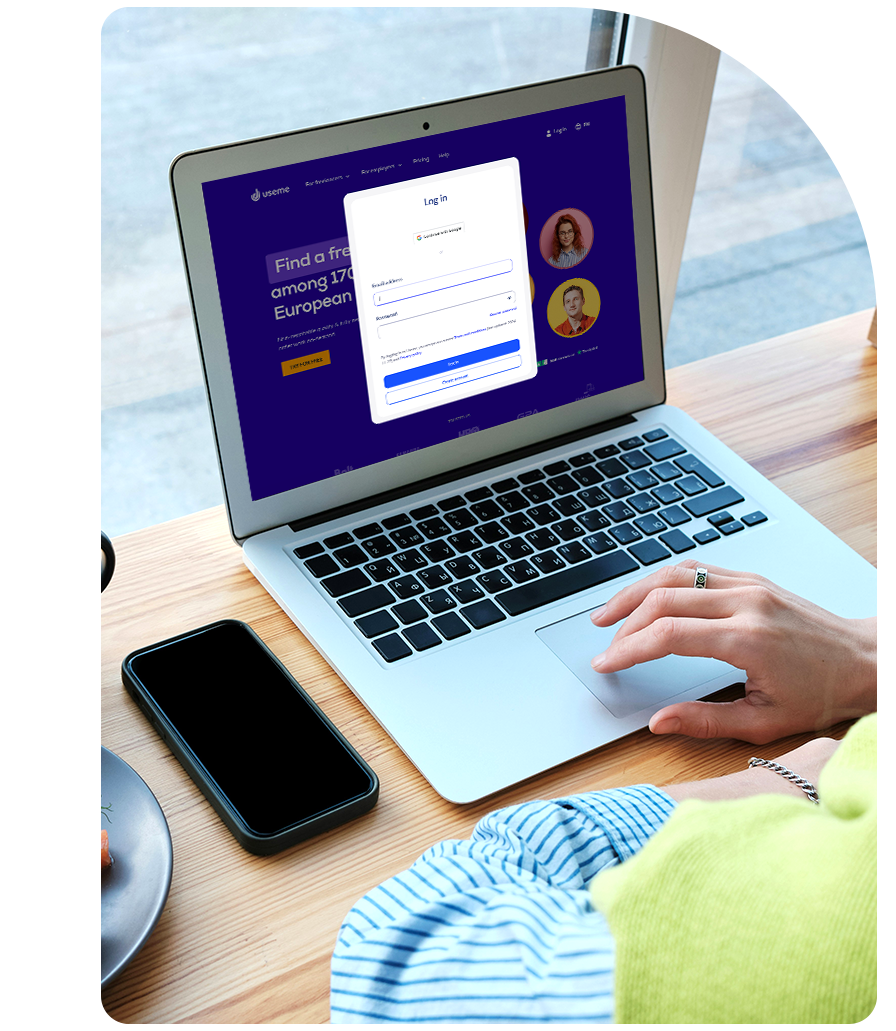
1. Create an employer account
Just add your name, address, and tax ID so we can invoice you on your freelancer's behalf. This way, neither of you needs a company to settle the deal legally!
You freelancer signs up too. Creating a Useme account is free and only takes 3 minutes.
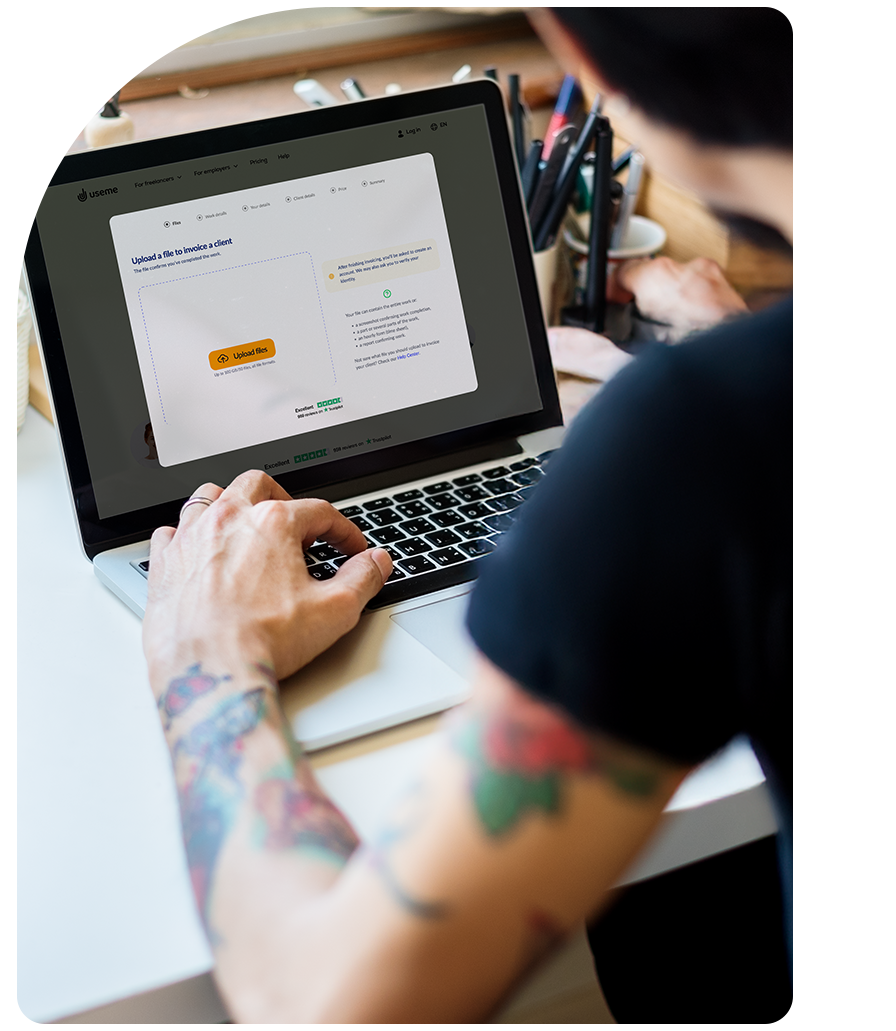
2. Provide work details
Fill out a short form (or let the freelancer do it for you). Just the price and description of the commissioned work. We need this to issue you an invoice and ensure legal compliance.
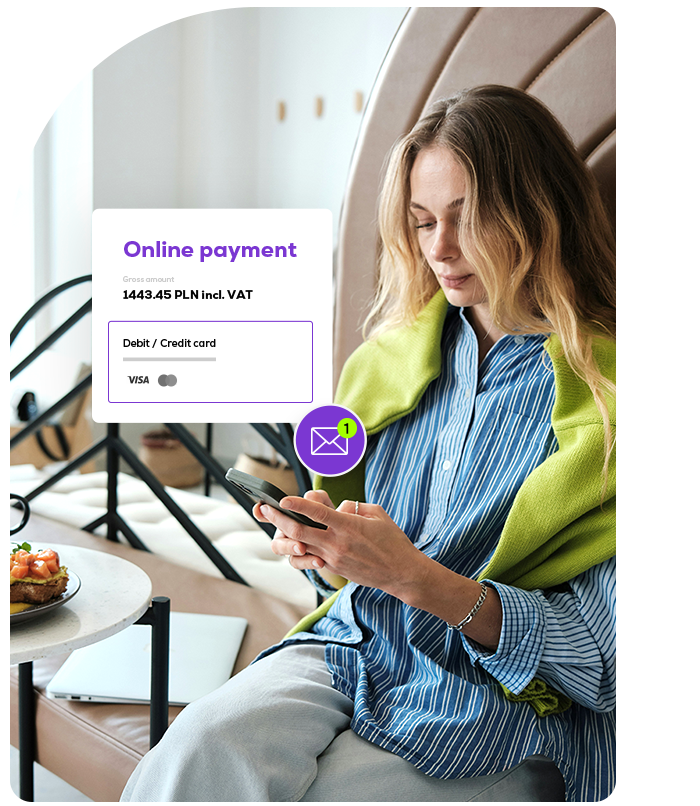
3. You pay, we handle the formalities
You get a deposit request with job and payment details by email. If everything’s OK, just click the payment link and that's it.
Now it’s our turn to formalize the deal with an invoice and send the payout to your freelancer.
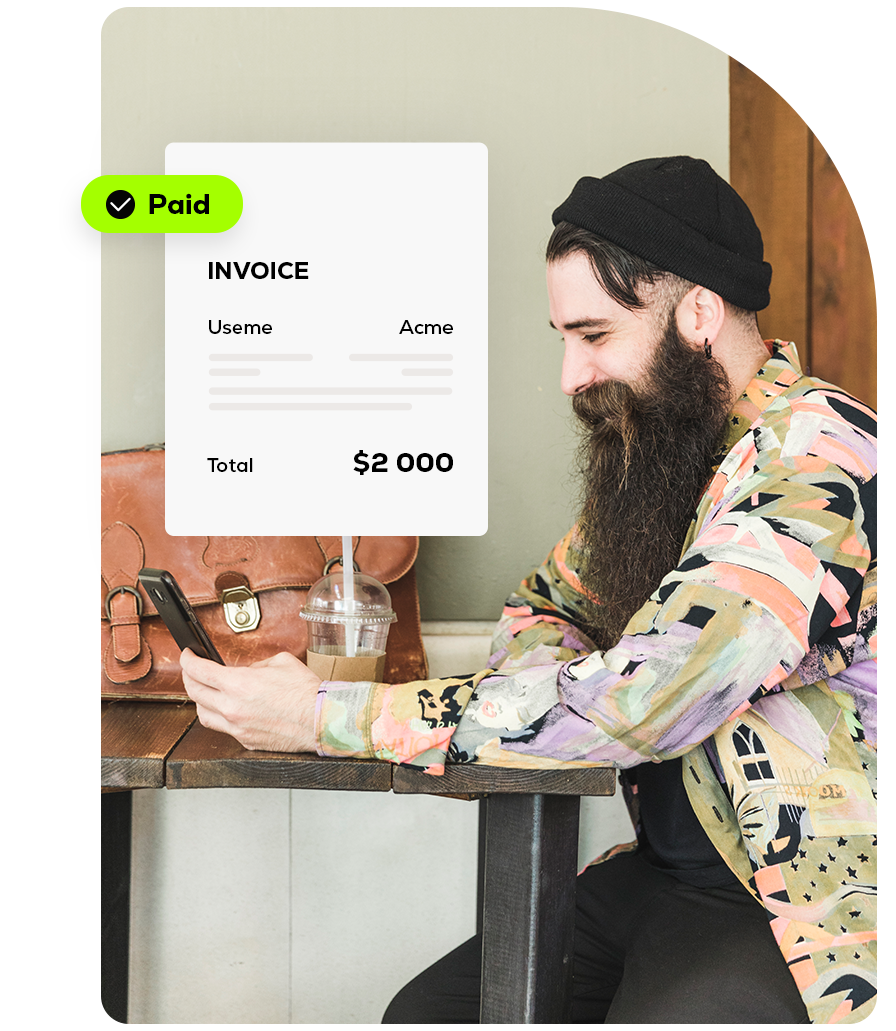
4. Freelancer gets paid, you get invoiced
Once we get your payment, we’ll email you an invoice from our trusted EU entity right away – no extra steps needed.
Your freelancer gets their payout within 24 hours in the currency of their choice.
Got a question?
Let’s schedule a 15-minute call
What’s in it for you?
Your all-in-one workspace
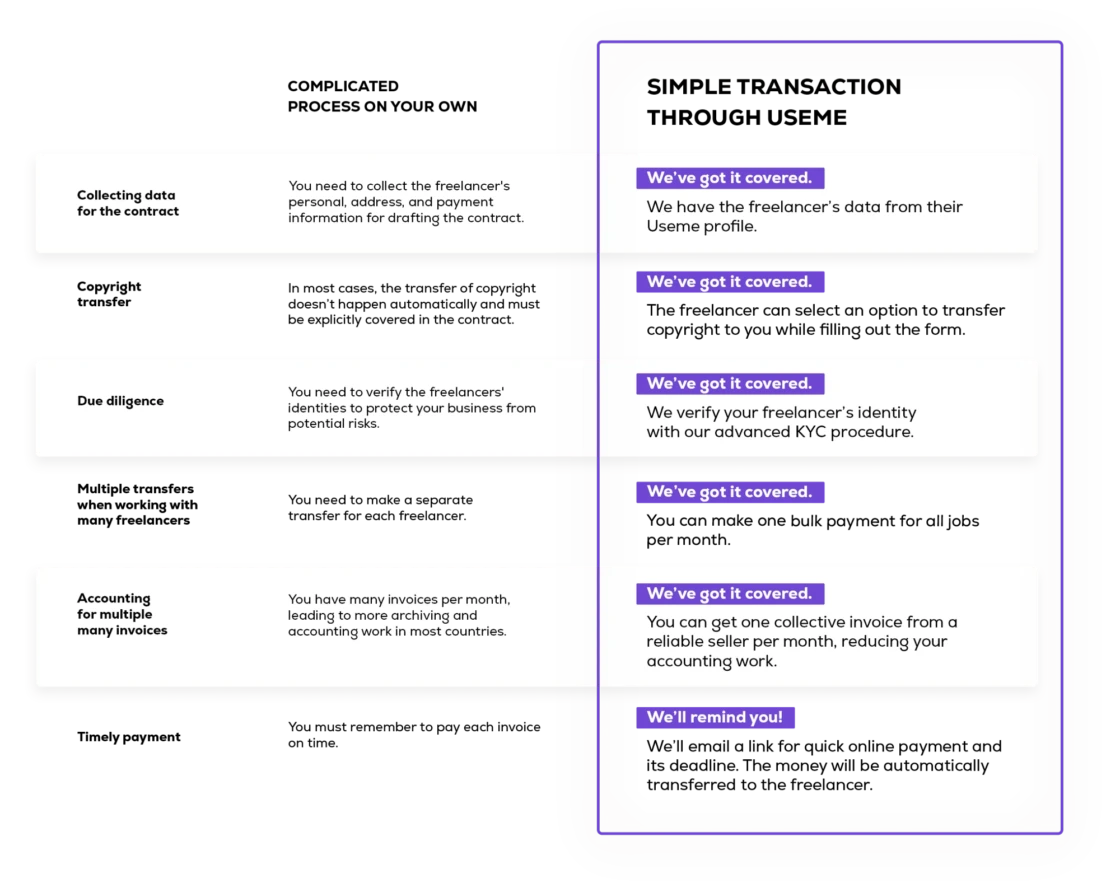
Everything you need – deals, documents, payments, and freelancer info – in one simple dashboard.
No paperwork,
no borders
Working with freelancers abroad feels local – no paper contracts to sign, no extra forms to fill out.
No back-and-forth with freelancers
We take care of the communication – your freelancer gets all the payment info and sets up their account with our help.
Legal compliance with no effort
You get an invoice that proves your payment, everything’s legal, and we stay on top of the regulations.
International payments with no delays
Freelancers appreciate getting paid on time, and you can outsource across countries with no currency issues.
Automation to save your time and money
Get one invoice per month for all your projects and pay all freelancers with a single transfer.
We’re your legal link to freelancers
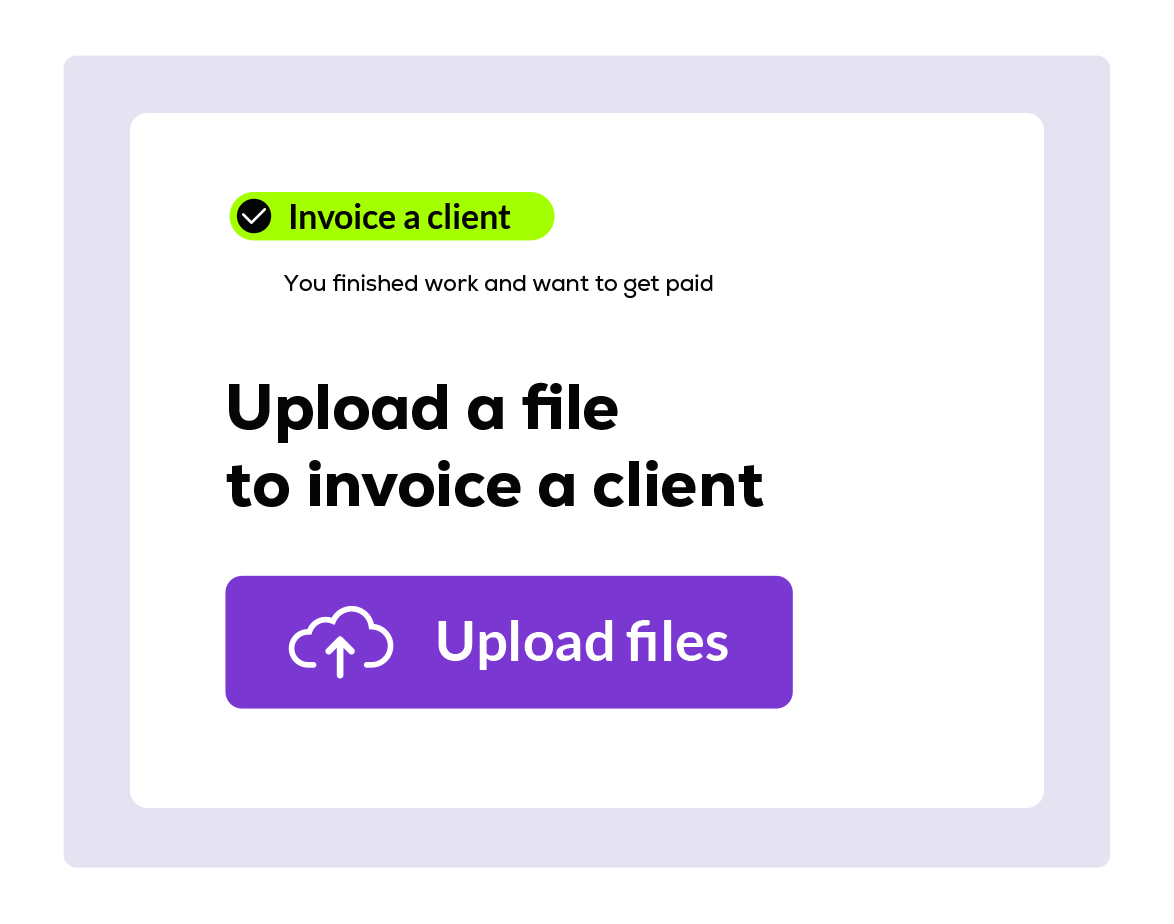
Freelancer uploads proof of work


What Useme does behind the scenes:
- Verifies the freelancer and runs watchlist checks
- Finalizes an online contract with the freelancer
- Standardizes invoicing across countries
- Manages currency conversion
- Offers a secure payment channel
- Sends the payout to the freelancer

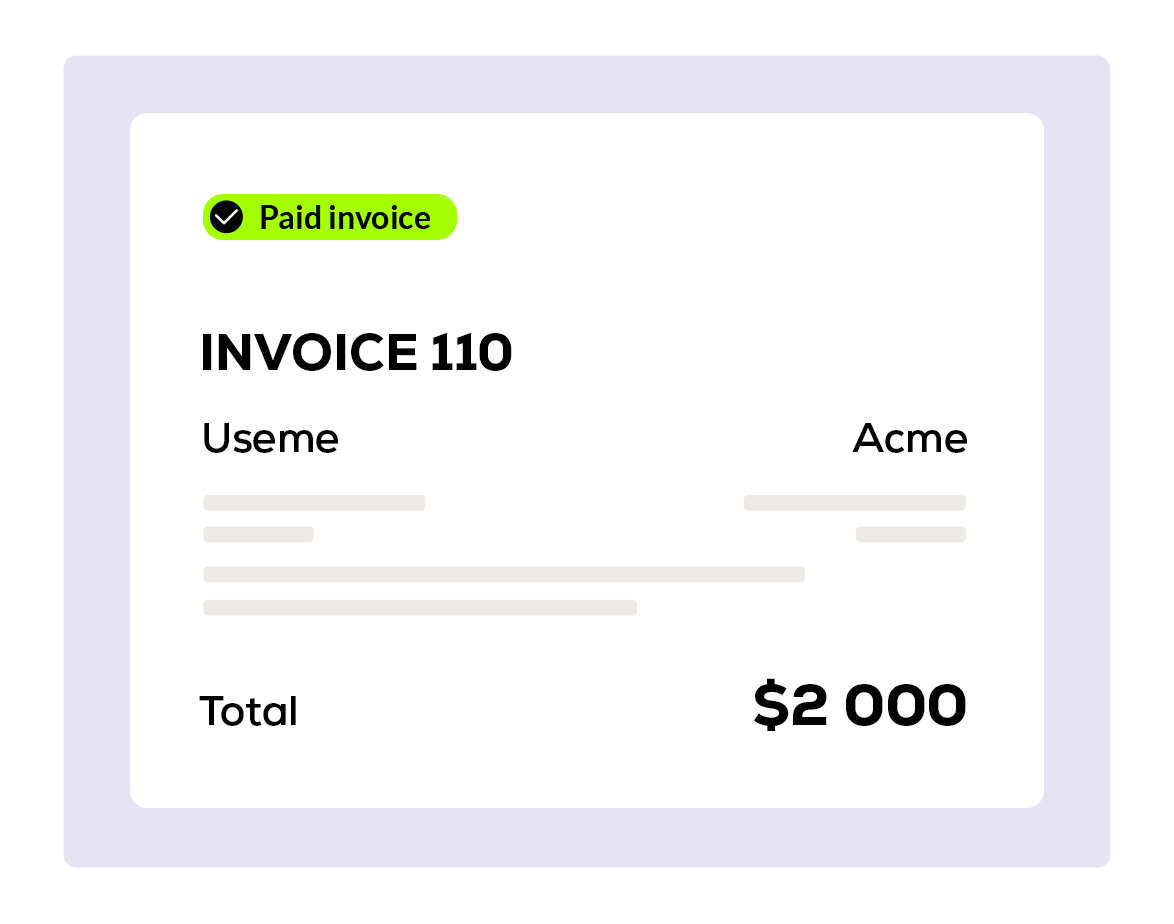
You pay in seconds and get your invoice right after
Pricing explained
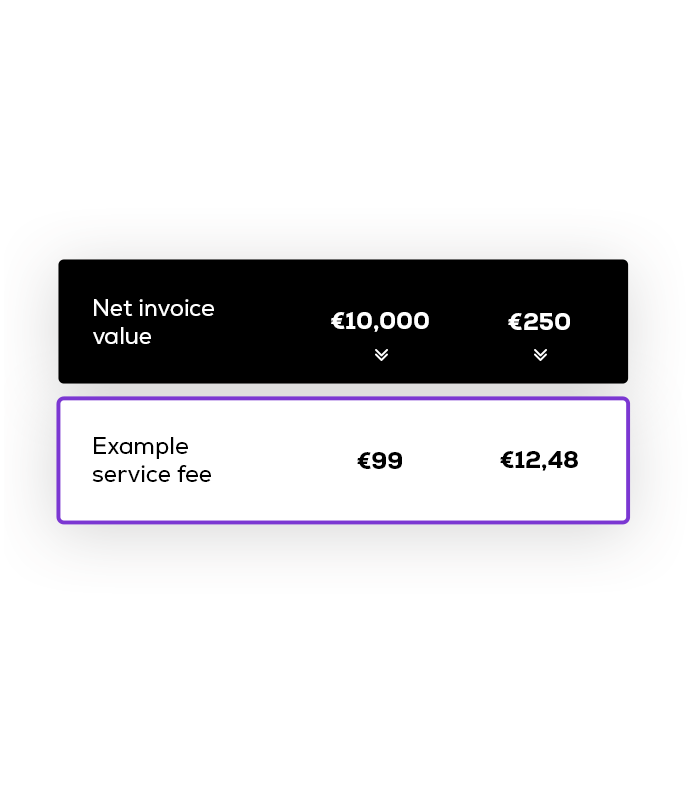
When a freelancer invoices you through Useme, we add a service fee. The service fee is 4.99% of the invoice amount, but it’s never higher than $99 per transaction and never lower than $9 per transaction.
On the right you can see how the service fee changes with different invoice amounts.
Smarter way to outsource without hiring

Got a question?
Digital product by useme.com · Copyright (C) Useme, 2026