

These freelance platforms act as marketplaces, job boards, or networks that connect freelancers with hiring companies looking for your skills. Some are beginner-friendly and help you land your first gig quickly. Others focus on top clients and experienced specialists.
Choosing the wrong freelance platform can slow you down. Choosing the right one can fast-track your income and growth.
In this article, you’ll find 60 freelance platforms, grouped by category. You’ll quickly see where you belong – and where you’ll earn the most.
Oh, and don’t let this number overwhelm you! Unfold our table of contents above, where we grouped platforms by industry and function. Every freelancer can find something for themselves.
Key takeaways on freelance platforms
- Choosing the right platform is likely to influence how quickly you find work and what rates you can command.
- Niche platforms often outperform large general marketplaces for specialists. Less competition means better-fit clients.
- Always check payment methods, fee structures, and safety features before you sign up to any platform.
- The best platform for you depends on your skill level, industry, and income goals – not just popularity.
Freelance jobs: how to choose the right platform
Before you jump into 60 different platforms, take a step back.
Not every website will work for you. Picking the wrong one can waste weeks – or even months – of effort.
The freelance work market is growing fast. Millions of professionals compete for job postings, and new platforms appear every year. That means more job opportunities – but also more noise. Using multiple freelance platforms can open more opportunities and reduce risk – but only if you choose strategically.
The key is simple: choose best freelance websites that match your goals, not just the most popular ones.
Before choosing a freelance platform: ask yourself these questions first
Start with a quick self-check:
1. Are you a beginner or an experienced freelancer?
- Beginners need platforms with low entry barriers and quick wins.
- Experienced freelancers can target higher-paying, more selective platforms.
2. What do you actually want right now?
Be honest – your goal will shape your platform choice:
- Fast cash → small gigs, quick turnaround.
- Long-term clients → ongoing projects, stable income.
- Premium rates → fewer clients, higher pay.
3. Are you a generalist or a specialist?
- Generalists (e.g., virtual assistants, basic graphic design, admin work) → broader marketplaces.
- Specialists (e.g., UX designers, developers, legal experts) → niche or vetted platforms.
Freelance platforms: your 4 fast tracks (pick one to start)
Here are four clear directions:
Beginners → start simple
Go where it’s easiest to land your first clients. Look for platforms with:
- low competition barriers;
- high volume of small jobs.
Goal: build experience and reviews quickly.
Specialists → go niche
Skip crowded marketplaces. Choose platforms tailored to your skill.
Goal: find better-fit clients and less competition.
High earners → go premium
Apply to vetted networks with strict screening.
Goal: fewer projects, higher rates.
Stable income seekers → think long-term
Use freelance platforms and job boards to build direct relationships with clients.
Goal: consistent monthly income, not one-off gigs.
Freelance platforms: 1 thing most freelancers ignore
Many people focus only on “getting jobs.” But the real difference comes from:
- client quality;
- project type;
- platform fees.
Some freelance platforms are full of low-budget freelance work. Others have fewer job postings but much better clients. Freelance platforms typically charge commissions ranging from 5% to 20%, with most major platforms taking between 10% and 20% on the majority of transactions. While commission is common, a growing number of platforms now charge client-side fees or monthly memberships instead of high transaction percentages. Many freelance platforms provide built-in tools for invoicing, time tracking, and dispute resolution – features that can save you a lot of time.
💡 Quick tip for job seekers: Before you sign up, check what withdrawal methods a platform supports – whether that’s bank transfer, wire transfer, PayPal, or Payoneer. Knowing how you’ll get paid upfront saves you headaches later. It’s also important to choose a freelance platform that includes trust and safety measures to avoid scams. Freelance platforms often use escrow systems for payment security, protecting freelancers from non-payment.
Now that you know what you’re looking for, let’s explore the platforms.
The 60 freelance platforms (categorized)
Below is a curated list of 60 freelance platforms, grouped by category. Use it to quickly find the best freelance platforms for your skills, experience level, and work style.
Quick comparison: top 10 platforms at a glance
| Platform | Type | Fee (freelancer) | Best for |
| Useme | General marketplace | 4.99% service fee (paid by one side) | Managing global payments and invoicing |
| Upwork | General marketplace | 0–15% (variable) | All skills, long-term work |
| Fiverr | Gig-based marketplace | 20% | Fixed-price services |
| Toptal | Vetted network | 0% (margin added) | Expert-level projects |
| Freelancer.com | Bidding marketplace | $5 or 10% (whichever is greater) | Volume-based work |
| PeoplePerHour | Bidding + packages | 3.5%–20% per client | Mixed gigs and proposals |
| Guru | Project management | 5–9% per invoice + membership | Structured projects |
| Contra | Commission-free | 0% | Personal brand building |
| 99designs | Design contests | $100 + 5–15% | Logo and graphic design |
| Arc | Tech/remote jobs | 0% | Senior tech professionals |
Fee data sourced from platform official pages as of March 2026.
General freelance platforms
1. Useme
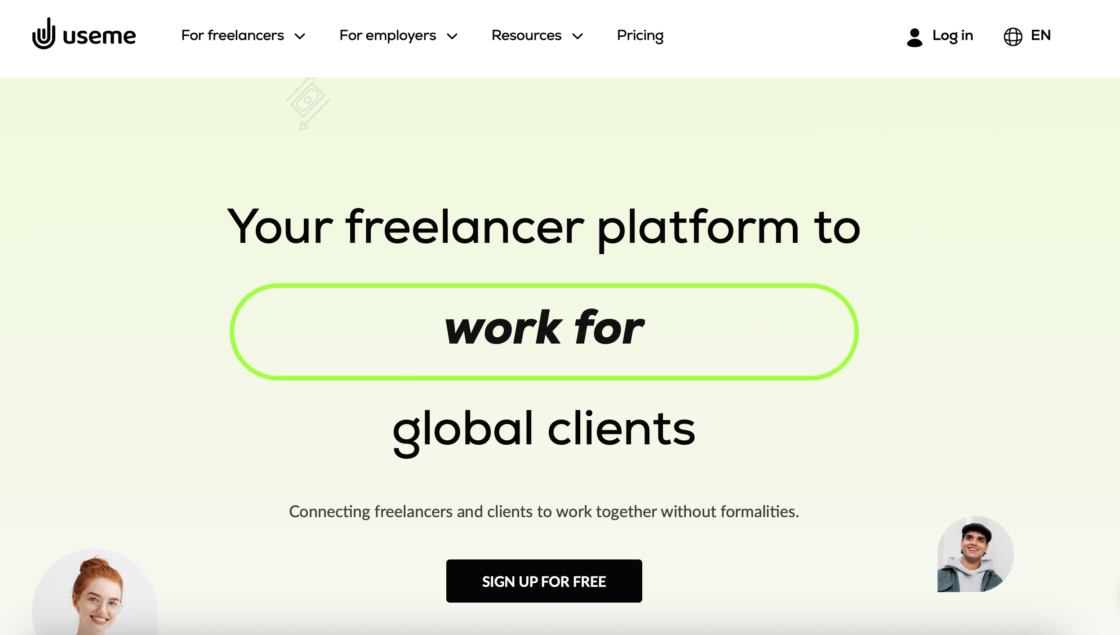
Useme is an all-in-one platform for freelancers who want to manage contracts, send invoices, and get paid securely – without the hassle of setting up a company. It’s built specifically for independent professionals working with clients around the world.
Useme handles the business and legal side of freelancing – so you can focus entirely on your work. You can either find the job on the job board or just use the platform to get paid by clients from elsewhere.
Pros:
- legally valid contracts generated automatically;
- fast global payouts usually within 24 hours after client payment is confirmed;
- no monthly fee – pay only per transaction;
- service fee is 4.99%, with a monthly limit, and it’s paid by only one side of the contract;
- demo mode lets you test the workflow risk-free before committing;
- supports multiple currencies and withdrawal methods;
- compliant invoicing without needing a registered business.
Cons:
- no mobile app;
- no native 1099 handling;
- fewer job offers in some industries.
Best for: you already have clients and want a simple, professional way to handle contracts, invoices, and payments – whether you’re a developer, designer, writer, or consultant.
Create a free Useme account here.
2. Arc
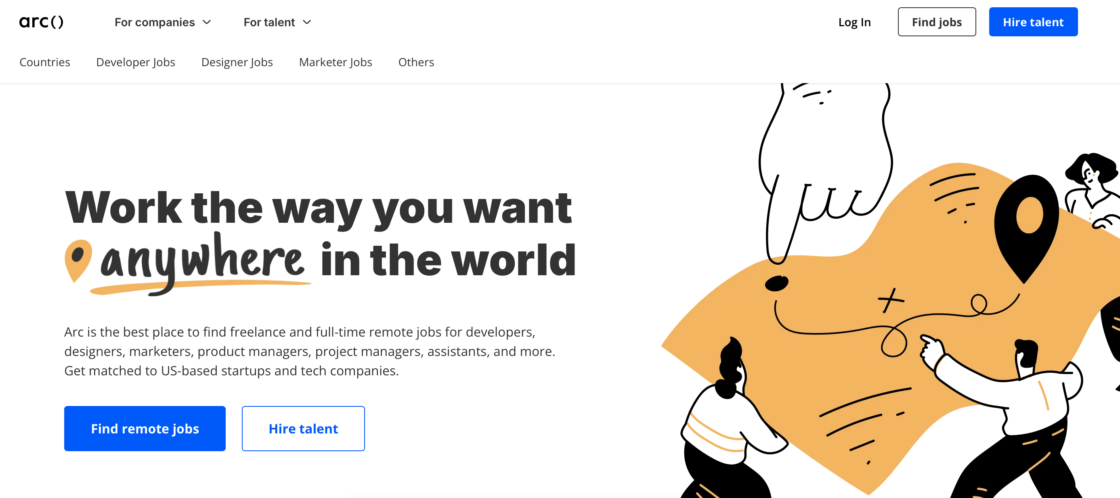
Arc connects developers, designers, and marketers with vetted remote jobs from startups and tech companies. It offers personalized matching and career support.
Pros:
- high-quality, curated job opportunities;
- strong earning potential;
- 0% service fee for freelancers (but third-party payment processing fees apply);
- personalized support and coaching.
Cons:
- limited roles outside tech;
- strict vetting for premium access.
Best for: you’re a mid-to-senior remote work professional (especially in tech) looking for high-paying, vetted opportunities.
3. Upwork
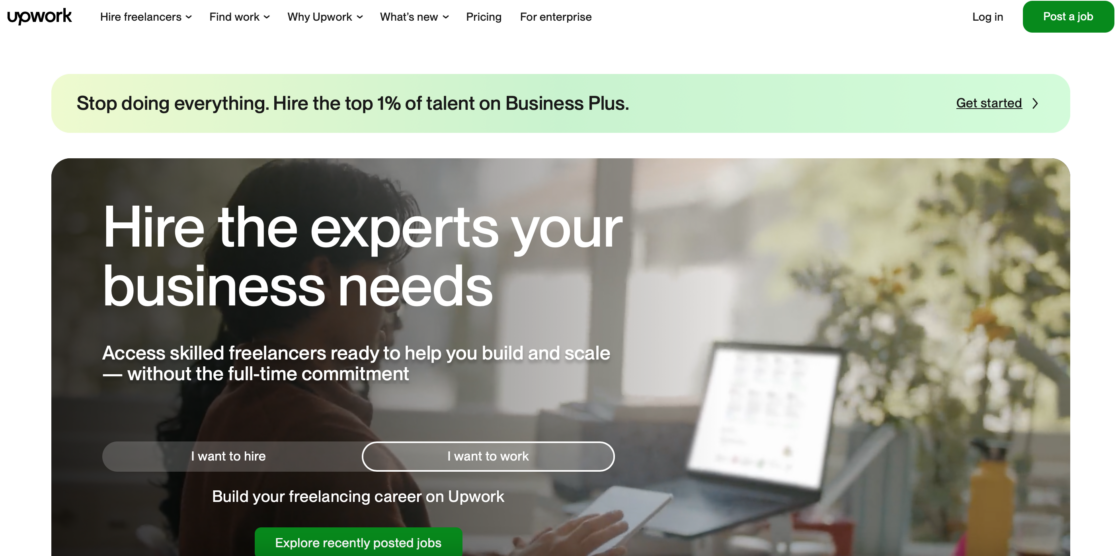
Upwork is a global freelancing marketplace where you apply to freelance jobs using proposals and build long-term client relationships. One of the top freelancing websites worldwide, Upwork connects millions of businesses with independent talent around the globe.
Pros:
- huge client base;
- flexible project types (hourly/fixed);
- payment protection.
Cons:
- high competition;
- fees + Connects system – Upwork charges a variable service fee of 0–15% on new contracts, with most freelancers seeing around 10–12%.
Best for: you want consistent freelance work and you’re comfortable pitching clients. Project managers, developers, web designers, and writers all find strong demand here.
💡 Get to know more about the top Upwork alternatives in 2026: best platforms for freelancers and clients.
4. Fiverr
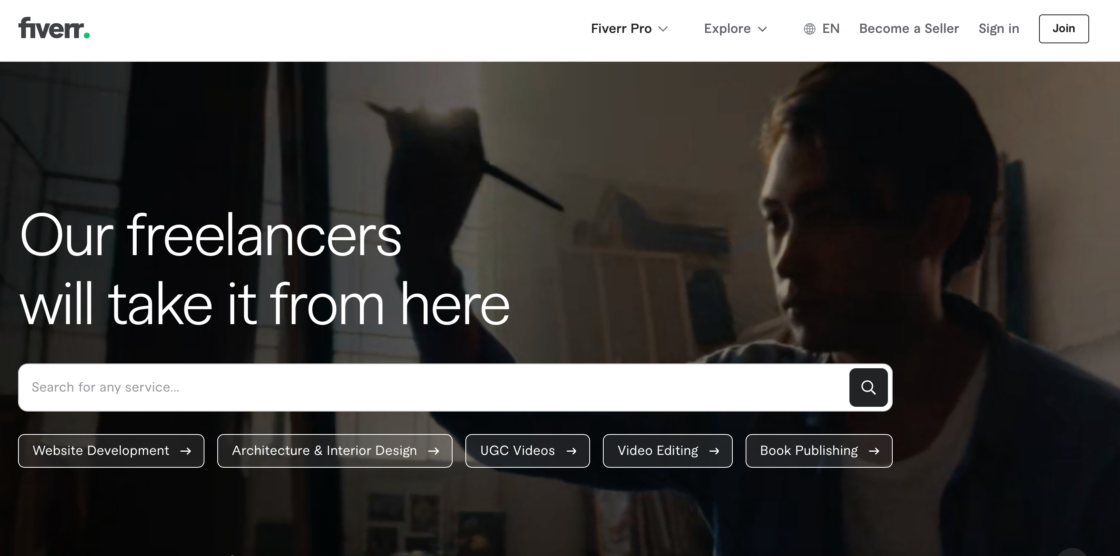
Fiverr is a gig-based marketplace where clients come to you by purchasing predefined service packages. Fiverr’s project catalog model makes it one of the most accessible freelance sites for newcomers. It’s especially popular for creative work like logo design, voice overs, and book covers. Fiverr connects businesses with on-demand freelance talent offering digital services in more than 700 categories.
Pros:
- easy to start;
- no need to pitch;
- great for productized services.
Cons:
- 20% fee – Fiverr charges a commission of 20% on every payment freelancers receive;
- algorithm-driven visibility.
Best for: you prefer selling fixed packages instead of writing proposals. The more reviews you collect, the higher your level on the platform – and the more exposure you get.
👉 Explore 12 top Fiverr alternatives.
5. Toptal
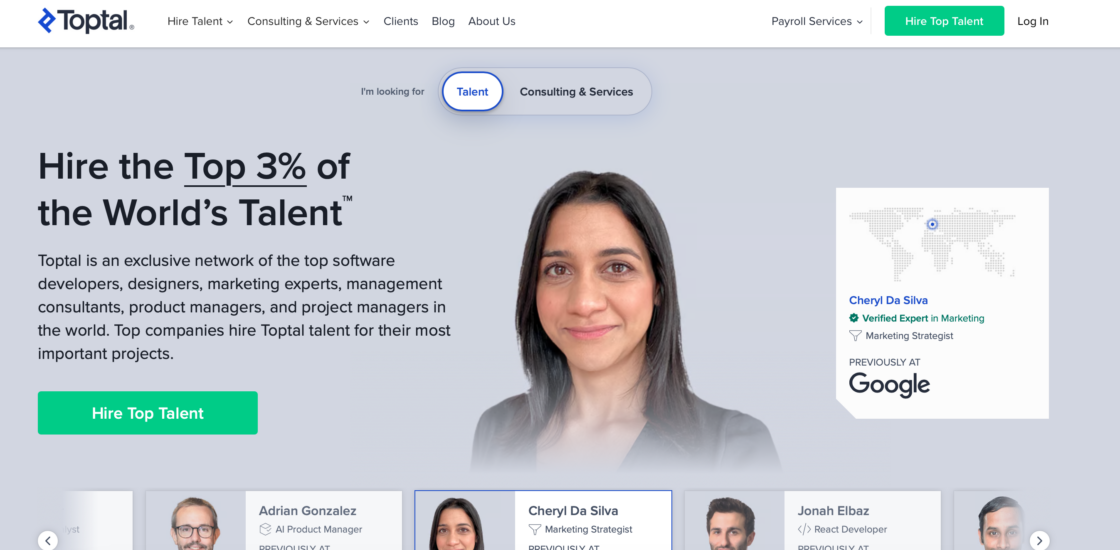
Toptal markets itself as connecting the top 3% of freelance applicants with premium clients. It’s one of the best platforms for landing complex projects. Toptal is a global network of top talent in business, design, and technology. It helps companies scale their teams on demand. Toptal charges no fees to freelancers – you receive your full quoted rate. Toptal earns by billing clients at a higher rate and keeping the difference, though the exact margin is not publicly disclosed.
Pros:
- high-paying clients;
- no freelancer fees – Toptal takes a margin on top of the freelancer’s rate, charged to the client;
- prestigious network.
Cons:
- extremely selective;
- slower project matching.
Best for: you’re a highly experienced professional aiming for elite-level projects. Decision makers at leading global companies use Toptal to find the best talent.
❓Looking for Toptal alternative? Read our article on top 10 Toptal alternatives in 2026.
6. Freelancer.com
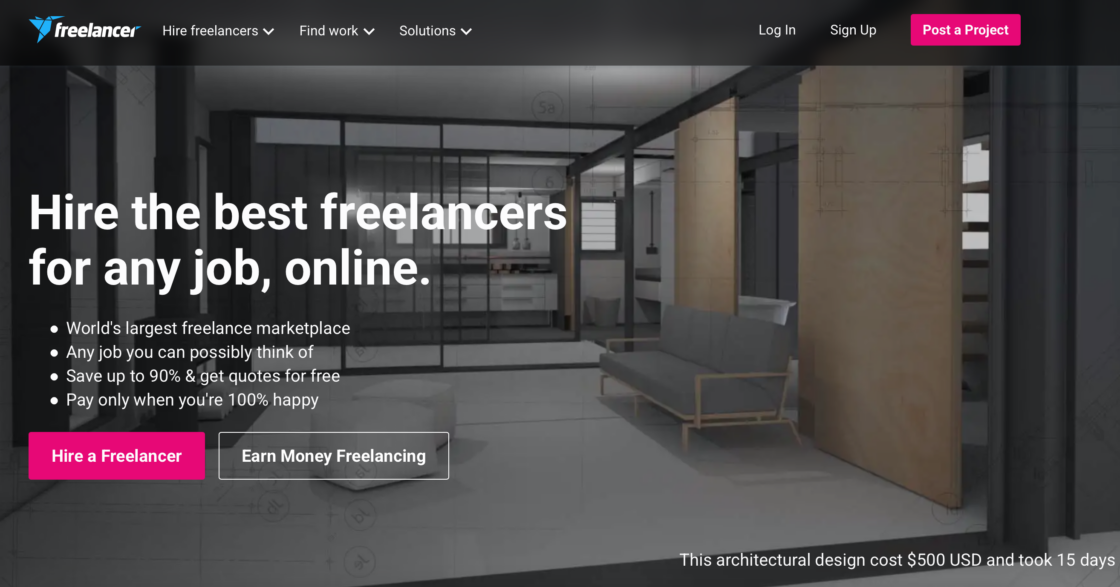
Freelancer.com is a competitive bidding platform with a large global community and marketplace. It’s one of the biggest freelance platforms in the world for job seekers and hiring companies alike.
Pros:
- wide range of projects;
- milestone payments;
- global reach.
Cons:
- intense competition;
- “race to the bottom” pricing – freelancers face fierce global competition, with bidding wars that can reduce rates for beginners;
- service fee: 10% or $5 minimum per project, whichever is higher.
Best for: you’re comfortable competing on price and volume.
7. PeoplePerHour
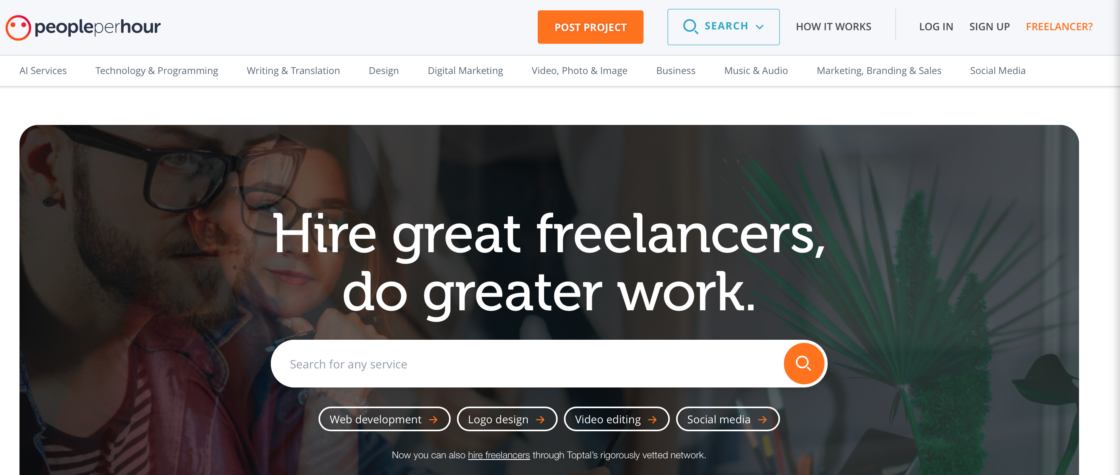
PeoplePerHour is a freelance platform offering both bidding and pre-packaged “Hourlies.” It’s the UK’s leading freelance platform. It connects businesses with an international community of freelance job seekers. It gives you the flexibility to set your own rates and manage your hours worked independently.
Pros:
- flexible pricing;
- escrow protection.
Cons:
- high fees – PeoplePerHour charges 20% on earnings up to £250 per client, then 7.5% up to £5,000, and 3.5% above £5,000;
- limited free proposals.
Best for: you want a mix of gigs and proposals in one platform.
8. Guru
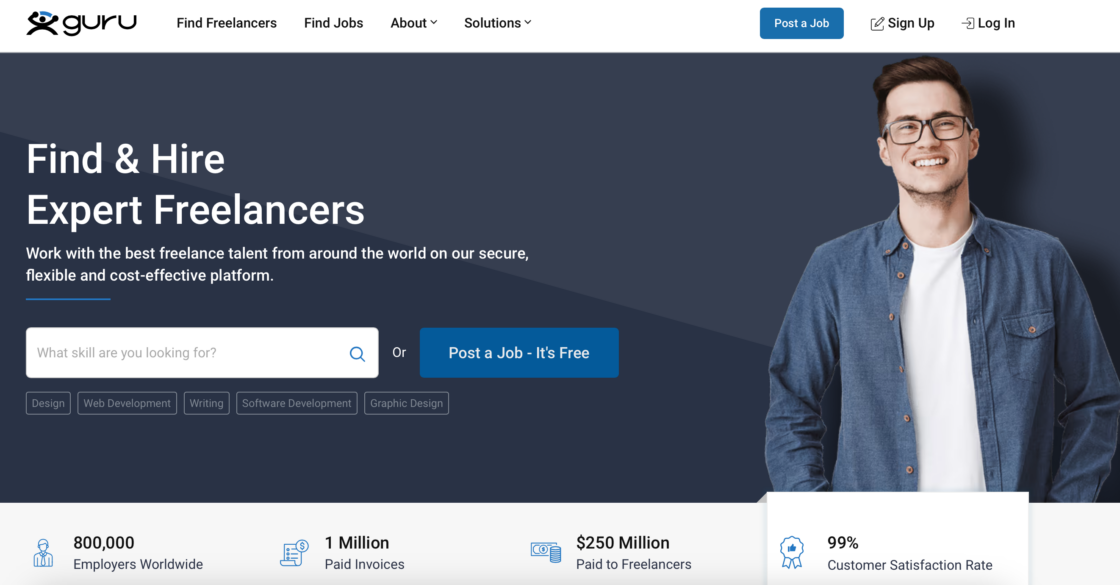
Guru is a freelancing platform built around structured, long-term working relationships. It gives freelancers and clients dedicated workrooms to manage projects, track milestones, and exchange files in one place. Its SafePay escrow system holds funds before work begins, so both sides have protection throughout the project.
Pros:
- SafePay protection;
- flexible payment terms.
Cons:
- smaller marketplace;
- service fees – Guru charges a combined commission and payment processing fee. Depending on your membership plan, total fees range from approximately 5% to 9% of invoice value, with cashback available on certain payment methods.
Best for: you want secure payments and structured project workflows.
9. Contra
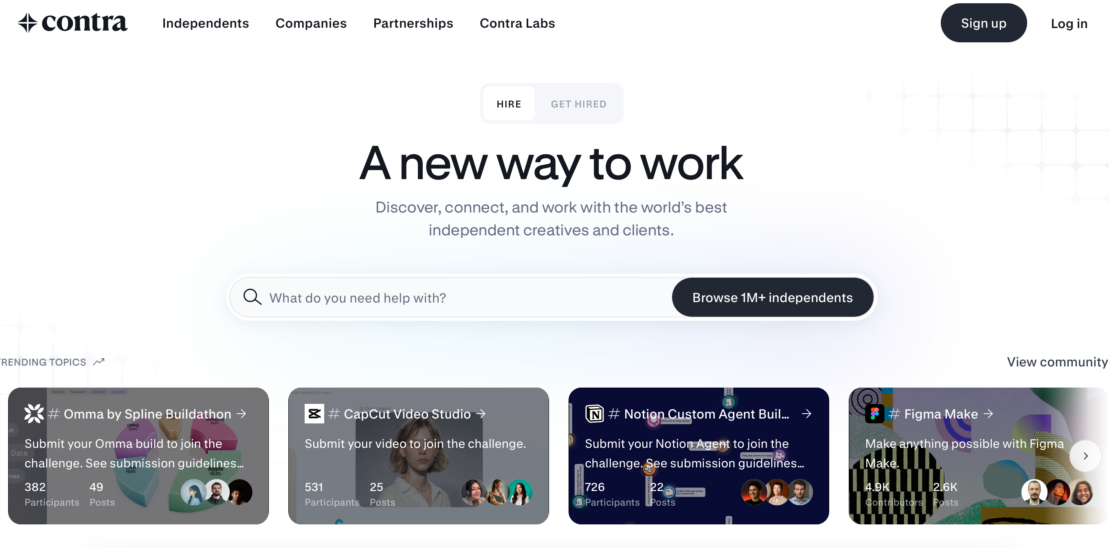
Contra is a modern freelance platform combining portfolio, networking, and payments with 0% commission. Think of it as part social network, part marketplace – built for the modern freelance economy. Contra doesn’t charge any commission, allowing freelancers to keep all their earnings. That’s a big reason why many freelancers prefer commission-free platforms – they give you more control over your earnings and working relationships.
Pros:
- no commission fees;
- strong personal branding tools.
Cons:
- paid upgrade pressure;
- smaller client pool.
Best for: you want to build a personal brand and avoid platform costs.
10. YunoJuno
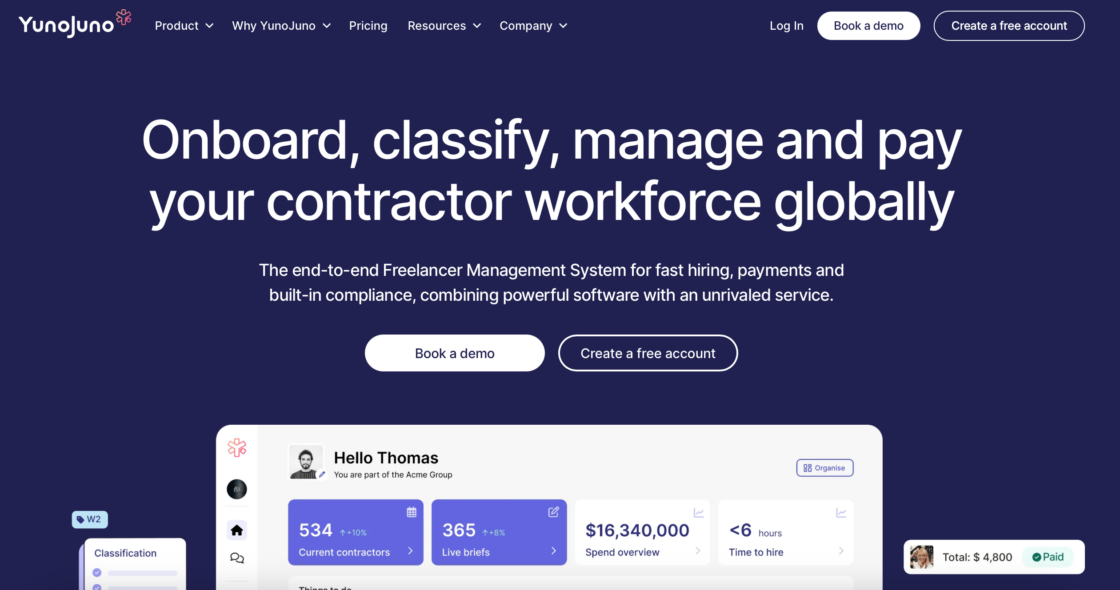
YunoJuno is a premium freelance platform connecting professionals with top brands across the UK and US. According to the platform, clients include companies like Channel 4, Deliveroo, and Monzo to find experienced freelancers in design, development, project management, and client services. The platform handles contracts, invoicing, and compliance automatically, which makes it especially attractive for senior freelancers who want to spend less time on admin.
Pros:
- high-quality clients;
- no commission charged to freelancers; platform revenue comes from clients;
- built-in contracts & invoicing.
Cons:
- strict vetting;
- limited entry-level roles.
Best for: you’re an experienced freelancer targeting premium clients.
11. SolidGigs
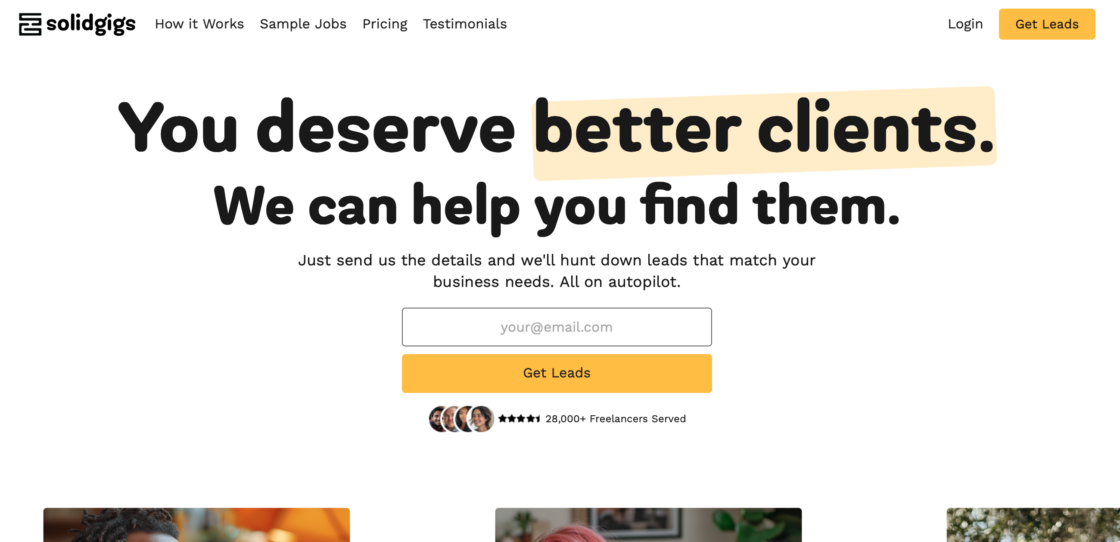
SolidGigs is a time-saving lead service for freelancers who are tired of searching job boards manually. Instead of applying on the platform itself, it curates the top 1% of freelance listings from across the web and sends them directly to your inbox every week. It’s more of a research tool than a freelance platform – you still apply directly to each opportunity.
Pros:
- saves time;
- high-quality leads.
Cons:
- monthly fee (~$35/month);
- no guarantee of work.
Best for: you want curated job opportunities instead of searching manually.
12. FlexJobs
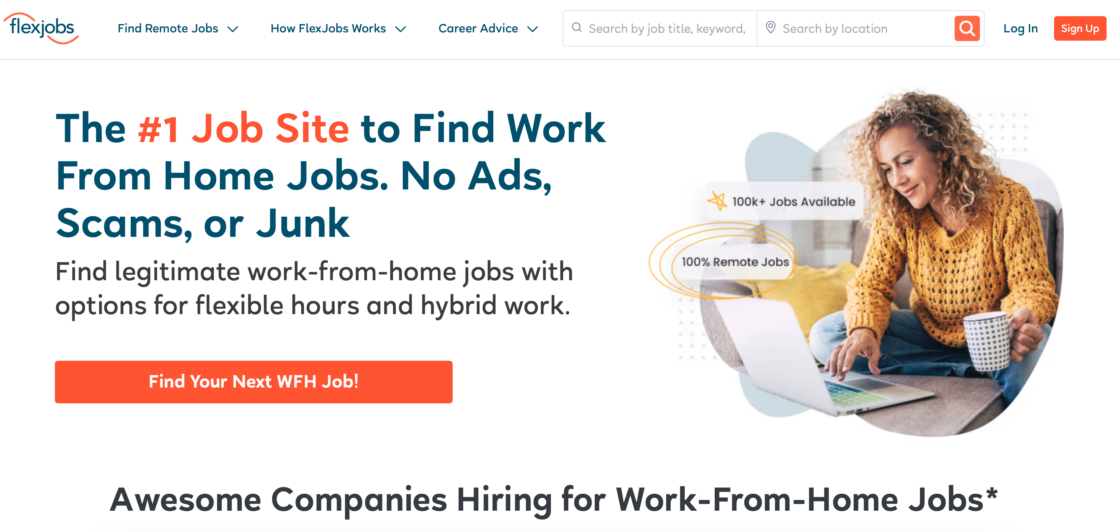
FlexJobs is a vetted job board focused on remote jobs and flexible roles. What sets it apart is its strict manual screening process – every single listing is reviewed by the FlexJobs team before it goes live. That means no ads, no scams, and no unpaid internships hidden among the results. It covers over 50 career categories, from writing and design to finance and HR.
Pros:
- scam-free listings;
- wide industry coverage.
Cons:
- paid membership (~$9.95–$49.95/month depending on plan);
- fewer short gigs.
Best for: you want reliable remote work without scams.
13. SimplyHired
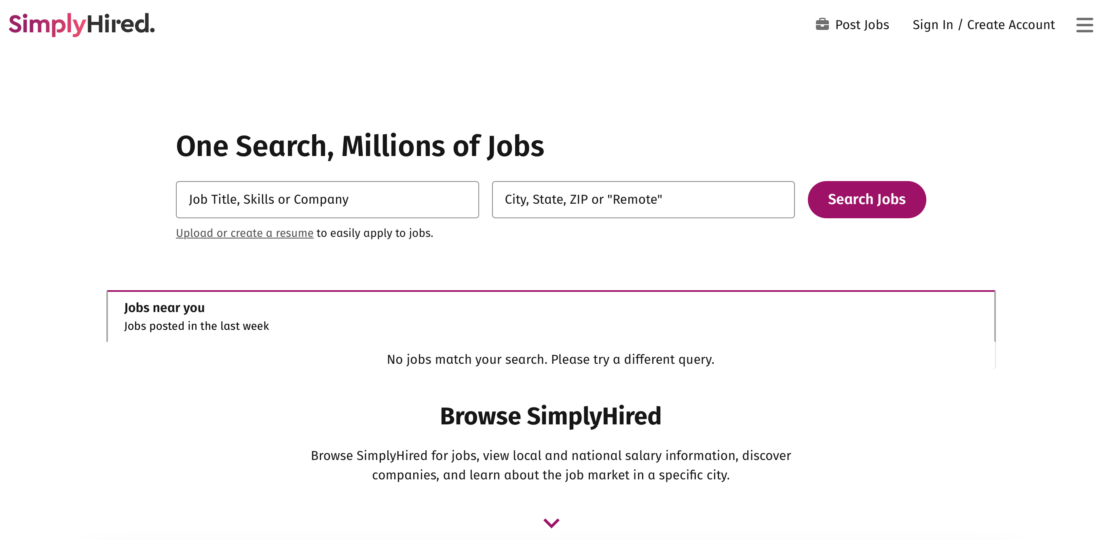
SimplyHired is a job aggregator that pulls freelance work and contract listings from hundreds of sources across the web – job boards, company sites, and staffing agencies – into a single searchable database. It’s a useful starting point when you want a broad overview of what’s available without visiting ten different sites.
Pros:
- large database;
- free for job seekers; no commission on work;
- easy search.
Cons:
- redirects to other sites;
- no personalization.
Best for: you want a broad overview of available freelance jobs.
14. Hireable
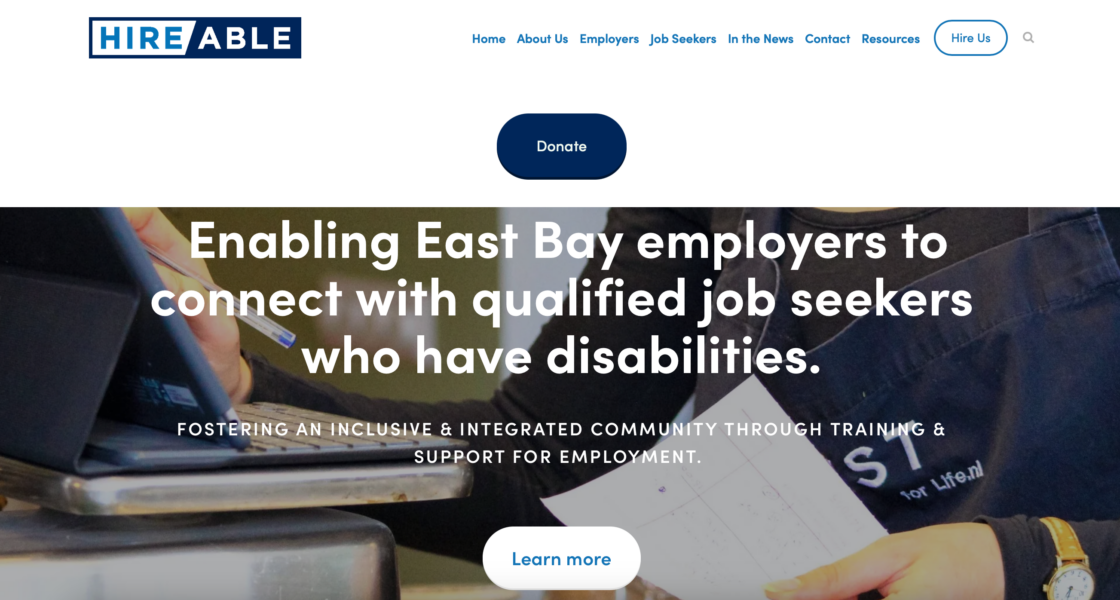
Hireable is a straightforward freelance job board that aggregates listings across multiple categories including tech, design, writing, and marketing. It’s designed to keep things simple – no complex profile setup, no bidding system, just a clean list of available opportunities you can search and filter quickly.
Pros:
- easy to use;
- free to browse and apply – no commission;
- variety of roles.
Cons:
- high competition;
- requires strong portfolio.
Best for: you want a simple, no-frills job board.
Freelance platforms for writers
15. WriterAccess
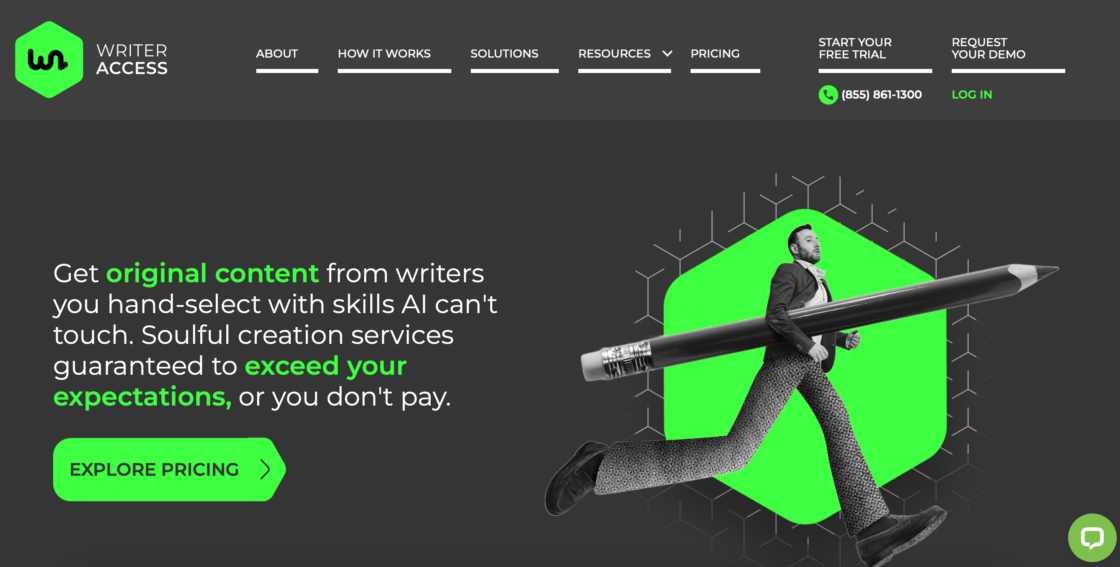
WriterAccess is a content platform connecting writers, editors, content strategists, and translators with brands via a tiered rating system. After passing an initial proficiency test, you’re assigned a star rating (2–6 stars) based on your skills and experience. Higher-rated writers get access to better-paying projects. The platform uses AI to match you with clients based on your expertise, meaning you spend less time searching and more time writing.
Pros:
- skill-based progression;
- training resources.
Cons:
- ~30% commission on each project;
- competitive.
Best for: you want structured writing work and growth.
16. Contently
Contently is a premium content platform that connects experienced writers, photographers, and videographers with major global brands. They claim to have a community of over 160,000 freelance creatives. Unlike most platforms, Contently works by matching you to clients based on your portfolio – clients come to you, rather than the other way around. Getting accepted is competitive, but rates are significantly higher than on general marketplaces.
Pros:
- high-paying clients;
- no freelancer fees.
Cons:
- hard to get accepted;
- inconsistent workflow.
Best for: you have strong previous work samples and want premium clients.
17. Skyword
Skyword is an enterprise-level content marketing platform that connects writers, designers, and video producers with global brands. Rather than applying for individual jobs, you’re matched with clients based on your skills and content expertise. It works primarily with mid-to-large businesses running ongoing content programs, which means the work tends to be consistent when it comes in – but assignment frequency can be slow.
Pros:
- higher pay rates;
- no commission charged to freelancers (Skyword earns from clients);
- managed workflow.
Cons:
- slow assignments;
- payment delays.
Best for: you prefer being matched instead of pitching.
18. Contena
Contena is a paid job board and training platform for writers. It’s a solid choice if you’re starting out in content writing and want guidance alongside job postings.
Pros:
- curated jobs;
- training included.
Cons:
- expensive membership ($99–$299 depending on plan);
- no payment protection.
Best for: you want coaching + job leads.
19. Mediabistro
Mediabistro is a job board and community for media and journalism professionals. Hundreds of media companies post writing jobs here – from editorial roles at magazines to digital content work for brands.
Pros:
- well-established in the media industry;
- free to browse and apply (no commission);
- mix of full-time and freelance roles.
Cons:
- US-focused;
- some listings require membership.
Best for: you’re a journalist, editor, or media writer looking for professional-grade opportunities.
20. ProBlogger job board
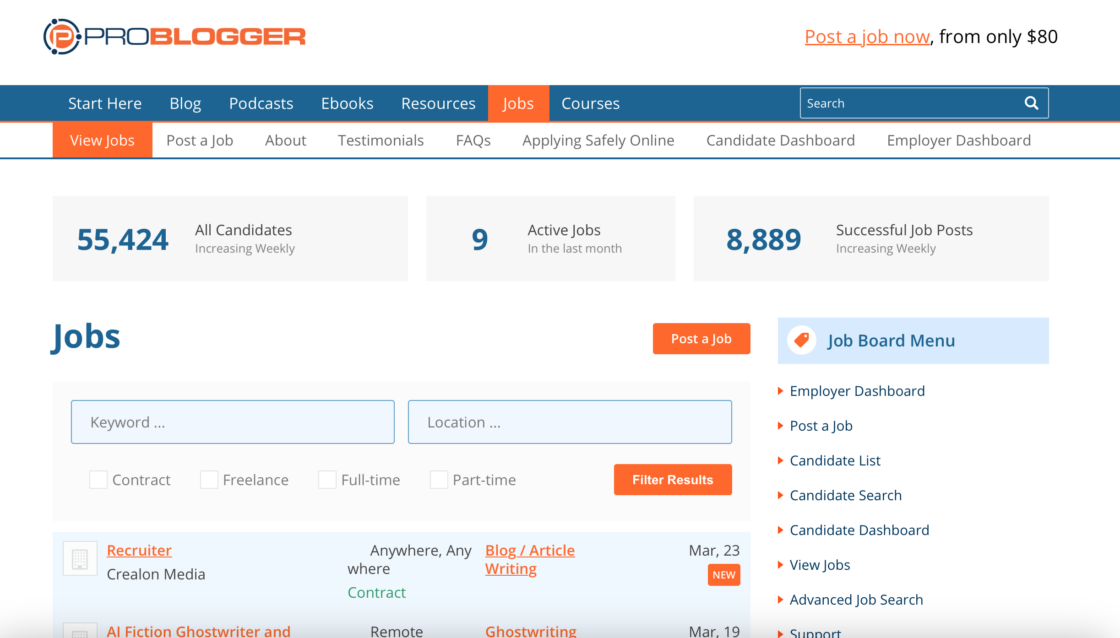
ProBlogger job board is one of the most trusted job boards for freelance writers and bloggers. Clients post writing jobs with clear briefs, making it easy to find relevant work without wading through low-quality listings.
Pros:
- high-quality, specific writing briefs;
- free to browse and apply.
Cons:
- volume of listings varies by week;
- no payment protection.
Best for: you’re a blogger or content writer looking for steady, well-specified writing gigs.
21. BloggingPro Job Board
BloggingPro is a niche job board for blogging, content writing, copywriting, and editing work. Most roles are remote-friendly and clearly specify rates and requirements upfront.
Pros:
- remote-first listings;
- no commission;
- clearly described job requirements.
Cons:
- smaller database than general boards;
- no built-in payment tools.
Best for: you want focused writing gigs without competing against developers and designers on general platforms.
Freelance platforms for designers
22. Behance
Behance is a portfolio platform with job postings and strong community features. Behance is a social network for creative talents – people build portfolios and share their creative work here. It’s ideal for graphic designers and web designers who want more exposure for their previous work.
Pros:
- huge exposure;
- free for freelancers;
- Adobe integration.
Cons:
- competitive;
- requires constant updates.
Best for: you want to showcase your portfolio and attract clients.
23. Dribbble
Dribbble is a design-focused platform combining portfolio, networking, and freelance jobs. It started as a place for designers to share work-in-progress shots and has grown into one of the most influential design communities in the world. Recruiters and clients actively browse Dribbble profiles looking for talent, which means a well-maintained portfolio can bring inbound opportunities without you having to pitch at all.
Pros:
- strong design community;
- networking opportunities.
Cons:
- paid features (~$8/month subscription);
- competitive.
Best for: you want visibility and creative networking. Dribbble Pro unlocks more posts and more exposure for your web design and graphic design work.
24. 99designs
99designs is a design contest platform and client marketplace. 99designs is tailored for designers and businesses to collaborate. It’s popular for logo design, web design, and other creative work. You can earn money through both contests and direct client work. Note that 99designs charges an initial fee of $100 to match freelancers with clients, plus a platform fee of 5% to 15% based on your earnings.
Pros:
- portfolio building;
- direct + contest work.
Cons:
- no guaranteed pay;
- platform fee of 5–15% on earnings, plus a $100 matching fee for direct projects.
Best for: you’re okay with competing in contests.
💡 Want to learn more about the platform and its alternatives? Read our article on 99designs with prices & features.
25. Designhill

Designhill is a creative marketplace offering contests, gigs, and asset sales. Graphic designers can create multiple revenue streams here – you can participate in design contests, take on one-to-one client projects, or sell your artwork as physical products through its PrintShop feature. It’s one of the few platforms that gives designers several different ways to earn without being locked into a single model.
Pros:
- multiple earning methods;
- niche focus.
Cons:
- contest risk;
- unclear pricing – varies by project type; contest winnings subject to a platform commission.
Best for: you want multiple income streams as a designer.
26. DesignCrowd
DesignCrowd is a crowdsourcing platform where clients post design briefs and freelancers submit their ideas in a contest format. With over 700,000 designers from around the world, it covers a wide range of categories including logo design, web design, social media graphics, and packaging. Clients choose the design they like best and pay only the winning submission.
Pros:
- global clients;
- portfolio building.
Cons:
- 15% commission on all payments;
- unpaid work risk.
Best for: you’re comfortable with contest-based work.
27. Smashing Magazine Jobs
Smashing Magazine Jobs is the job board run by Smashing Magazine – one of the most trusted publications for web designers and developers. According to Smashing Magazine, its website attracts over 3 million unique visitors a month and 40,000 job board visits monthly. Job categories include design, front-end engineering, back-end development, UX, marketing, and product management.
Pros:
- highly trusted in the web design and development community;
- quality listings from reputable employers;
- free to browse and apply.
Cons:
- smaller volume (40–60 new listings per month);
- most roles are senior-focused.
Best for: you’re an experienced web designer or developer looking for quality roles from employers who take their craft seriously.
28. Crowdspring
Crowdspring is a creative marketplace where designers and writers compete for projects from global clients. Over 220,000 creative professionals from 195 countries use the platform.
Pros:
- wide variety of project types;
- international client base.
Cons:
- contest-based – work is unpaid unless you win;
- 10–15% commission on contest winnings;
- competitive field.
Best for: you want to build your portfolio through contest-based work and attract clients from different industries.
29. Folyo

Folyo is a private community connecting designers with agencies and startups. Every freelancer is vetted before gaining access to client job posts.
Pros:
- curated, high-quality clients;
- less competition than open marketplaces.
Cons:
- invite-based – not open to everyone;
- smaller volume of listings.
Best for: you’re an experienced designer who wants a quieter, more curated job board with serious clients.
30. Coroflot
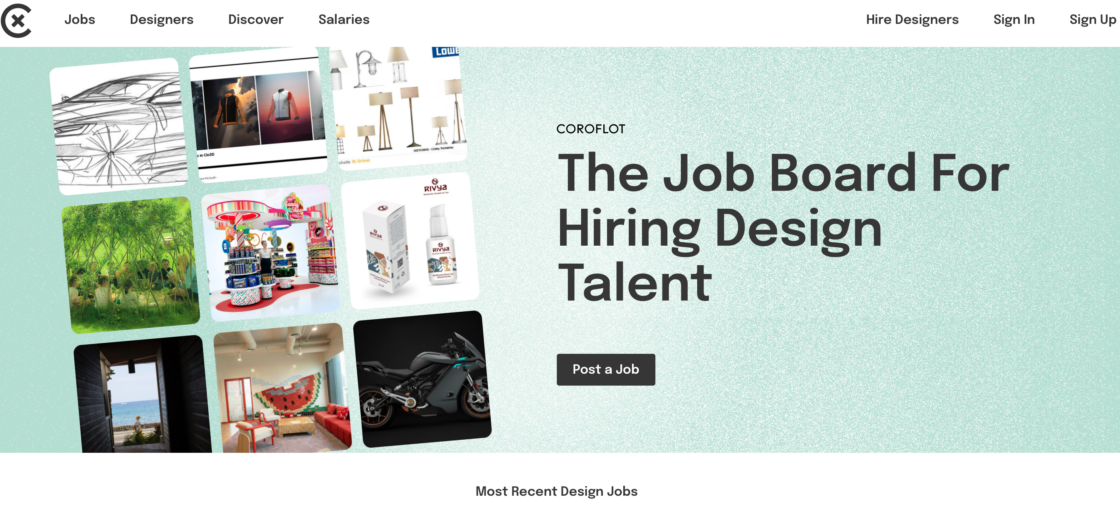
Coroflot is a portfolio and job platform for professional designers. You can search jobs by location, role, and level, and apply directly from the platform.
Pros:
- strong focus on professional design roles;
- free for freelancers;
- portfolio-first approach.
Cons:
- smaller user base than Behance or Dribbble;
- fewer freelance-specific listings.
Best for: you’re a mid-to-senior designer looking for career-level opportunities, including freelance and contract work.
31. GoLance
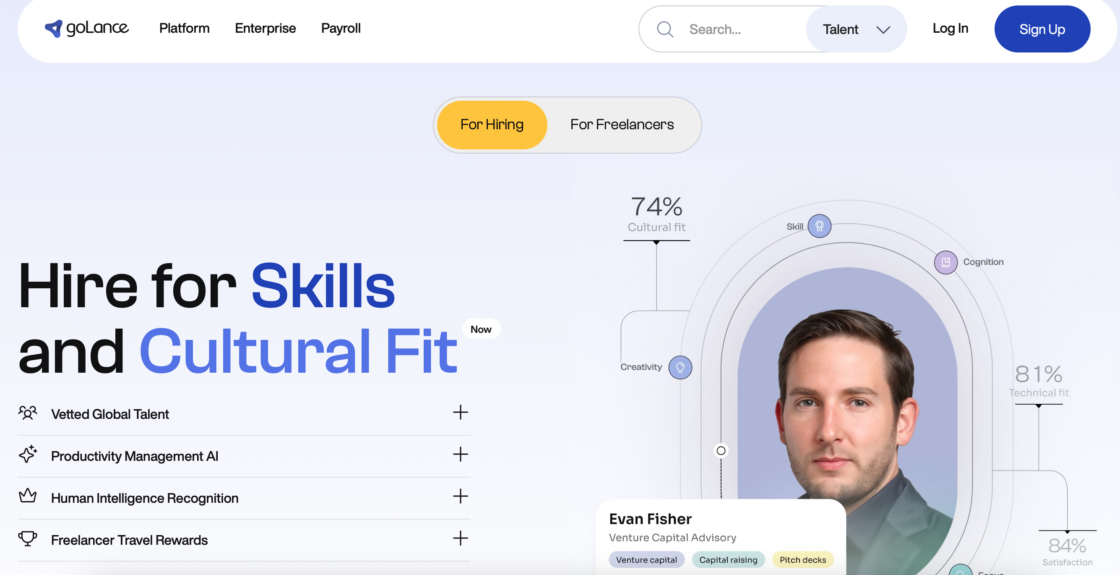
GoLance is an international freelance platform connecting skilled professionals with clients across web development, design, data entry, virtual assistant work, marketing, and writing. Clients pay no membership fee to hire, and the platform rewards loyalty with cashback when clients pay through certain methods. GoLance’s fee is notably lower than many major freelance platforms, making it attractive for experienced freelancers who want to keep more of what they earn.
Pros:
- wide range of project categories;
- 7.95% commission on all earnings;
- client cashback model encourages repeat hiring.
Cons:
- smaller platform with fewer active clients than Upwork or Fiverr;
- less name recognition.
Best for: you’re an experienced freelancer looking for a lower-fee alternative to the biggest marketplaces, with a broad range of project types.
Freelance platforms for developers
32. Codementor
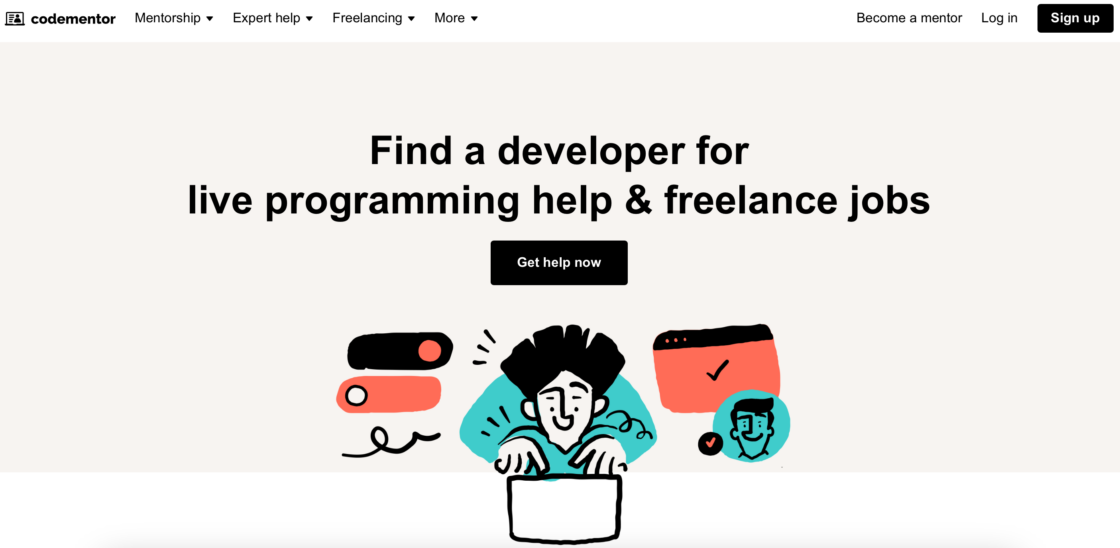
Codementor is a platform that blends freelance development work with live mentoring. You can earn money by helping other developers solve problems in real-time sessions, reviewing code, or taking on longer-term freelance projects. Unlike most freelance platforms, it lets you build income while also building your reputation as an expert in your tech stack. CodementorX, its advanced tier, connects vetted developers with longer-term, higher-value contracts.
Pros:
- multiple income streams;
- global reach.
Cons:
- their support page confirms 13–22% depending on weekly activity;
- inconsistent work.
Best for: you want to combine mentoring and freelancing.
33. Gun.io
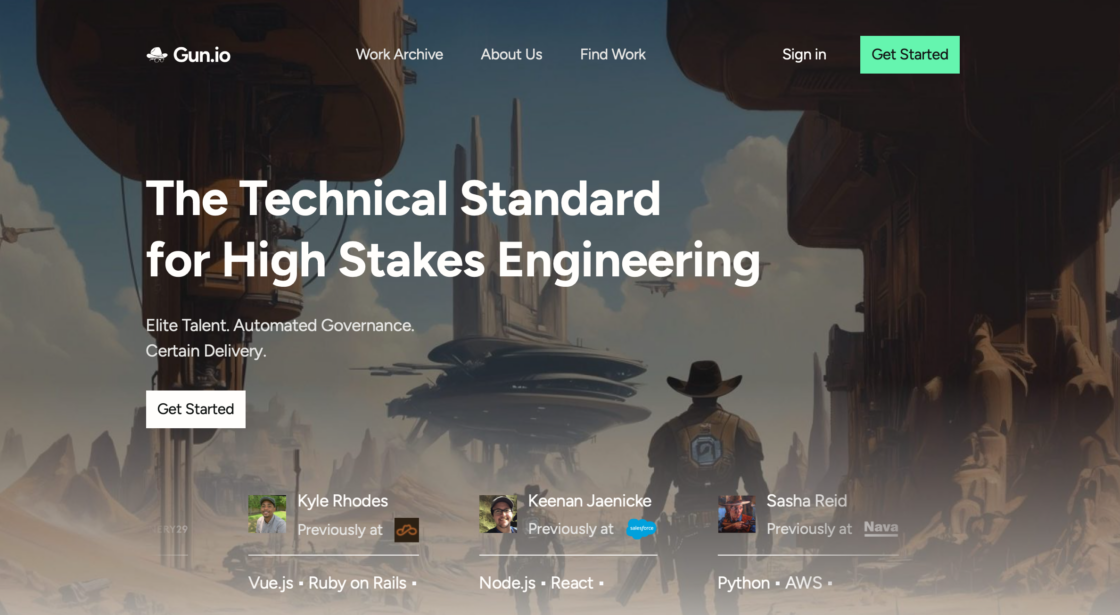
Gun.io is a high-end freelance platform for vetted developers. It screens every developer before they can join – covering technical skills, communication ability, and professional experience. Once you’re in, there’s no bidding. Gun.io matches you directly with clients based on your expertise. It focuses on quality software engineering roles including backend, frontend, QA, DevOps, and Scrum masters.
Pros:
- no bidding;
- 0% service fee for freelancers (Gun.io takes a margin from the client side)
- high-quality clients.
Cons:
- very selective.
Best for: you’re an experienced developer seeking premium work.
34. Webflow Experts
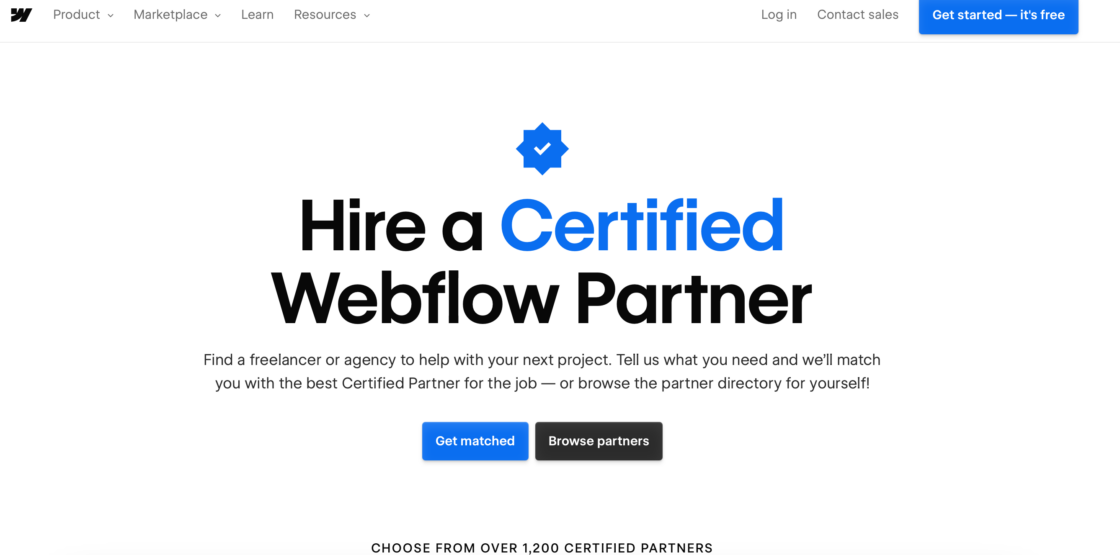
Webflow Experts is the official marketplace run by Webflow, connecting clients who need Webflow-built websites with certified designers and developers. To be listed, you need to demonstrate proven Webflow skills and pass a verification process. Because clients come here specifically looking for Webflow expertise, you face far less general competition than on broader platforms – and project rates tend to reflect that specialization.
Pros:
- high-quality projects;
- 0% – Webflow Experts operates as a directory; no commission charged;
- specialized niche.
Cons:
- limited scope.
Best for: you specialize in Webflow.
35. Flowremote.io
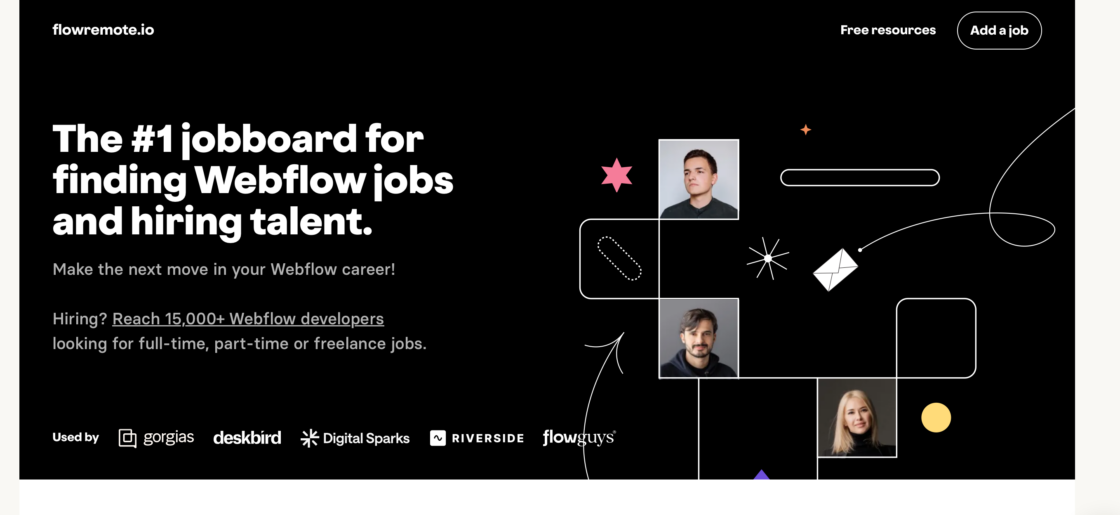
Flowremote.io is a curated remote jobs board focused on developers, designers, and Webflow specialists. Instead of competing in large open marketplaces, you browse a smaller, hand-picked selection of remote-first job postings. It’s designed to cut out the noise and surface only roles that are genuinely remote and tech-relevant.
Pros:
- curated listings.
Cons:
- free for freelancers; subscription required to access full job listings.
Best for: you want remote work dev jobs without marketplace competition.
36. Lemon.io
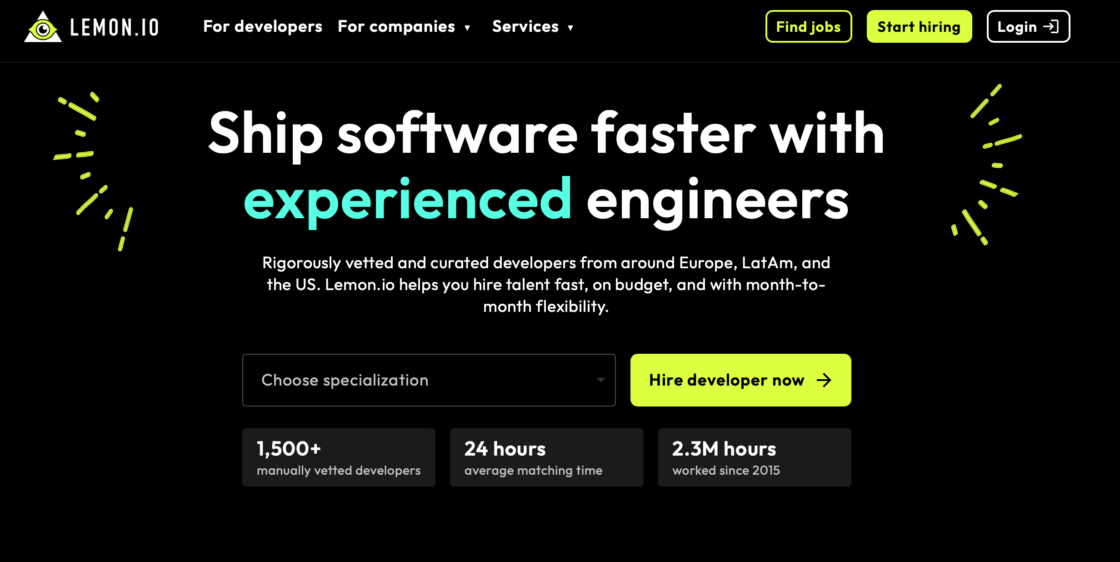
Lemon.io is a vetted marketplace that matches pre-screened developers with startups. Only about 10% of applicants pass the vetting process, which means less competition and better-quality clients.
Pros:
- rigorous vetting keeps quality high;
- 0% service fee for freelancers (Lemon.io takes a margin from the client side);
- no bidding or proposals – matches are made for you.
Cons:
- very selective screening;
- primarily focused on startups.
Best for: you’re an experienced developer who wants to skip proposals and get matched with serious tech clients.
37. Braintrust
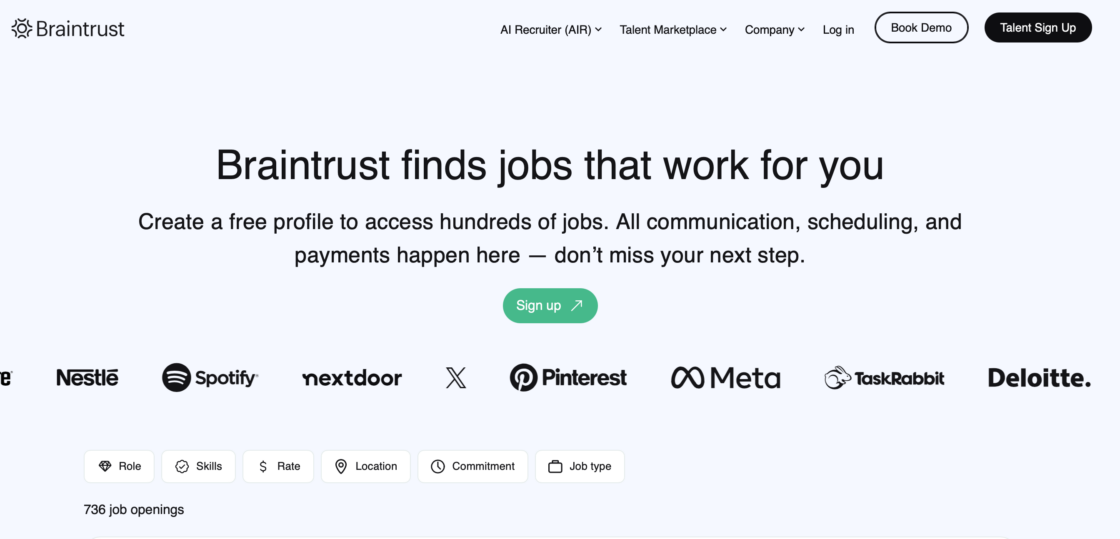
Braintrust is a talent network that charges 0% commission to freelancers – you keep 100% of your negotiated rate. This is one of the freelance platforms that run on a token-based model where governance is partially managed by the community, and clients pay a flat 10% fee.
Pros:
- 0% fee for freelancers;
- high-quality enterprise clients;
- community-governed platform.
Cons:
- newer platform with fewer listings than Upwork;
- token model may be confusing for new users.
Best for: you’re a skilled developer, designer, or marketer who wants to keep all of your earnings while working with top-tier clients.
38. Codeable
Codeable iis a well-established freelance platform exclusively for WordPress developers, known for its vetting process and specialist focus.
Pros:
- no bidding wars – clients are matched to you;
- premium rates due to specialist focus.
Cons:
- strict vetting process;
- 17.5% commission on all earnings;
- limited to WordPress only.
Best for: you’re a skilled WordPress developer who wants to work with serious clients at professional rates.
39. Flexiple
Flexiple is a network of pre-vetted freelance developers and designers who have worked at top companies like Amazon, Microsoft, and Adobe. Clients get handpicked talent recommendations, and freelancers get project rates of $30–$100 per hour.
Pros:
- strong vetting builds client trust;
- 0% service fee for freelancers (Flexiple takes a margin from the client side);
- competitive hourly rates (developer rates $30–$100/hr);
- no recruiting fees.
Cons:
- selective application process;
- primarily tech roles.
Best for: you’re an experienced developer or designer from a strong professional background who wants premium project rates.
40. ScalablePath
ScalablePath is a vetted talent marketplace connecting senior developers, designers, project managers, and AI engineers with startups and established companies. The platform serves over 30,000 professionals across 170+ countries. Every freelancer goes through a thorough interview process – including a technical screen by senior engineers and a soft skills assessment. Freelancers set their own hourly rate ($40–$65 typical range), and ScalablePath handles all billing, contracts, and international payments.
Pros:
- no fee deducted from your rate – what you set is what you earn;
- monthly payments with bank or wire transfer globally;
- educational credits earned for every hour worked;
- handles IP protection and compliance.
Cons:
- minimum engagement of 150 hours or $7,500 – not suitable for small projects;
- selective process with invitation-based project matching.
Best for: you’re a senior developer, designer, or tech leader looking for stable, long-term remote engagements with serious clients and no platform fees eating into your rate.
41. Topcoder
Topcoder is a competitive platform where developers, designers, and data scientists take on challenges from global companies. According to Topcoder, its client roster has included organizations such as NASA and GoogleWork is structured as competitions – the best solution wins.
Pros:
- access to enterprise clients like NASA and Google;
- great for portfolio building;
- no commission on prize winnings (Topcoder takes fees from clients);
- paid for winning entries.
Cons:
- no guaranteed pay for non-winners;
- competitive format may not suit all work styles.
Best for: you’re a developer or data specialist who thrives in competitive environments and wants to work on high-profile technical challenges.
Freelance platforms for marketing professionals
42. MarketerHire

MarketerHire is a vetted marketplace connecting freelance marketers with companies that need senior-level expertise. MarketerHire vets every marketer before they can join, focusing on performance marketers, SEO specialists, and social media managers.
Pros:
- premium clients seeking experienced marketers;
- 0% service fee for freelancers (MarketerHire charges clients a flat monthly fee);
- no bidding – clients reach out to you.
Cons:
- very selective – not suitable for beginners;
- fewer listings than general platforms.
Best for: you’re an experienced marketing professional who wants high-paying projects without competing in a bidding marketplace.
43. Truelancer
Truelancer is a global freelance marketplace connecting clients with skilled professionals across web development, design, content writing, mobile apps, marketing, and more. The platform operates across 195+ countries and uses AI-powered matching to pair clients with suitable freelancers. Unlike many platforms, Truelancer only charges fees to freelancers – not to clients – which makes it attractive for businesses looking to hire. With over 500,000 freelancers in its network, it has a broad range of talent across price points.
Pros:
- global reach across 195+ countries;
- AI-powered job matching;
- escrow payment protection;
- clients pay no fees, which lowers barriers to hiring.
Cons:
- 8–10% service fee per project;
- platform reputation for occasional quality inconsistency;
- some membership features required for full access.
Best for: you’re a generalist freelancer looking for a broad marketplace with global reach and a lower fee than Fiverr or Upwork – particularly good if you’re targeting international clients.
44. Remotive.io
Remotive.io is a curated remote job board where 2,500+ remote companies actively post positions. Job categories include software development, marketing, sales, design, data, and customer service.
Pros:
- high-quality remote-first listings;
- free to browse;
- includes a Slack community for networking.
Cons:
- more full-time listings than freelance-specific;
- less filtering than general platforms.
Best for: you’re a marketing or tech professional looking for remote roles with established companies who take remote work seriously.
Niche & specialized platforms
45. TaskRabbit
TaskRabbit is a local freelance platform that connects people with in-person help for everyday tasks. It’s one of the few freelance sites that bridges the gap between digital and physical freelance work. Services include furniture assembly, moving help, handyman work, cleaning, and personal errands. You set your own hourly rate, choose the tasks you want to take on, and manage your schedule through the app.
Pros:
- flexible;
- quick jobs.
Cons:
- location-based.
Best for: you want local, physical gigs.
46. LawClerk

LawClerk is a freelance platform built exclusively for licensed legal professionals. It connects freelance lawyers with law firms and solo practitioners who need support on specific legal tasks – from legal research and drafting motions to contract review and deposition summaries. Because clients are law firms rather than individuals, work tends to be more structured, professionally scoped, and consistently paid.
Pros:
- specialized work;
- LawClerk charges a subscription to law firms (freelance lawyers receive the full agreed rate with no commission deducted);
- flexible.
Cons:
- limited to law.
Best for: you’re a lawyer seeking freelance work.
47. Bark
Bark is a lead-generation marketplace that connects local professionals with potential clients. When someone posts a request for a service – whether it’s personal training, photography, tutoring, or bookkeeping – Bark alerts relevant professionals in the area. Instead of waiting for clients to find you, you get notified about leads and decide whether to respond. You pay for leads rather than commissions on completed work.
Pros:
- direct leads
- no commission on completed jobs.
Cons:
- pay-per-lead model.
Best for: you offer local services (fitness, coaching, etc.).
48. Voices
Voices is one of the world’s leading marketplaces for voice actors and audio professionals. It connects voice talent with clients in advertising, e-learning, audiobooks, video games, animation, and corporate media. You create a profile, upload demos, and clients either browse and invite you or post jobs you can audition for. Membership gives you access to thousands of paid projects from brands worldwide.
Pros:
- niche focus;
- high-quality gigs.
Cons:
- competitive;
- membership + 20% commission.
Best for: you’re a voice-over artist.
49. Kolabtree

Kolabtree is a freelance platform for scientists, researchers, and academic professionals. It connects PhD holders, postdoctoral researchers, and industry experts with businesses that need specialist scientific input – from biotech startups and pharma companies to market research firms. Typical projects include data analysis, literature reviews, regulatory writing, statistical consulting, and grant proposal support.
Pros:
- high-level projects
- Kolabtree charges a commission to clients – freelancers receive the agreed amount with a small service deduction (typically 10–15%).
Cons:
- limited jobs.
Best for: you’re in academia or science.
50. Proz.com
Proz.com is the world’s largest community for professional translators and language service providers, with over 1.1 million members. You can find translation, proofreading, editing, voice-over, and copywriting work across dozens of language pairs.
Pros:
- enormous pool of language-related projects;
- free to register.
Cons:
- competitive for high-demand language pairs;
- some features require a paid membership (~$159/year unlocks full job access and bidding).
Best for: you’re a professional translator or language specialist looking for a platform with consistent, well-matched project opportunities.
51. Clickworker
Clickworker is a micro-task platform where you can complete short, flexible jobs such as survey participation, data categorization, text correction, and research tasks. It’s one of the most accessible platforms for entry-level freelancers.
Pros:
- very low barrier to entry;
- flexible – work whenever you want.
Cons:
- pay per task is low;
- not suitable for building a long-term career.
Best for: you’re looking for supplemental income with maximum flexibility, or you’re new to freelancing and want to start earning immediately.
52. Zirtual
Zirtual is a dedicated platform for US-based virtual assistants. Zirtual only hires college-educated VAs living in the US. Task categories include inbox management, scheduling, data entry, research, and personal tasks.
Pros:
- structured, consistent work;
- no commission charged to VAs (Zirtual employs its VAs as contractors with a set hourly rate);
- clients are pre-matched to your skills.
Cons:
- US-based applicants only;
- highly selective hiring process.
Best for: you’re a reliable, organized professional in the US looking for steady virtual assistant work with clear task structures.
Remote job boards & aggregators
53. We Work Remotely
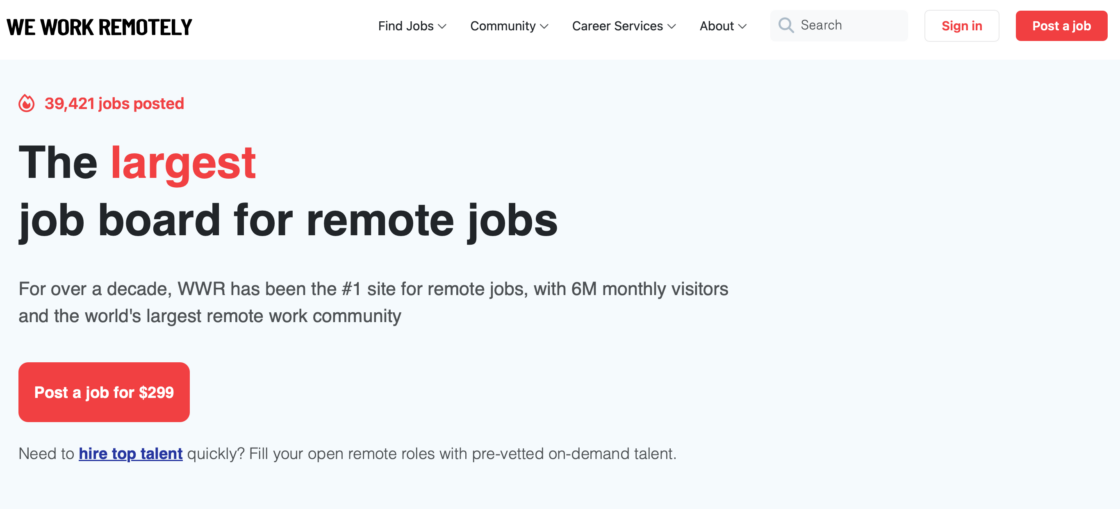
We Work Remotely is one of the most established dedicated remote job boards, attracting millions of visitors each month according to the platform. It focuses exclusively on remote jobs across tech, design, marketing, copywriting, customer support, and more. Every listing is submitted directly by companies – no scraped or aggregated content – which keeps quality consistently high. It’s free to browse and apply with no account needed.
Pros:
- high-quality remote listings;
- free to browse and apply.
Cons:
- no profile matching;
- no freelancer tools.
Best for: you want a straightforward remote jobs board without platform fees.
54. Authentic Jobs
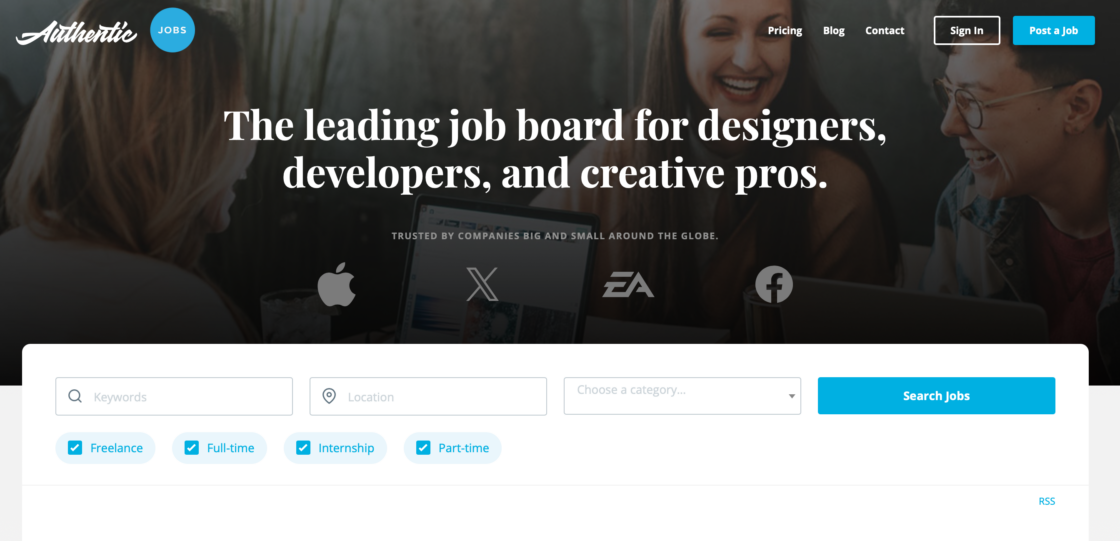
Authentic Jobs is a long-running curated job board for designers, developers, and creative professionals. It was one of the first job boards to focus specifically on the web and design industry, and it maintains a reputation for listing quality roles from reputable companies. Job categories include front-end and back-end engineering, UX and product design, marketing, customer support, and operations.
Pros:
- high-quality, trusted listings;
- free to browse and apply;
- strong focus on tech & design.
Cons:
- limited short-term gigs;
- more senior-focused.
Best for: you’re a creative professional seeking reputable clients.
55. Wellfound (AngelList Talent)
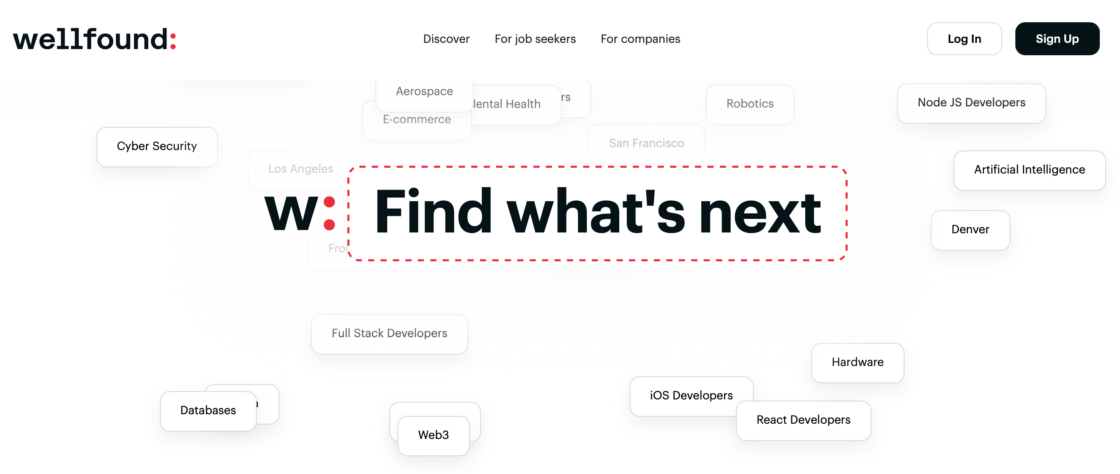
Wellfound – formerly AngelList Talent – is the leading platform for startup jobs and freelance opportunities. Over 10,000 startups post jobs here across roles in engineering, design, marketing, sales, and operations. What sets Wellfound apart is its transparency: every listing shows salary ranges, equity details, and company funding information upfront. You can also see which investors back each company, which helps you judge stability and growth potential before applying.
Pros:
- direct founder access;
- free for job seekers;
- transparent salaries.
Cons:
- tech-focused;
- fewer beginner roles.
Best for: you want to work with startups and value transparency on pay and company culture.
56. LinkedIn Jobs
LinkedIn Jobs is a job board built into the world’s largest professional network. With over 900 million members, LinkedIn lets you apply for freelance and contract roles directly, and be discovered by recruiters through your profile.
Pros:
- massive reach – recruiters actively search here;
- free to browse and apply;
- integrates with your professional profile and network.
Cons:
- high competition on popular listings;
- not freelance-specific – most listings are full-time.
Best for: you want to combine a strong professional profile with active job searching, and you’re open to both freelance and contract opportunities.
57. Indeed
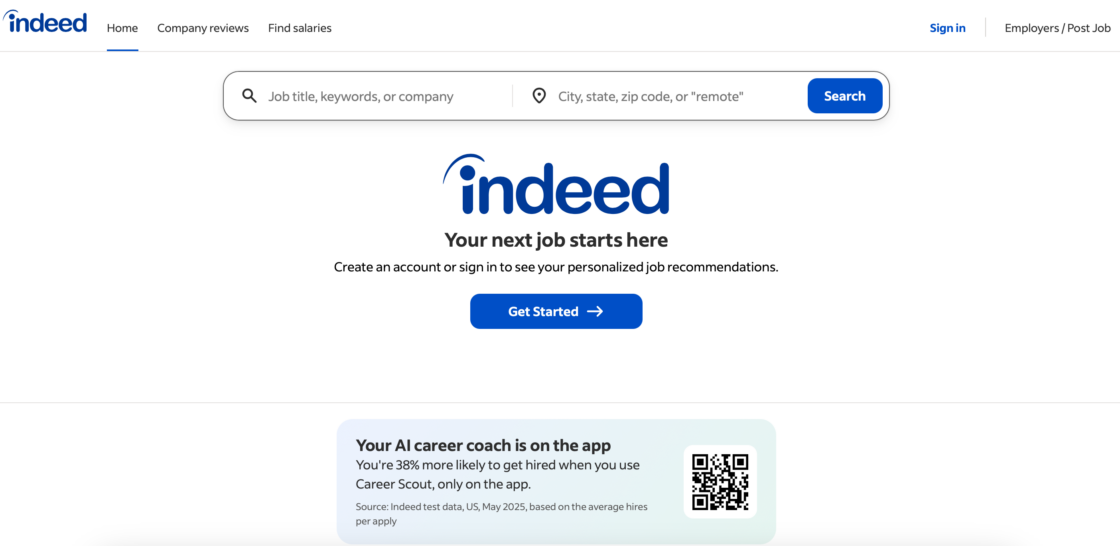
Indeed is one of the world’s largest job aggregators, consistently ranking among the most-visited employment sites globally.
Pros:
- enormous database of listings;
- easy search with strong filters;
- free to use.
Cons:
- quality varies widely;
- no freelancer profile or portfolio tools.
Best for: you want a high-volume job board to supplement your search on specialist platforms.
58. Jooble
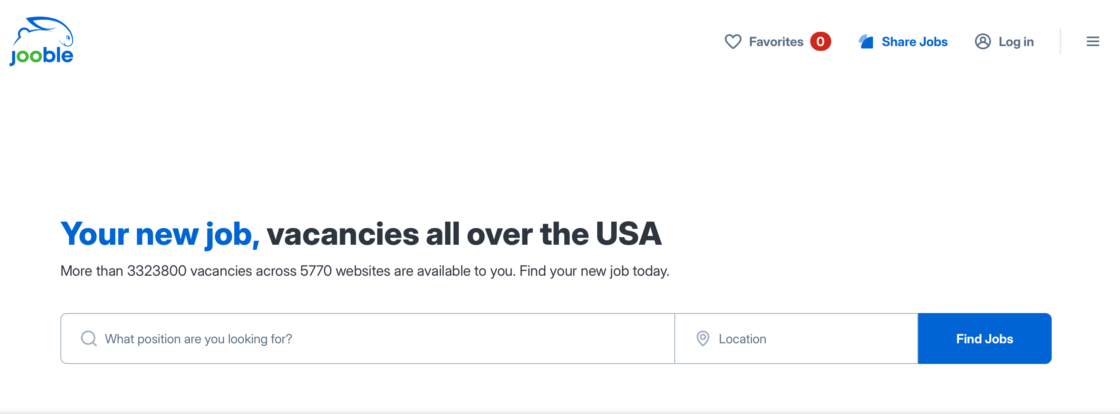
Jooble is a job search engine that, according to the platform, aggregates listings from over 140,000 sources worldwide – including corporate sites, job boards, platforms, and classifieds. No account needed to start searching.
Pros:
- centralizes job discovery from thousands of sources;
- email alerts for your saved searches;
- free to browse and apply;
- no signup required.
Cons:
- redirects to external sites to apply;
- no freelancer profile or payment tools.
Best for: you want a single search engine that pulls together freelance opportunities from across the entire internet.
59. Hubstaff Talent
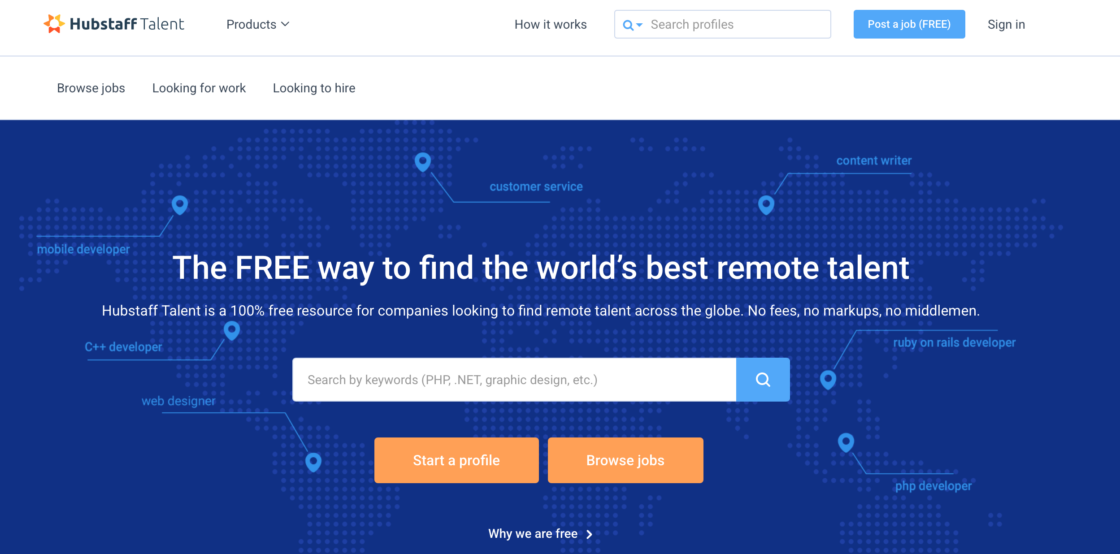
Hubstaff Talent is a completely free talent marketplace – no fees for freelancers or clients. Hubstaff Talent lets you create a profile, set your rate, and be discovered by companies without any bidding or platform commissions.
Pros:
- 0% fee for both freelancers and clients;
- integrates with Hubstaff time tracking tools.
Cons:
- smaller client pool than major platforms;
- you need to bring visibility to your profile.
Best for: you want a no-fee alternative to Upwork or Fiverr, especially if you already use Hubstaff for time tracking.
60. Outsourcely
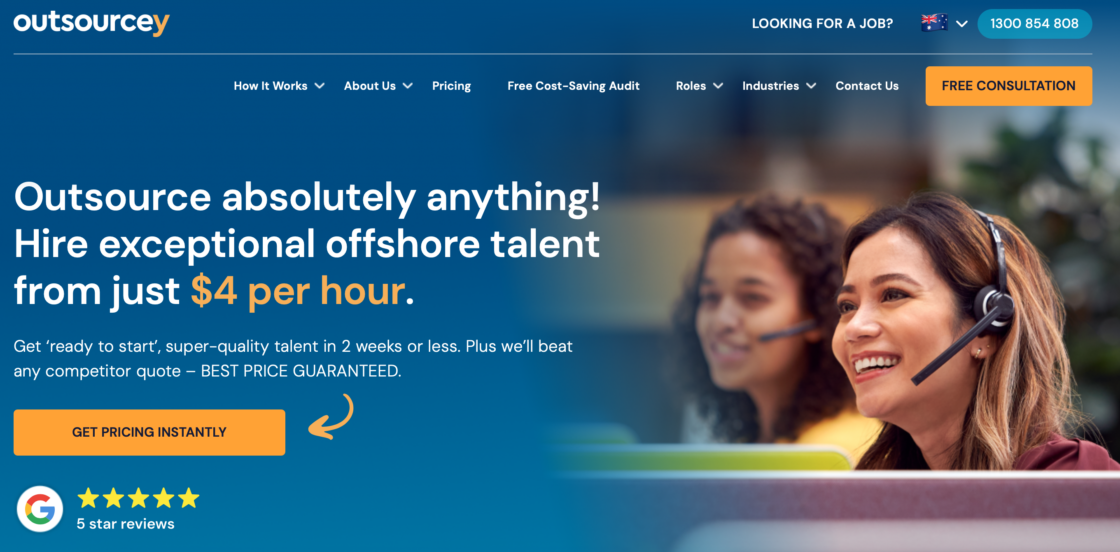
Outsourcely is a remote work platform connecting freelancers with startups and growing businesses for long-term, full-time remote roles. Unlike per-project platforms, Outsourcely focuses on ongoing working relationships.
Pros:
- designed for long-term remote work, not one-off gigs;
- no per-project fees.
Cons:
- smaller platform with fewer listings;
- less suitable for freelancers who prefer short-term projects.
Best for: you’re a freelancer looking for stable, long-term remote roles with consistent income – rather than juggling multiple short-term projects.
Freelance platform selection checklist
Use this checklist before you sign up to any freelance platform:
☐ Does it serve my industry or skill area?
☐ Have I checked the fee structure (freelancer fees AND withdrawal fees)?
☐ Does it offer escrow or payment protection?
☐ Are there recent, real reviews from freelancers (not just clients)?
☐ Does it support my preferred payment method (PayPal, bank transfer, etc.)?
☐ Is there a mobile app for managing projects on the go?
☐ Does it allow me to build a portfolio or profile I own?
☐ Can I build long-term client relationships, not just one-off gigs?
If you can check all eight boxes, you’ve found a strong platform match.
Common mistakes freelancers make on freelance platforms
Avoid these errors, especially when starting out:
- Choosing the most popular platform instead of the most relevant one. Upwork is huge – but if you’re a voice actor, Voices.com will get you results faster.
- Ignoring fees until after signing up. Calculate your real take-home rate before setting your prices.
- Setting rates too low to “get started.” Underpricing attracts poor-quality clients and is hard to reverse.
- Not using contracts on commission-free freelance platforms. Zero fees are great – but without a contract, you have no protection if a client disappears.
- Going inactive between projects. Platforms reward consistent activity. Log in, update your profile, and respond to messages regularly.
- Working on too many platforms at once. It’s better to be highly visible on two platforms than invisible on ten.
Tips to maximize success across freelance platforms
Working across multiple freelance platforms can be rewarding, but it requires strategy. Here’s how to grow your freelance work business.
Profile & portfolio tips
Your profile is your first impression – make it count.
- Highlight your skills and experience. Use clear, concise descriptions of what you offer. Tailor your profile to the platform’s audience.
- Showcase a portfolio. Include samples of previous work. Platforms like Behance and Dribbble let creatives display visual work, while WriterAccess supports writing samples.
- Keep it updated. Add recent projects, new skills, and testimonials. Active profiles attract many clients. Investing in education and continuously improving skills is crucial for freelancers’ success.
- Optimize for search. Use keywords relevant to your niche to appear in platform searches.
Pro tip: use custom portfolio sections when possible – decision makers and clients like to see relevant work examples before they hire professionals. Investing in education and continuously improving your skills is also crucial for success – platforms reward profiles that show growth over time.
How to win bids / gigs on freelance platforms
Winning your first gig takes strategy and persistence.
- Craft personalized proposals. Show you understand the client’s project and explain how you’ll solve their problem.
- Price strategically. For new clients, competitive pricing can help you build a reputation. Gradually increase your rates as you gain experience – remember, the higher your level, the more you can charge.
- Respond quickly. Fast replies show professionalism and reliability.
- Use platform tools. Many freelance sites, like Upwork, provide bid analytics or AI tools to help you tailor proposals.
High competition on freelance platforms can drive down prices, leading to lower pay – especially for beginners. The best way to counter this is to specialize and build a strong track record, rather than competing on price alone.
Building long-term client relationships
Repeat clients are the key to stable income on any freelance platform.
- Communicate clearly. Set expectations for deliverables, deadlines, and revisions. Define expectations, deadlines, and payment terms from the start to avoid issues.
- Exceed expectations. Deliver on time and with high quality to build trust.
- Follow up. After completing a project, check in to see if clients need more help.
- Offer ongoing services. Suggest packages, retainer agreements, or recurring work. Project managers at larger companies especially value freelancers who deliver reliably over time.
Using multiple freelance platforms strategically
Working across several freelance platforms can maximize your exposure – if done smartly. Stay active in online communities to boost your visibility beyond the platforms themselves – forums, LinkedIn groups, and niche Slack communities are all valuable.
- Diversify your presence. Use both niche and general freelance sites to reach different hiring companies. The quality of job postings is as important as the quantity when selecting a freelance platform.
- Avoid overextending. Focus on platforms that match your skills and goals. Quality matters more than quantity.
- Cross-promote your portfolio. Include links or examples that show your versatility across other platforms.
Pro tip: track which platforms generate the most job opportunities and prioritize those for high-value projects.
Managing payments, taxes, and contracts
Stay organized to protect your income.
- Payment methods. Use secure options like PayPal, Payoneer, bank transfer, or wire transfer. Platforms with escrow systems reduce payment risk and provide payment protection.
- Understand fees. Factor platform fees into your pricing. Be aware of additional fees tied to withdrawal methods or currency conversion.
- Track income for taxes. Keep records of all payments, including tips and bonuses, to simplify tax reporting.
- Contracts & agreements. Use platform contracts or independent agreements to clearly define payment terms, project scope, and deadlines.
Pro tip: tools like QuickBooks or Wave can help you track hours worked, manage invoicing, and stay on top of your finances efficiently.
Conclusion on freelance platforms: take control of your freelance success
Finding freelance jobs is only half the battle – true success comes from strategy, consistency, and smart choices. Choosing the right freelance platforms is important, but it’s how you use them that makes the difference. Optimize your profile, submit tailored proposals, build lasting client relationships, and manage payments well. These habits turn freelance opportunities into a sustainable career.
Experimenting with multiple freelance platforms can expand your reach, diversify your income, and help you discover the clients and projects that align best with your skills and goals. The freelance economy is vast – the more strategic you are, the more control you have over your business.
Take the next step: sign up for Useme to simplify managing contracts and secure payments – giving you more time to focus on what you do best: delivering exceptional work and growing your freelance work career.
FAQ on freelance platforms
What is a freelance platform?
A freelance platform is an online marketplace that connects independent workers with clients. Unlike traditional employment, freelancers work on a project or contract basis. They’re not employees – they’re self-employed professionals. Platforms make this possible at scale. Instead of finding clients through personal networks, freelancers can access thousands of businesses in one place.
What are the best freelance websites for beginners?
Useme is one of the easiest platforms to get started on – you can start from a demo to see how it works. Plus, it has a large volume of small jobs. Upwork is also popular for beginners who are comfortable writing proposals. Start with one platform, build your profile, and collect your first reviews before expanding.
Which freelance platform has the lowest fees?
Contra, Arc, Braintrust, and Hubstaff Talent charge 0% commission to freelancers. Guru charges a combined fee of approximately 5–9% depending on your membership plan. In the case of Useme, the service fee is 4.99% but it’s paid by only one party to the contract, which makes the offer much more cost-effective compared to other platforms. Traditional platforms like Fiverr (20%) and Upwork (approximately 10%) charge significantly more. Always calculate your real take-home rate before setting prices on any platform.
Can I use multiple freelance platforms at the same time for my freelance work?
Yes – and it’s a smart strategy. Using two or three platforms diversifies your income and reduces risk if one platform slows down. Focus on freelance platforms that suit different goals. For example, use Useme for long-term contracts and Fiverr for quick, fixed-price jobs.
How do I avoid scams on freelance platforms and get paid without problems?
Stick to platforms with escrow payment systems. Never accept payment outside the platform before work is complete. Check a client’s rating and review history. Avoid jobs that seem too vague or too well-paid for the work described. When in doubt, ask for a signed contract before starting.
Which freelance platforms are best for designers for logo design, etc.?
Behance, Dribbble, and 99designs are the most design-focused platforms. Behance is great for portfolio exposure. Dribbble Pro helps you attract clients. 99designs suits logo and graphic design work. For curated, invitation-based work, Folyo is worth exploring. For web design specifically, Webflow Experts connects you with clients who need Webflow-specific skills.
This article was created with the assistance of AI technology.
| Author: Ela Binkowska |