

New platforms now offer different approaches to invoicing, escrow protection, tax handling, contractor compliance, and global payments. Some focus on individual freelancers who want to get paid fast and stay compliant. Others are built for businesses that hire contractors at scale and need legal clarity.
This variety is good news – but it also makes choosing a tool harder.
In this article, we compare leading Xolo alternatives that are relevant for U.S. freelancers and U.S. businesses working with independent contractors. We focus on real-world use cases, not marketing claims. You’ll see where each platform fits, who it’s best for, and what trade-offs to expect.
Whether you freelance full-time, hire contractors occasionally, or manage a distributed team, this guide will help you find a solution that matches how you actually work – not just how a platform is advertised.
Xolo alternatives – key takeaways
- Xolo alternatives like Deel and Remote offer better U.S. tax compliance support, including 1099 handling that Xolo lacks.
- Freelancers should prioritize platforms with escrow protection and demo modes – Useme offers both, while Xolo provides neither.
- U.S. businesses hiring globally need platforms built for scale – Rippling, Oyster, and Papaya Global handle multi-country compliance better than Xolo.
- Payment speed matters – Useme processes 80% of withdrawals within 24 hours compared to Xolo’s 1 working day minimum.
What is Xolo?
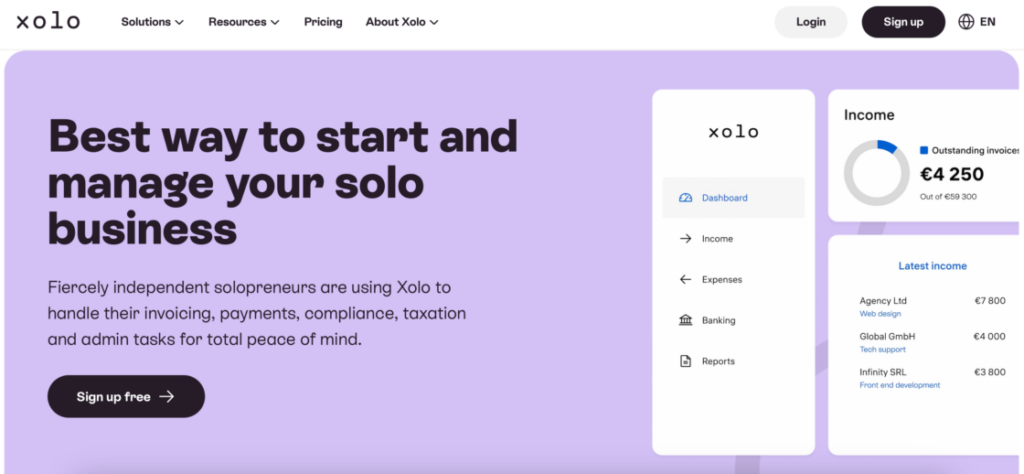
Xolo is a platform designed to reduce the administrative burden that comes with freelance and independent work. Xolo’s primary goal is to simplify the business setup process for entrepreneurs, focusing on accounting and administrative tasks.
The service started in Europe and is closely connected to Estonia’s digital business ecosystem. Over time, it expanded to support freelancers and small teams who want a simple way to operate internationally without setting up complex local structures. Xolo has recently started accepting pre-registered companies as clients, expanding its service offerings beyond just new businesses. They offer several plans that scale with your needs, like Xolo Go (designed for freelancers who don’t run a company) or Xolo Leap (built for running an Estonian company).
What Xolo does
Xolo combines several functions into one system:
- issues invoices on behalf of freelancers or their companies;
- handles basic administrative and accounting tasks, including generating invoices and managing accounting documents;
- supports contractor payments and expense tracking;
- offers optional company setup and compliance tools.
Xolo also provides support for company formation and can assist with company registration for users who need a legal business address to operate internationally.
Who typically uses Xolo
Xolo is most commonly used by:
- independent contractors who work with international clients;
- digital nomads who want a location-independent setup;
- small teams or founders testing ideas before fully incorporating.
Many users choose Xolo to avoid setting up a company too early or to simplify operations while working across borders.
Strengths and limits for U.S. users
For U.S.-based freelancers, Xolo can be appealing if you work mainly with non-U.S. clients or want a lightweight way to manage invoicing and admin. The platform is especially useful for people who prefer an international setup rather than forming a U.S. company right away.
That said, there are limits to consider. Xolo is built around European regulations and doesn’t focus heavily on U.S.-specific requirements such as 1099 reporting or state-level compliance. For U.S. businesses hiring contractors, this can mean extra work outside the platform.
U.S. businesses may also need more complex tax advice or specialized legal support that falls outside Xolo’s European-focused service model. Additionally, features like contract management and risk management may require supplementary tools for companies operating primarily in U.S. markets.
In short, Xolo works well for certain global use cases – but depending on your location, clients, and tax obligations, an alternative may offer a better fit.
How we evaluated Xolo alternatives
Now, not every tool that looks like Xolo solves the same problems. Some focus on payments, others on compliance, and some on finding talent. To make this comparison useful, we evaluated each alternative using practical criteria that reflect how freelancers and businesses in the U.S. actually work.
Freelancer payment processing
Getting paid quickly and reliably is a top priority for freelancers. We looked at how each platform handles invoicing, payout speed, supported payment methods, and currency conversion. For businesses, this also affects how easy it is to pay contractors without delays or manual work.
Global contractor compliance
Many freelancers work with international clients, and many U.S. companies hire talent outside their home state or country. We reviewed whether each tool helps manage legal and compliance risks when working across borders, including contract structure and worker classification support.
Ease of onboarding
Time matters. Platforms with long setup processes or complex requirements can slow down projects before they even start. We compared how quickly freelancers can begin billing clients and how easily businesses can onboard new contractors.
Pricing and fees
Transparent pricing is critical on both sides of the marketplace. We examined subscription costs, per-payment fees, hidden charges, and how pricing scales as usage grows. For freelancers, small percentage differences can add up. For businesses, unclear pricing makes budgeting harder.
Additional features that add real value
Beyond basic payments, we evaluated features that reduce risk and manual work, such as:
- contract creation and digital signatures;
- escrow or payment protection;
- VAT or sales tax handling;
- HR or contractor management tools;
- time tracking and project management integration;
- support for multiple bank accounts or access to a banking marketplace;
- legal services and legal templates for contractor agreements.
For small businesses and growing teams, we also considered whether platforms support various industries – from digital services and web design to companies selling physical products or working in e-commerce. The ability to serve a broad range of business models matters, especially as companies scale.
These features can significantly reduce friction for long-term collaborations.
U.S.-specific tax considerations
Many platforms are global, but not all of them account for U.S. requirements. We paid close attention to whether tools support:
- 1099 reporting for independent contractors;
- U.S. tax documentation and records;
- state-level compliance considerations.
We also evaluated whether platforms connect you with accounting software, offer pre-made accounting packages, or provide access to more complex tax advice when needed. Managing cash flow and outgoing payments efficiently often depends on having clear accounting documents and annual reports that meet U.S. standards.
This is especially important for U.S. businesses, but freelancers also benefit from clearer tax records.
Why these criteria matter
For freelancers, the right platform means less admin work, faster payments, and fewer legal headaches. For businesses, it means reduced compliance risk, smoother workflows, and confidence that contractors are paid correctly and on time.
By using these criteria, we focused on tools that save time, reduce complexity, and support sustainable freelance relationships – not just software that looks good on paper.
Xolo vs alternatives
Once we know the specific features we’re looking for, it’s time to check out Xolo alternatives that may fulfill all your needs. Let’s start with a concise and feature-focused table comparison.
Head-to-head comparison table
| Feature / tool | Xolo | Useme | Deel | Remote | Gusto | Upwork | Fiverr | Rippling | Oyster | Papaya Global |
| Batch payments | ✓ | ✓ | ✓ | ✓ | ✓ | ✗ | ✗ | ✓ | ✓ | ✓ |
| Compliance & tax support | ✓ | ✓ | ✓ | ✓ | ✓ | ✗ | ✗ | ✓ | ✓ | ✓ |
| Escrow protection | ✗ | ✓ | ✗ | ✗ | ✗ | ✓ | ✓ | ✗ | ✗ | ✗ |
| Online invoice generation | ✓ | ✓ | ✓ | ✓ | ✓ | ✓ | ✓ | ✓ | ✓ | ✓ |
| U.S. tax forms support | ✗ | ✗ | ✓ | ✓ | ✓ | ✗ | ✗ | ✓ | ✓ | ✓ |
| Payout methods | Bank account, Payoneer (€50 min) | Wise, Payoneer, PayPal, bank account | Bank transfer, multiple methods | Bank transfer, local methods | Direct deposit, wire | Bank transfer, PayPal, Payoneer, multiple methods | Bank transfer, PayPal, Payoneer, multiple methods | Direct deposit, check, cards | Bank transfer, local | J.P. Morgan network |
| EOR service cost | ✗ | ✗ | $599 PEPM | $599 PEPM | Partnership with Remote for EOR services | ✗ | ✗ | $499–599 PEPM | $699 PEPM | From $599 PEPM |
| Native 1099 handling | ✗ | ✗ | ✓ | ✓ | ✓ | ✗ | ✗ | ✓ | ✓ | ✓ |
| Demo mode | ✗ | ✓ | ✗ | ✗ | ✗ | ✗ | ✗ | ✗ | ✗ | ✗ |
| Payment speed | 1 business day | 80% within 24 hrs | 1–3 business days | 1–3 business days | Depends, from next-day to 4-day pay | 5–10 days | 14 days (standard) | 1–3 business days | 1–3 business days | 1–3 business days |
Best Xolo alternatives for freelancers
As you can see, not all Xolo alternatives serve freelancers in the same way. Some focus on safe payments and admin support, while others are built around finding clients. Below are the options that matter most for freelancers, depending on how and where you work.
Useme – best all-around option for independent freelancers
Useme is built for freelancers who want to focus on delivering work, not managing paperwork. It lets freelancers invoice clients without running a company, protects payments through escrow, and reduces paperwork for cross-border work.
Pros:
- escrow protection on every payment – unlike Xolo, which has no escrow system;
- demo mode lets you test the workflow risk-free before committing;
- monthly fee cap at $99 – after reaching this limit, you pay zero commission for the rest of the month;
- freelancer marketplace to find new clients and projects;
- 80% of withdrawals processed within 24 hours;
- batch payments for clients – businesses can pay multiple freelancers at once.
Cons:
- limited to freelance work – not designed for hiring teams or full payroll;
- no native 1099 handling – you manage your own tax documentation;
- fewer features for businesses compared to platforms like Rippling or Deel.
Best for:
- solopreneurs;
- freelancers working with international clients;
- creatives, developers, and consultants who value payment security;
- high-income freelancers who want predictable costs (thanks to the monthly limit).
Pricing comparison: Useme charges 4.99% with a monthly limit, while Xolo charges 5.9% with no upper limit – making Useme significantly cheaper for high-earning freelancers.
“The organizational part of freelancing doesn’t go away entirely. But Useme helps me focus on what matters most – building client relationships, delivering quality work, and growing my skills.”
Janek Krasoczko, a freelancer working in the game development industry
Deel – best for freelancers working with global teams
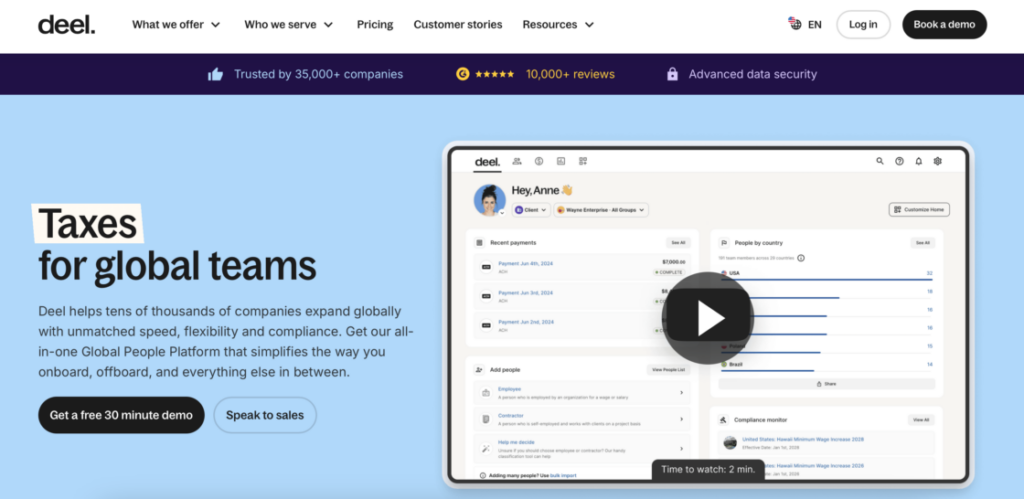
Deel is a leading platform for global payroll, compliance, contracts, and onboarding for international teams. It supports independent contractors and Employer of Record (EOR) models, making it useful for freelancers embedded in larger, global environments.
Pros:
- strong compliance focus with legally sound contracts in 150+ countries;
- Employer of Record (EOR) models available for complex engagements;
- native 1099 handling and U.S. tax support;
- supports both one-time and recurring contractor payments;
- integrated with major accounting and HR systems.
Cons:
- no escrow protection for freelancers;
- feels heavy and complex for short projects or solo work;
- higher cost at $49/month per contractor;
- no demo mode to test before committing.
Best for:
- freelancers working long-term with foreign companies;
- contractors paid on a recurring basis;
- professionals embedded in structured international teams.
❓Want to learn more about Deel platform? Check our comparison of 11 best Deel alternatives.
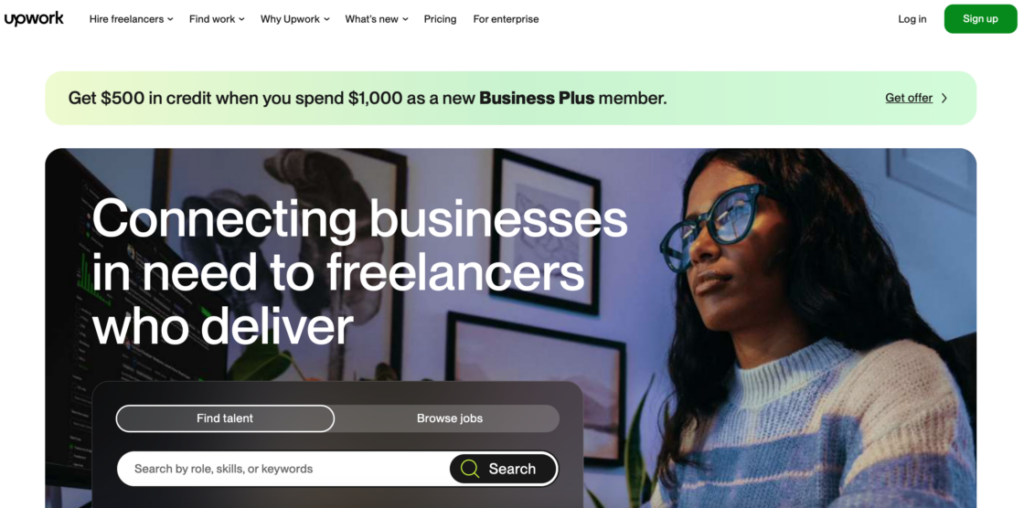
Upwork – best for experienced freelancers seeking high-value clients
Upwork offers access to large clients and long-term projects across many industries. Communication and collaboration tools are strong, and payments are handled inside the platform.
Pros:
- access to major clients and high-budget projects;
- built-in project management features to track deliverables and manage multiple engagements;
- escrow protection on all payments;
- strong communication and collaboration tools;
- payments handled within the platform.
Cons:
- no native 1099 handling – you manage your own tax documentation;
- high competition makes it difficult for newcomers;
- commission ranges from 5-20% depending on client relationship;
- steep learning curve to build a strong profile;
- payment processing takes 5-10 days.
Best for:
- skilled freelancers with strong portfolios;
- professionals looking for higher-budget, long-term projects;
- freelancers who need help finding clients, not just processing payments.
💡 Read about top Upwork alternatives in 2026, and get to know best platforms for freelancers and clients.
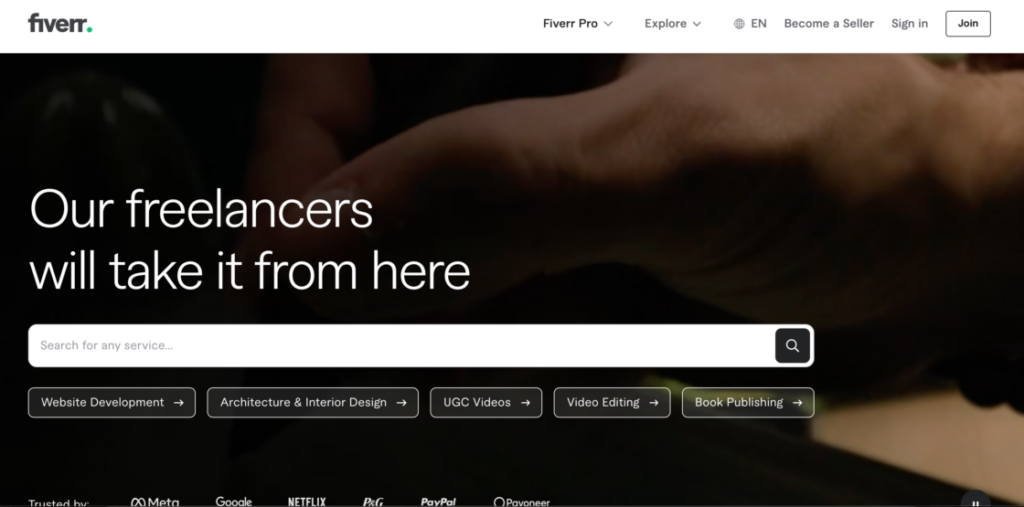
Fiverr – best for productized services and fast sales
Fiverr works well for freelancers who sell clearly defined services at fixed prices. Profiles, reviews, and built-in tools help streamline delivery.
Pros:
- easy to set up and start selling quickly;
- escrow protection on all transactions;
- built-in audience actively looking for services;
- Fiverr Workspace automates back-office tasks like contract management and time tracking;
- good for building a service-based business with repeatable offerings.
Cons:
- no native 1099 handling;
- high platform fees (5.5-20% of earnings);
- intense price competition drives rates down;
- payment takes 14 days (standard);
- gig-based model limits flexibility and pricing power.
Best for:
- designers, marketers, writers, and video specialists;
- freelancers offering repeatable, well-defined services;
- beginners who want a simple platform to start freelancing quickly.
Best Xolo alternatives for U.S. businesses & hiring teams
Businesses evaluating Xolo alternatives usually care less about marketplaces and more about compliance, scalability, and operational control.
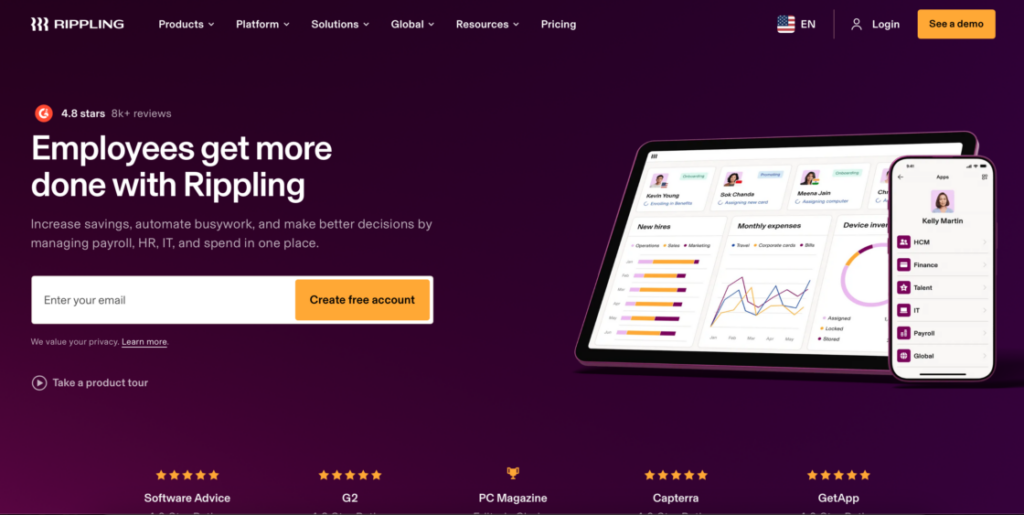
Rippling – best all-in-one workforce platform
Rippling combines HR, payroll, contractor payments, and IT management in one system. It works especially well for U.S. companies managing mixed teams of employees and contractors.
Pros:
- consolidates HR, payroll, contractor payments, and IT management in one platform;
- handles both employees and contractors seamlessly;
- strong compliance and tax support, including native 1099 handling;
- automates onboarding and offboarding processes;
- integrates with 500+ business applications;
- batch payment processing for multiple contractors;
- coverage in 185+ countries.
Cons:
- custom pricing can be expensive for small teams;
- no demo mode – requires sales consultation;
- can feel overwhelming for simple contractor-only needs;
- implementation takes time for full setup.
Best for:
- growing startups managing both employees and contractors;
- companies that want to consolidate multiple tools into one platform;
- U.S.-based businesses with mixed domestic and international teams.
Example scenario: A startup managing both full-time employees and international contractors could consolidate multiple tools (payroll, HR, IT management, contractor payments) into Rippling, reducing administrative overhead and ensuring consistent compliance across their mixed workforce.
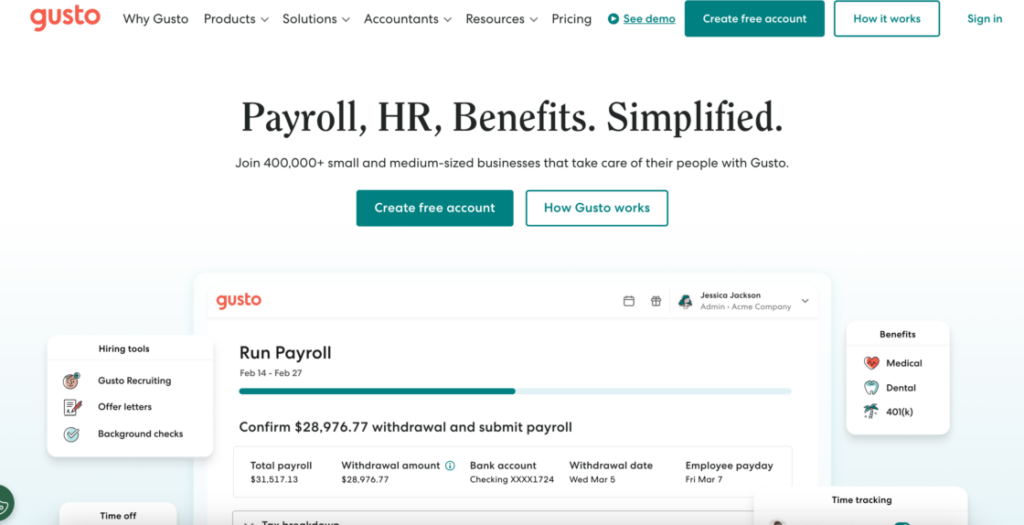
Gusto – best for U.S.-based teams
Gusto simplifies payroll, benefits, and HR specifically for U.S.-based businesses. While not as globally focused as other alternatives, it excels at managing domestic teams and ensuring compliance with federal and state regulations.
Pros:
- excellent for U.S. payroll and benefits management;
- easy-to-use interface with minimal learning curve;
- native 1099 handling and state-level tax compliance;
- affordable starting at $49/month + $6/employee;
- automated tax filing and year-end reporting;
- good customer support and educational resources.
Cons:
- limited international contractor support;
- not suitable for global hiring needs;
- fewer features for international compliance;
- less robust than competitors for cross-border payments.
Best for:
- small businesses managing employees and contractors within the United States;
- companies prioritizing ease of use over international capabilities;
- businesses wanting straightforward domestic payroll and HR.
Oyster – best for distributed remote teams
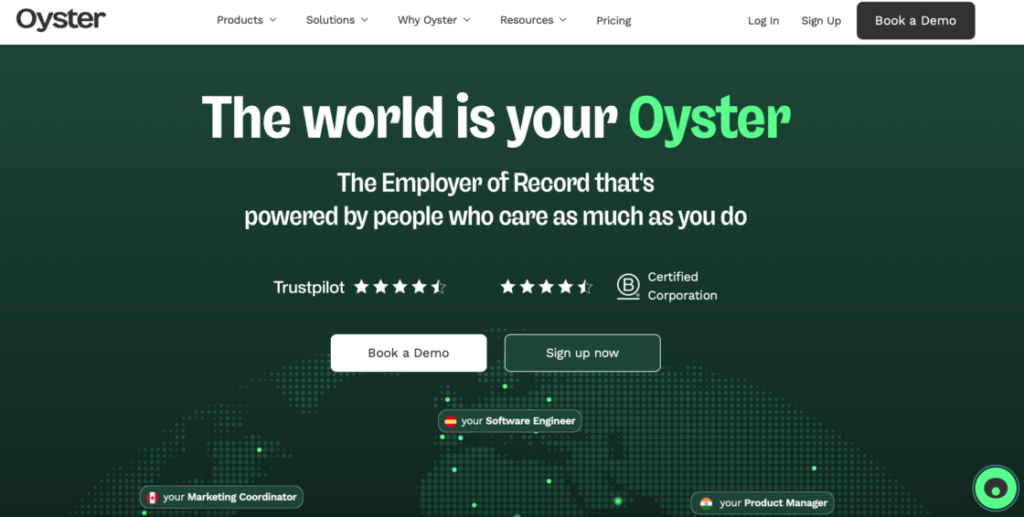
Oyster is designed for companies hiring internationally. It supports global payroll, benefits, and compliance without requiring local entities. The platform automates documents, benefits, and local tax compliance across numerous jurisdictions.
Pros:
- simplified global hiring in 180+ countries;
- no need to establish local legal entities;
- automates international compliance and local benefits;
- competitive contractor pricing at $29/month;
- EOR services for full-time employees;
- native 1099 handling and U.S. tax support;
- excellent onboarding experience.
Cons:
- EOR services cost $699/month per employee – higher than competitors;
- focused on international hiring – less value for U.S.-only teams;
- no escrow protection;
- smaller platform with fewer integrations than Deel or Remote.
Best for:
- remote-first companies building international teams;
- teams hiring across multiple countries without local entities;
- businesses seeking streamlined international onboarding.
Remote – best for global compliance
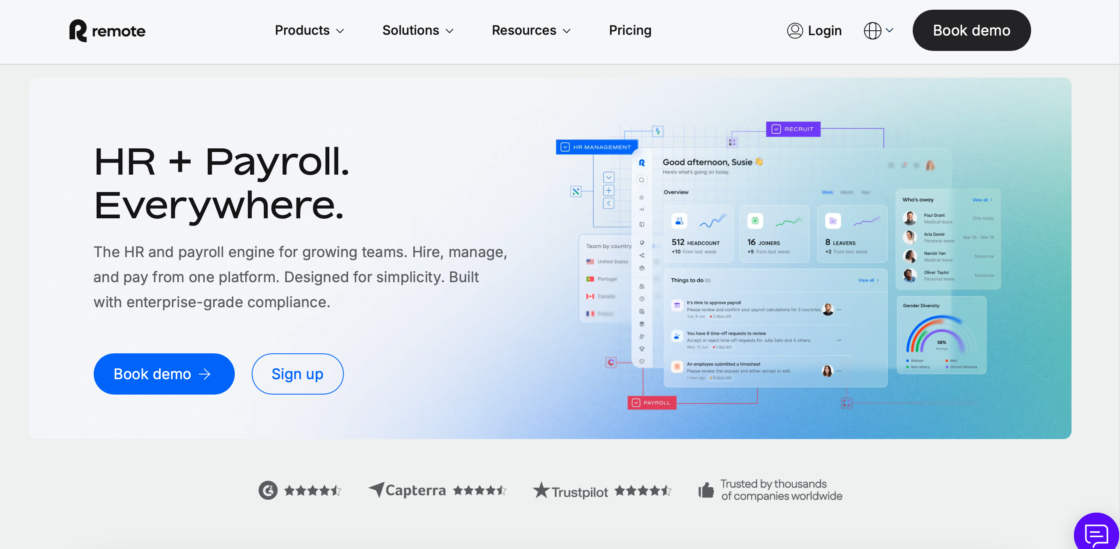
Remote combines contractor management with payroll and HR features, making it ideal for hiring internationally. The platform automates documents, benefits, and local tax compliance regardless of where team members are located. While often used by companies, it can also suit freelancers working closely with structured organizations.
Pros:
- comprehensive global compliance in 180+ countries;
- automates local tax compliance, benefits, and employment contracts;
- competitive pricing at $29/month per contractor;
- Employer of Record (EOR) services available at $599/month per employee;
- native 1099 handling for U.S. contractors;
- strong focus on legal compliance and risk management.
Cons:
- no escrow protection for payments;
- not designed for finding talent – only managing existing contractors;
- can be complex for businesses with simple needs;
- EOR services add significant cost.
Best for:
- companies hiring contractors or employees across multiple countries;
- businesses that need comprehensive compliance support for international teams;
- remote-first companies with distributed global workforces.
💡 Looking for something similar to Remote platform? Dive into our article on 9 Remote alternative for hiring talent in 2026.
Papaya Global – best for complex payroll needs
Papaya Global supports large-scale payroll operations and complex payment structures. It’s often used by mid-sized and enterprise organizations with high contractor volumes.
Pros:
- handles complex, high-volume payroll across 160+ countries;
- volume-based pricing that scales with business size;
- J.P. Morgan payment network for reliable global transfers;
- strong compliance and reporting features;
- native 1099 handling and comprehensive tax support;
- dedicated account management for enterprise clients.
Cons:
- overkill for small teams or occasional contractor hiring;
- pricing not transparent – requires custom quote;
- implementation can be lengthy and complex;
- better suited for established companies than startups.
Best for:
- businesses with high contractor volume (50+ contractors);
- companies operating in many jurisdictions with complex needs;
- mid-sized and enterprise organizations needing robust payroll infrastructure.
Expert tips for choosing the right tool
Selecting the right platform isn’t just about features – it’s about matching the tool to your goals, workflows, and business model. Here are expert tips to help you choose wisely.
1. Start with your primary goal
Ask yourself:
- are you looking for clients or gigs?
- do you need safe payments and invoices?
- are you hiring a team or working solo?
If your main goal is finding work, marketplaces like Upwork and Fiverr can help. If your focus is handling payments and compliance, tools like Useme or Deel are better fits.
2. Think about tax and compliance early
Platforms vary in how much tax support they offer.
- Freelancers in the U.S. should consider tools that help with 1099 forms and clear tax records.
- Businesses need platforms that address contractor classification and recordkeeping.
Tools that automate tax documentation reduce stress, especially during tax season.
3. Balance fees with value
Low fees are appealing, but lowest isn’t always best. High-fee tools sometimes provide more security, faster payments, or built-in compliance that save time and risk.
Before choosing, calculate your effective cost – not just the fee listed.
4. Check payment speed and methods
Freelancers often live on cash flow. Look for tools that offer:
- fast payout times;
- multiple payout methods (bank transfer, PayPal, etc.);
- clear timelines for when funds hit your account.
Some platforms hold payments for reviews or approvals. Know this in advance to avoid surprises.
5. Consider the client experience too
If you’re a freelancer, a tool that feels friendly to clients can help you win repeat work. Features that matter include:
- easy contract signing;
- clear invoices;
- smooth payment flow.
The simpler it is for your clients to pay you, the more likely they are to come back.
6. Review compliance before scaling
For businesses with many contractors, compliance isn’t optional. Choose platforms that help with:
- global tax rules;
- labor law differences;
- contractor recordkeeping.
Skipping this can lead to legal trouble or unexpected costs later.
7. Factor in onboarding time
Some tools are quick to set up – others take days or weeks. If you need to get started fast, choose platforms with:
- simple signup workflows;
- clear instructions;
- fast verification.
That way, you can focus on work instead of paperwork.
8. Prioritize platforms with learning resources
Good platforms often offer:
- help centers;
- webinars or tutorials;
- community forums.
These resources help freelancers and businesses get up to speed faster and troubleshoot issues without external support.
9. Test before you commit
Whenever possible, try a platform before paying. Tools with demo modes or trial periods let you explore features risk-free. Even if you already have a favorite tool in mind, testing provides clarity.
10. Anticipate your growth path
Your needs will evolve. Ask:
- will I need compliance support later?
- will I hire contractors in new countries?
- will I need consolidated reporting?
Pick a tool that grows with you, not just one that meets your immediate need.
11. Ask peers and read real reviews
Reviews in marketing materials can be polished. Look for independent user reviews or ask other freelancers and business owners about their experiences. Focus on:
- real-world payout times;
- customer support quality;
- hidden fees or surprises.
This intel helps you avoid platforms that look good on the surface but fall short in practice.
12. Don’t overlook security
Handling payments and contracts means handling sensitive data. Choose platforms that use secure payment rails, data encryption, and clear privacy policies.
Security matters for your reputation and peace of mind.
13. Understand marketplace commission structures
If you’re considering freelance marketplaces like Upwork or Fiverr, remember that these platforms typically charge a commission on the freelancer’s earnings. Factor these costs into your pricing strategy from the start. While marketplaces provide built-in payment and project management tools, the commission can significantly impact your net income – especially on smaller projects.
By applying these expert tips, you can narrow down your options based on what matters most to you – not just what sounds good on paper. The right tool should fit your work style, tax responsibilities, payment needs, and growth plans.
When to choose each tool
In this section, we’re going to look closer at real-world scenarios to help you make the right choice. Because the key difference between Xolo alternatives is intent:
- freelancer-first tools focus on payments, invoices, and simplicity;
- business-first platforms prioritize compliance, reporting, and scale;
- marketplaces help you find work but limit control over fees and client relationships.
“I’m a U.S. freelancer getting clients in EU – what to use”
Look for platforms with strong international payment support, multi-currency handling, and clear tax documentation.
“I run a U.S. startup hiring 50+ remote contractors”
Prioritize compliance, batch payments, and scalability. Rippling, Oyster, or Papaya Global can handle volume while keeping you compliant.
“I need a legal structure but want to save money on setup”
Consider platforms that offer company formation or company incorporation as part of a monthly subscription rather than a large one-time fee. Some alternatives provide a business address, legal address, or authorized contact person as part of their standard package.
“I work with clients in multiple countries and need flexible banking”
Look for platforms with a banking marketplace or support for multiple bank accounts. This is especially valuable for freelancers managing cash flow across currencies or businesses handling outgoing payments to international contractors.
“I need more than just payments – I need legal and accounting support”
Prioritize platforms that include legal templates, accounting software integration, or pre-made accounting packages. Access to a dedicated accountant or more complex tax advice can justify higher fees, especially during tax season or when dealing with annual reports.
“I run a small business selling products online”
Choose platforms that support e-commerce operations and understand the needs of companies selling physical products. You’ll want tools that handle inventory, VAT filing (if selling internationally), and integration with your existing systems.
Common mistakes to avoid when choosing a Xolo alternative
Picking the wrong platform can cost you time, money, and compliance headaches. Here are the most frequent mistakes we see:
1. Choosing based on price alone The cheapest option often lacks critical features. A platform with a 3% fee but no escrow protection might cost you more if a client doesn’t pay.
2. Ignoring tax compliance until it’s too late U.S. freelancers need 1099 support. Businesses need proper contractor classification tools. Discover this gap during tax season, and you’ll scramble to piece together records manually.
3. Not testing the platform first If a demo mode is available, use it. Understanding the workflow before committing helps you avoid platforms that don’t match your work style.
4. Overlooking payment speed Cash flow matters. A platform that takes 7 days to process payments can strain your finances, especially if you’re a freelancer living project-to-project.
5. Picking a business platform when you need a freelancer tool (or vice versa) Deel is excellent for compliance-heavy business hiring but overkill for a solo freelancer doing occasional projects. Match the tool to your actual needs, not aspirational ones.
6. Not checking client experience If your platform makes it hard for clients to pay you, you’ll lose repeat business. Test the payment flow from the client’s perspective before fully committing.
7. Forgetting about scaling Your needs today might not match your needs in 12 months. Choose a platform that can grow with you rather than forcing you to migrate again later.
How to migrate from Xolo to an alternative platform
You have already decided on the Xolo alternative? Great! It’s transition time. But switching platforms doesn’t have to be disruptive. Here’s how to make the process smooth:
- Export your data from Xolo
Download all invoices, payment records, and tax documents before canceling. Most platforms let you export data as CSV or PDF files. - Choose your timing carefully
Start the transition at the beginning of a quarter or fiscal year to simplify accounting. Avoid switching mid-project if possible. - Notify your clients
Give clients 2-4 weeks’ notice about new invoicing procedures. Provide clear instructions for the new payment process. - Run platforms in parallel briefly
Many users run both platforms for 30 days to ensure smooth payment processing and catch any issues. - Update your records
Inform your accountant or CPA about the change. Update any automated payment systems or recurring invoices. - Cancel Xolo properly
Follow Xolo’s cancellation procedures to avoid unexpected charges. Some plans require 30 days’ notice.
Conclusion on Xolo alternatives
Choosing the right Xolo alternative ultimately comes down to how you work today and how you plan to grow tomorrow. As we’ve seen throughout this guide, there’s no single “best” platform – only the best fit for your specific situation.
If you’re a U.S. freelancer working with international clients, tools like Useme or Deel can remove friction around contracts, payments, and compliance while keeping cash flow predictable. If you’re focused on winning new clients, marketplaces such as Upwork and Fiverr still play an important role – especially for freelancers who are ready to compete on quality and build long-term relationships.
For U.S. businesses and hiring teams, compliance quickly becomes non-negotiable. Platforms like Deel, Remote, Rippling, Oyster, and Papaya Global are built for scale, helping companies manage payroll, tax obligations, and contractor classification without legal headaches. Meanwhile, traditional marketplaces and contractor management tools remain useful for sourcing talent and managing day-to-day collaboration.
The key takeaway is this: don’t choose a tool based on popularity alone. Evaluate payment speed, fees, tax support, compliance coverage, and how much administrative work you want to offload. The right platform should simplify your workflow – not add another layer of complexity.
FAQs about Xolo alternatives
What’s the best Xolo alternative for U.S. freelancers?
Useme stands out as the best all-around option for U.S. freelancers. It offers escrow protection and a 4.99% fee that caps at €99 monthly. The demo mode lets you test the platform risk-free before committing.
Do I need to set up a company to use these platforms?
Not always. Platforms like Useme and Fiverr let you work as an individual without formal incorporation. However, business-focused platforms like Rippling and Oyster typically require you to have some business structure in place.
Which platforms offer better U.S. tax support than Xolo?
Platforms like Deel or Gusto provide native 1099 handling and U.S. tax form support – features Xolo doesn’t offer. This makes tax season significantly easier for U.S.-based users.
How much do Xolo alternatives typically cost?
Costs vary widely. Useme charges 4.99% per transaction (capped at €99/month). Deel and Remote use subscription models starting around $49-79 per contractor per month. Upwork and Fiverr charge 5-20% of earnings.
How long does it take to switch from Xolo to an alternative?
Setup time varies. Platforms like Useme can be ready in 24-48 hours. More compliance-heavy platforms like Deel or Remote might take 1-2 weeks for full onboarding. Plan for a 30-day transition period to ensure everything works smoothly.
Do these platforms work for businesses hiring international contractors?
Yes. Deel, Remote, Oyster, and Papaya Global specialize in international contractor management. They handle multi-country compliance, local tax requirements, and currency conversions – making them ideal for businesses with global teams.
What are the different types of service providers, and how do I choose?
There are two main types of service provider models in this space. Some function primarily as payment providers,handling transactions and invoicing tool needs. Others act as full e-residency service providers, offering company incorporation, a legal entity structure, and even an authorized contact person or legal address in foreign jurisdictions.
Estonia’s e-residency programs have created a unique ecosystem of e-residency service providers. Actually, Xolo is considered the market leader in e-residency services and offers a custom-built platform for managing businesses. Platforms like Xolo help entrepreneurs establish an Estonian business entirely online, often completing company registration in just a couple of hours.
When choosing the right e-residency companies, assess your specific needs first. Consider whether you need ongoing support or just initial setup. Think about whether you’ll manage multiple bank accounts or just one bank account. Check whether you need a provider with a long history in the industry.
Many freelancers working in digital services, online marketing, or specialized fields appreciate platforms that offer real-time communication with support teams, especially during the sign-up process or when navigating complex tax advice. Meanwhile, crypto companies and blockchain companies may need providers familiar with securities law and regulatory compliance in emerging sectors.
What’s the main advantage of Estonian e-residency platforms?
Estonian e-residency lets you establish and manage a European company entirely online. For example, Xolo’s services include company registration, accounting, annual reports, and VAT filing. This can be beneficial for accessing EU markets, opening European bank accounts, and taking advantage of Estonia’s business-friendly regulations. However, it may create additional tax complexity for U.S. residents.
Disclaimer: This article is for informational purposes only and does not constitute legal, financial, or tax advice. Consult with qualified professionals regarding your specific situation. Platform features and pricing are subject to change.
Editorial process: Information in this article was researched and verified using publicly available platform documentation, user reviews, and pricing pages accessed in January 2026.
This article was created with the assistance of AI technology.
| Author: Ela Binkowska |