

AI is no longer something only big companies use. Freelancers across industries use it every day to speed up tasks, reduce busywork, and stay competitive. Writers use it to break through creative blocks. Designers use it to test ideas faster. Developers use it to solve problems and write cleaner code.
This article looks at how freelancers use AI tools in real workflows. Not as shortcuts, but as support. You’ll see which types of AI tools for freelancers are most useful, what problems they solve, and how they fit into your work today.
If your goal is to work smarter, protect your time, and grow your freelance business, this is for you.
Key takeaways:
- AI tools help freelancers save time by automating repetitive tasks like email drafting, scheduling, and expense tracking – freeing up hours for billable work.
- The best AI tools for freelancers include ChatGPT for writing and ideation, ClickUp AI for project management, and Grammarly for polishing communication.
- Freelancers use AI to support creative work, not replace it – maintaining control over final outputs while using AI for brainstorming, prototyping, and research.
- Clients benefit from AI-enabled freelancers through faster delivery, more reliable quality, and clearer communication throughout projects.
- Key risks include AI errors, data security issues, and the need to maintain transparency about AI-assisted work.
How freelancers use AI today
AI has quietly become part of everyday freelance work. Not as a single tool, but as a layer that supports many small tasks across the day. Freelancers aren’t using AI to replace their skills. They’re using it to remove friction. Let’s go through the most popular reasons why the freelancers use them.
AI as a time saver, not a shortcut
Most freelancers turn to AI for one main reason: time. Admin work, emails, planning, and revisions can eat up hours. AI helps reduce that load.
Common examples include:
- drafting emails and client updates;
- summarizing briefs, meetings, or research;
- breaking large projects into smaller tasks;
- organizing notes, timelines, and documents.
For freelancers managing multiple client projects, these AI tools handle repetitive tasks that would otherwise consume valuable time. Whether you’re juggling client work across different industries or trying to stay organized during tight deadlines, the right tools for freelancers can mean the difference between meeting deadlines and missing them entirely.
Supporting creative and technical work
AI is also used as a support tool during the process. Writers might use an AI writing tool to brainstorm ideas or overcome blocks. Graphic designers use AI features for rapid prototyping. Developers leverage AI capabilities for code generation and debugging.
In each case, the technology supports the creative and strategic aspects of the work rather than replacing them. Freelancers decide what to keep, change, or discard. AI suggests, the freelancer delivers.
What matters most is that AI tools for freelancers should allow customization to reflect your voice and expertise. This ensures outputs feel authentic rather than generic.
Better communication with clients
Clear communication is a big part of freelance success. AI helps freelancers respond faster and more clearly, especially when managing multiple clients.
Many use AI to:
- rewrite messages to sound more professional;
- create quick status updates;
- prepare proposals or scopes of work;
- summarize progress for client reviews.
This helps reduce back-and-forth and keeps projects moving. AI tools for freelancers excel at improving written communication, turning rough notes into polished client updates. They reduce those endless back and forth emails that drain productivity.
Handling more freelance work without burning out
As workloads grow, AI helps freelancers stay organized. Tools can track tasks, flag deadlines, and keep projects structured. This makes it easier to manage several clients at once without losing quality.
For many freelancers, this means scaling carefully. Not by working longer hours, but by working more efficiently.
The best AI tools for task management help you track tasks, prioritize tasks, and manage projects across multiple clients without losing sight of any single commitment.
Making smarter decisions
Some freelancers also use AI for insight. This can include reviewing past project data, spotting patterns in client requests, or researching markets and pricing. The goal isn’t perfect answers, but better direction.
Machine learning and natural language processing technologies can analyze patterns in freelance work. They help you identify which types of projects generate the most revenue or which clients require the most administrative tasks.
This data-driven approach helps freelance business owners make informed decisions about where to invest their energy.
AI as a competitive advantage
Freelancing is crowded. Clients often choose speed, clarity, and reliability. AI helps freelancers deliver on all three.
By automating routine work and supporting decision-making, you can focus on quality and relationships. That combination is what keeps clients coming back. This, on the other hand, allows you to scale your operations without sacrificing personalization.
Why clients benefit from AI-enabled freelancers
Using AI doesn’t just help freelancers. It also improves the experience for clients. When freelancers work with the right tools, projects tend to move faster and run more smoothly.
- Faster delivery
AI helps reduce delays caused by planning, revisions, and admin work. Freelancers respond quicker and move projects forward without long pauses. Clients get results sooner. - More reliable quality
Tools that assist with writing, design checks, or code review help freelancers catch issues before delivery. This leads to more consistent results and fewer back-and-forth revisions. Clients receive work that meets expectations more often. - Easier scaling without higher costs
AI allows freelancers to handle more work at the same time. This means clients can increase project scope or volume without needing to bring in larger teams or agencies. For clients, that often translates to better value and simpler coordination. - Clearer communication and documentation
AI makes it easier to keep records, summaries, and updates organized. Freelancers can share progress, decisions, and next steps more clearly. This reduces confusion and builds trust throughout the project.
When freelancers use AI responsibly, clients don’t see shortcuts. They see smoother collaboration and better outcomes.
AI tools for freelancers to work smarter
AI tools are most useful when they solve real, everyday freelance problems: finding clients, delivering work faster, staying organized, and protecting your time. These AI tools help you save time, improve quality, and scale your freelance business. We’ve narrowed it down to 14 of the most beneficial tools, grouped by category.
| Tool | Category | Best for | Why freelancers use it |
| ChatGPT | Writing & ideation | Drafting, planning, brainstorming | Versatile support across almost every task |
| Canva (Magic Studio) | Design & branding | Visuals, presentations, social posts | Professional design without design skills |
| Jasper AI | Writing & proposals | Client pitches, marketing copy | Creates persuasive, goal-focused text |
| Grammarly | Editing & quality control | Polishing writing | Improves clarity, tone, and credibility |
| Notion AI | Organization & planning | Project docs, content planning | Centralizes work and reduces mental load |
| ClickUp AI | Project management | Task automation | Handles complex client workflows |
| Trello + Butler | Task tracking | Simple project management | Automates repetitive task updates |
| Lyne AI | Client outreach | Cold email personalization | Scales outreach without losing relevance |
| Scheduler AI | Scheduling | Client meetings | Eliminates scheduling back-and-forth |
| Otter.ai | Meetings & notes | Transcriptions | Captures every client detail automatically |
| Receipt Cat | Finance & admin | Expense tracking | Simplifies bookkeeping and tax prep |
| Lately AI | Marketing automation | Content repurposing | Turns one idea into many posts |
| GitHub Copilot | Development | Code completion | Speeds up coding and reduces errors |
| Midjourney | Creative visuals | Image generation | Rapid creative exploration |
1. ChatGPT – writing & ideation
Best for: brainstorming, content creation, planning, and client communication.
Why freelancers use it: ChatGPT can draft emails, proposals, blog posts, or even scripts for videos. Freelancers use it to overcome creative blocks, plan their workload, or generate content ideas quickly. This AI tool uses advanced reasoning and large language models to understand complex concepts and provide relevant suggestions. This, in turn, helps freelancers manage multiple projects and respond to diverse client needs.
🤔 Looking for a way to write better prompts? We’ve got you: AI prompts for copywriting: 10+ ready-to-use prompts to write better content.
2. Canva (Magic Studio) – design & branding
Best for: visuals, presentations, social media posts.
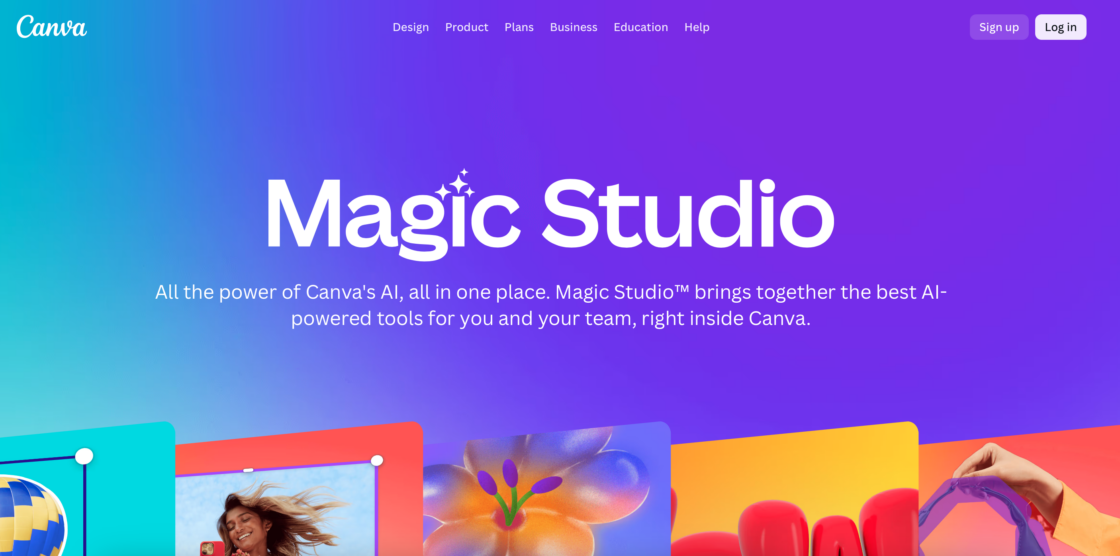
Why freelancers use it: Canva simplifies professional design. With Magic Studio, freelancers can generate images, short videos, and branded layouts without design experience. It’s ideal for personal branding and client projects, especially for social media visuals and presentations.
3. Jasper AI – perfect for freelancer writers
Best for: marketing copy, client proposals, emails.
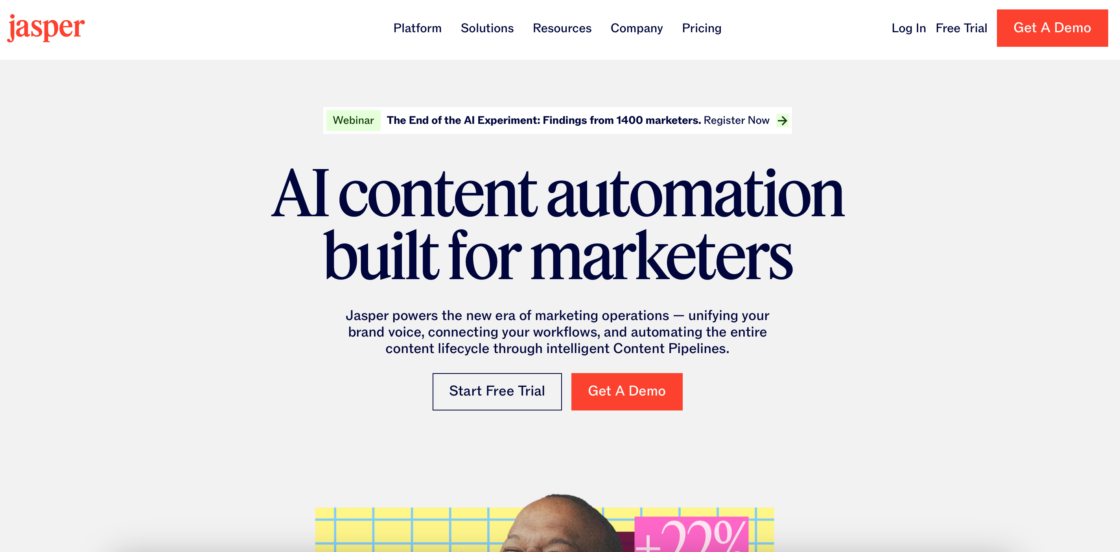
Why freelancers use it: Jasper AI is a top-tier tool for marketing copy, long-form blog posts, and ad variations. It features a “Brand Voice” option that allows freelancers to maintain consistency across client projects. It helps you craft proposals, content for websites, and ad campaigns efficiently. You’ll save hours while maintaining professional writing standards. The platform offers style suggestions and can adapt to different brand voices. This makes it valuable for those managing multiple clients with distinct communication needs.
👉 Dive deeper into Jasper AI and other copywriting tools: Best AI copywriting tools: how to write faster without losing quality.
👉 Want to know how to how to keep your brand voice when using AI-generated content? Check out our Practical guide + get a checklist.
4. Grammarly – editing & quality control
Best for: polishing writing for grammar, tone, and clarity.
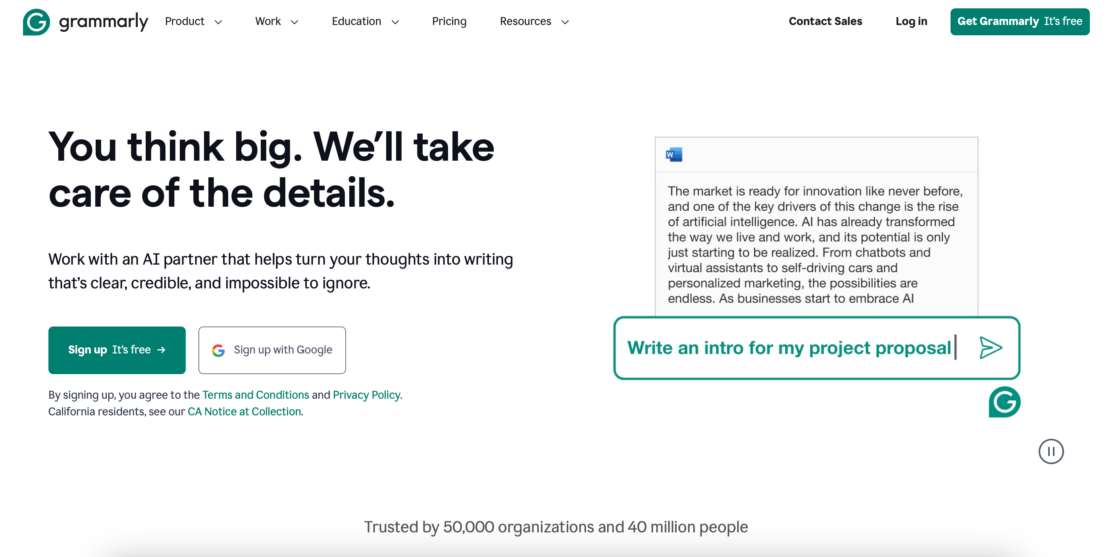
Why freelancers use it: Grammarly ensures error-free content for blogs, emails, and proposals. Freelancers rely on it to save time on proofreading and maintain professional credibility in client-facing communications. The platform’s AI features go beyond basic spell-check. They offer style suggestions that improve the writing process and help you deliver quality work that reflects positively on your freelance business.
Let your copy work both search engines and real people thanks to our article: Proofreading after using AI tools.
5. Notion AI – organization & planning
Best for: project documentation, content calendars, workflow tracking.
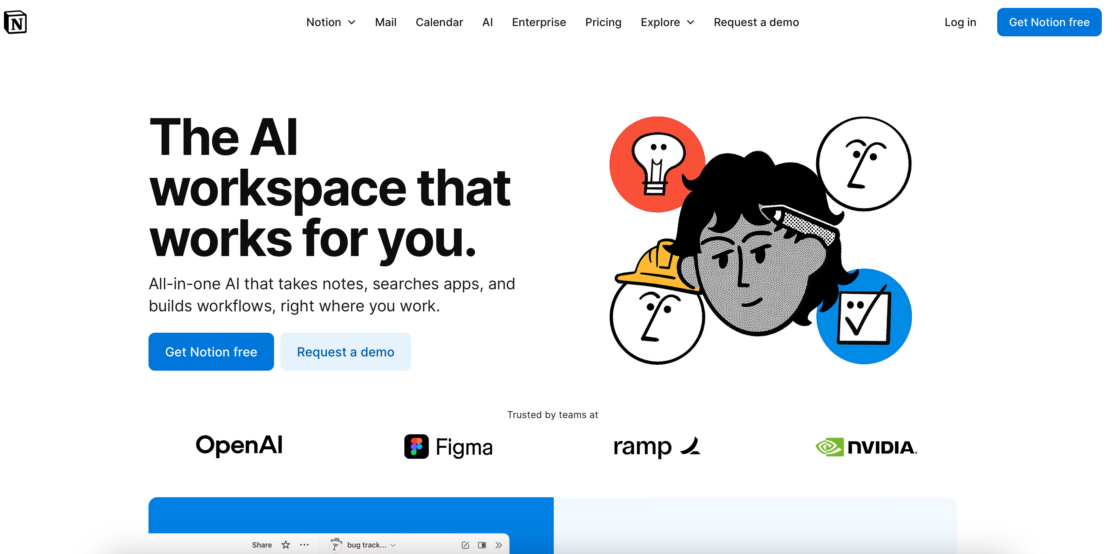
Why freelancers use it: Notion AI helps you centralize tasks, store client plans, and generate text for notes or briefs. The platform acts as an all-in-one workspace where you can manage everything from meeting notes to project management databases. Its AI features can summarize long files, generate action items from meeting notes, and even draft project documentation based on your inputs. This reduces cognitive load, keeping projects organized and deadlines visible.
6. ClickUp AI – project management
Best for: task tracking, automation, workflow organization.
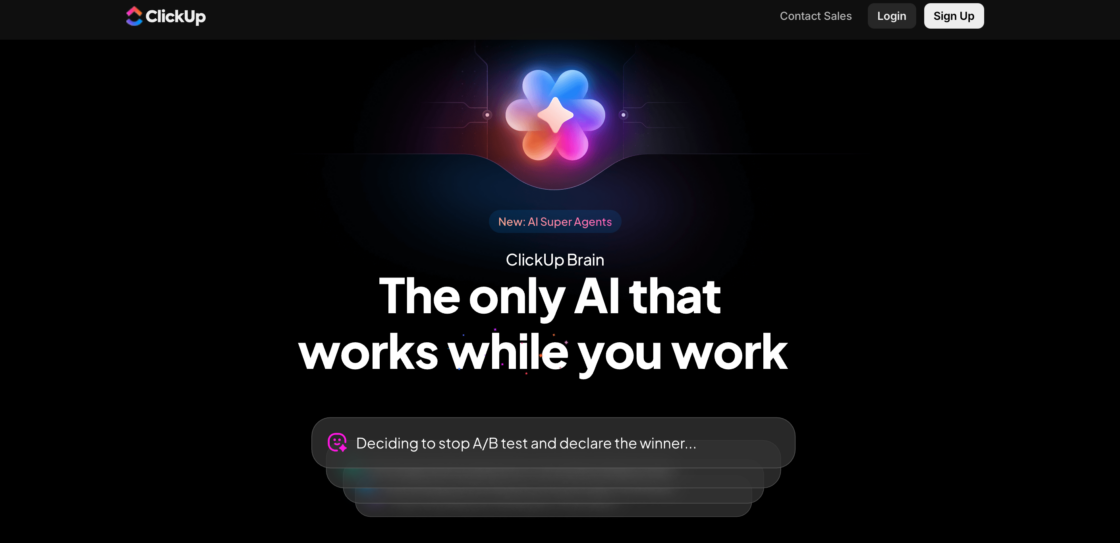
Why freelancers use it: ClickUp AI automates task management, creates tasks based on project requirements, and generates meeting notes. Freelance writers, designers, and consultants use it to manage multiple projects in one platform while staying on schedule. ClickUp AI can also help you track tasks across different client projects. This makes it easier to stay organized when handling a big project or juggling multiple client projects at once.
7. Trello + Butler – task automation
Best for: simple project boards, repeating task automation.
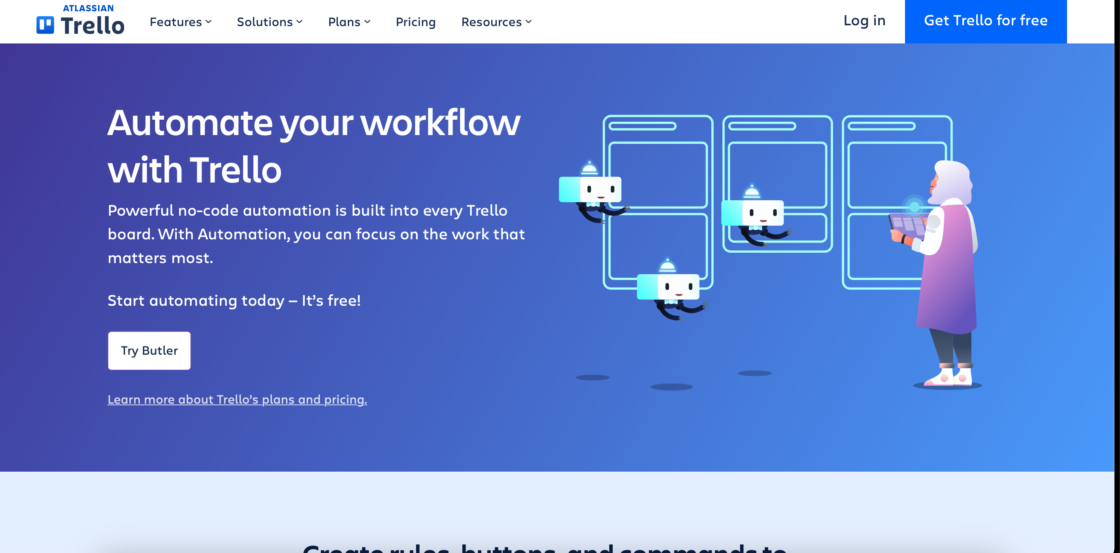
Why freelancers use it: Trello’s Butler feature automates card movements, due dates, and workflow updates. It provides visual project management through customizable boards, lists, and cards – perfect for freelancers who prefer simplicity over complex systems. The real power comes from Butler, Trello’s built-in automation feature. Butler automates card movements, due dates, and workflow updates without requiring any coding knowledge. The combination works especially well for freelance writers and designers managing editorial calendars or design sprints.
8. Lyne AI – client outreach
Best for: cold email personalization.

Why freelancers use it: Lyne AI generates hundreds of personalized email openings in minutes, boosting open rates and replies. It also pairs with LinkedIn scraping tools to build targeted client lists. For additional outreach support, Apollo AI helps build a steady pipeline of leads and supports outreach and personalization. This makes it easier to attract more clients consistently.
9. Scheduler AI – meeting management
Best for: client appointments, reminders, and cancellations.
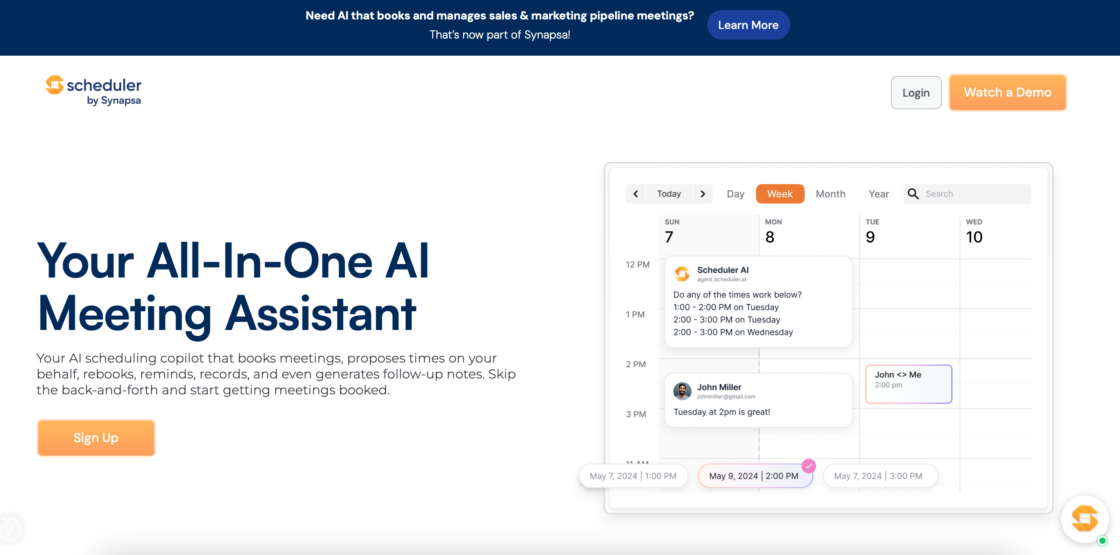
Why freelancers use it: Scheduler AI reads your messages to book meetings automatically, manages rescheduling, and saves hours of coordination. This AI tool eliminates the endless back and forth emails of finding meeting times. The tool reads your messages and email context to understand scheduling requests, then automatically books meetings based on your availability preferences. It manages rescheduling, sends reminders to both parties, and even handles timezone conversions for international clients. This is helpful when you’re juggling multiple clients.
10. Otter.ai – transcription & notes
Best for: transcribing client calls, interviews, and webinars.
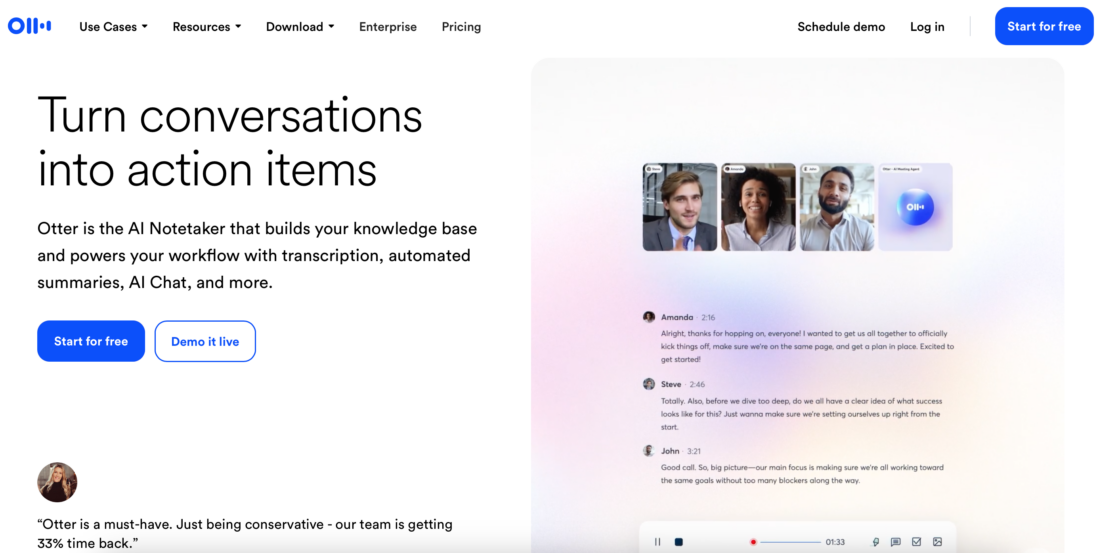
Why freelancers use it: Otter.ai creates searchable, accurate transcripts in real time, transforming how freelancers handle client meetings and research interviews. You can focus on the conversation while the AI captures every detail – including speaker identification, timestamps, and even highlights of key discussion points. Plus, it integrates seamlessly with Zoom, Google Meet, and Microsoft Teams, automatically joining and recording your scheduled meetings if permitted.
11. Receipt Cat – finance & admin
Best for: expense tracking and bookkeeping.
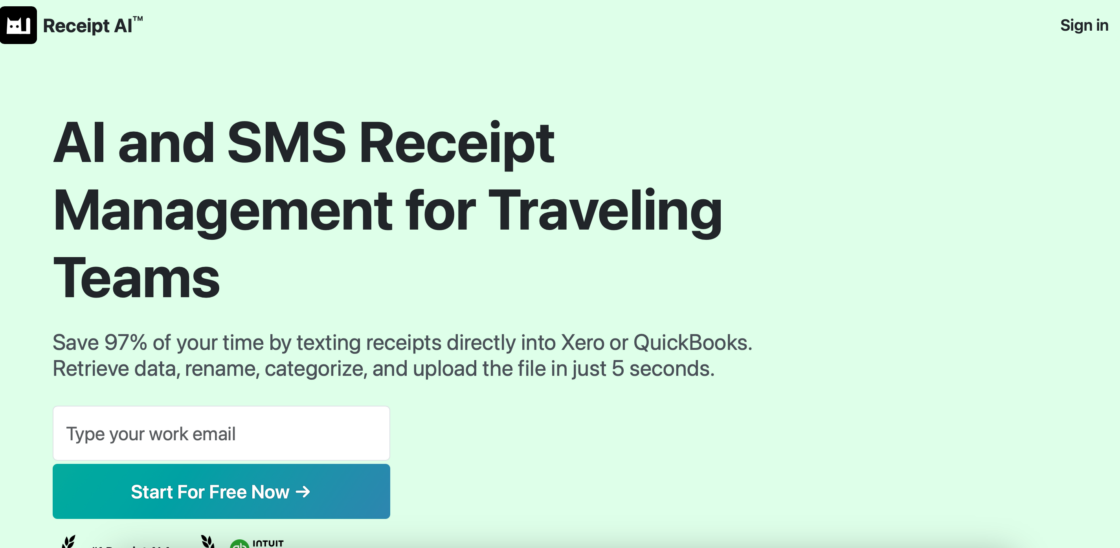
Why freelancers use it: Receipt Cat captures receipt data, categorizes expenses, and simplifies tax prep. Freelancers save time on administrative work and stay audit-ready without manual logging. For more comprehensive financial management, you can use tools like FlyFin to analyze income and expenses for tax deductions. This ensures you maximize your returns during tax season.
12. Lately AI – marketing automation
Best for: repurposing content and social media posts.
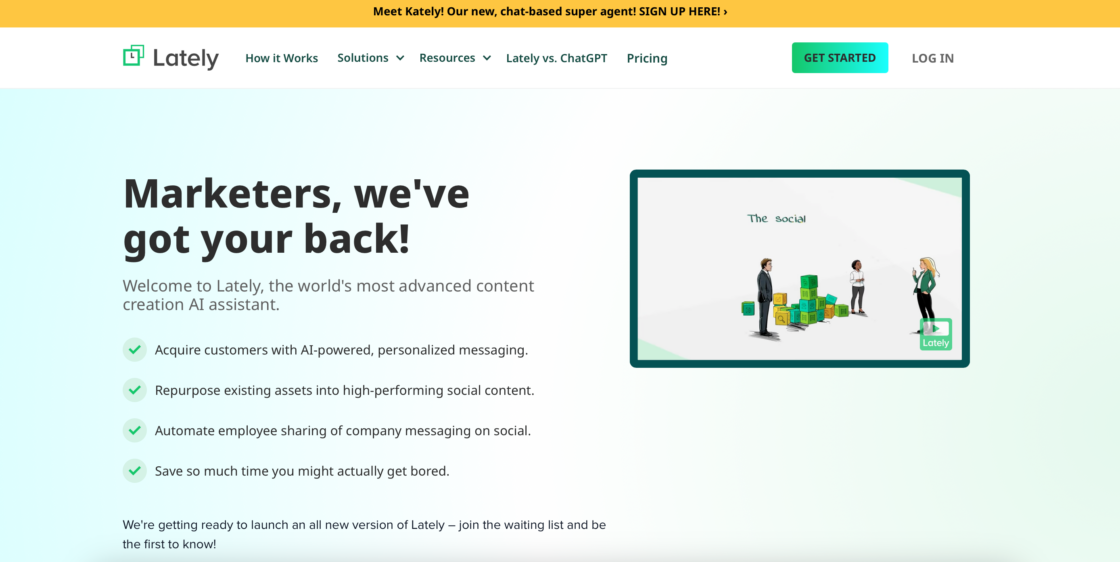
Why freelancers use it: Lately transforms long-form content like blogs or podcasts into multiple social posts. Freelancers use it to extend the reach of their work without creating new content from scratch. This is particularly valuable for industry blogs, marketing materials, and maintaining an active social presence without constant content creation pressure.
13. GitHub Copilot – development
Best for: coding assistance and real-time suggestions.
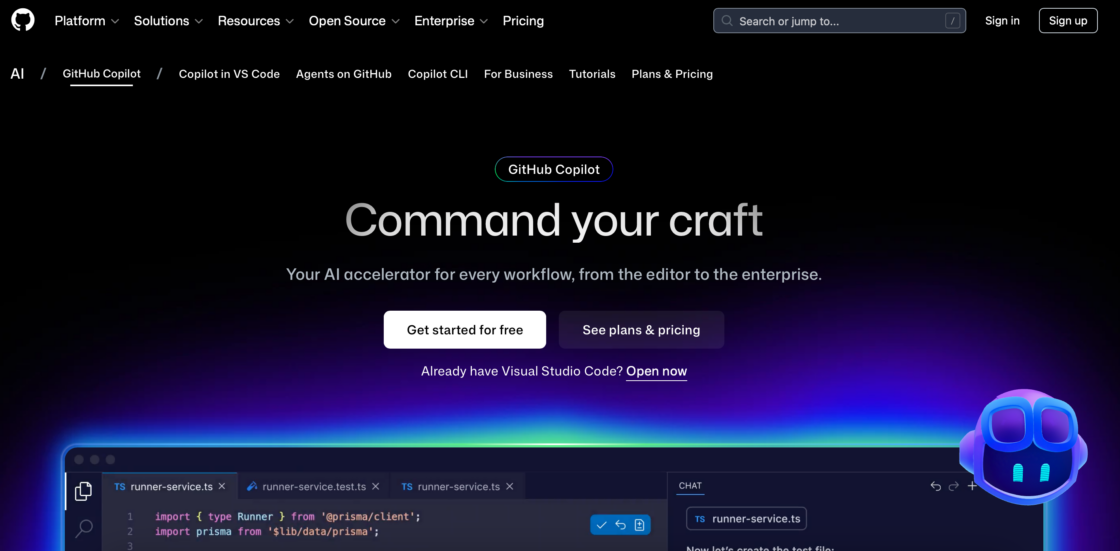
Why freelancers use it: GitHub Copilot accelerates coding, reduces repetitive tasks, and improves code accuracy. This AI-powered code generation tool acts as a pair programmer for freelance developers. Built on OpenAI’s technology, it suggests entire functions, code blocks, and solutions as you type – dramatically reducing time spent on repetitive tasks like boilerplate code, common algorithms, and standard implementations. Freelance developers use it for quicker project delivery and to maintain high coding standards.
14. Midjourney – creative visuals
Best for: image generation from text prompts.
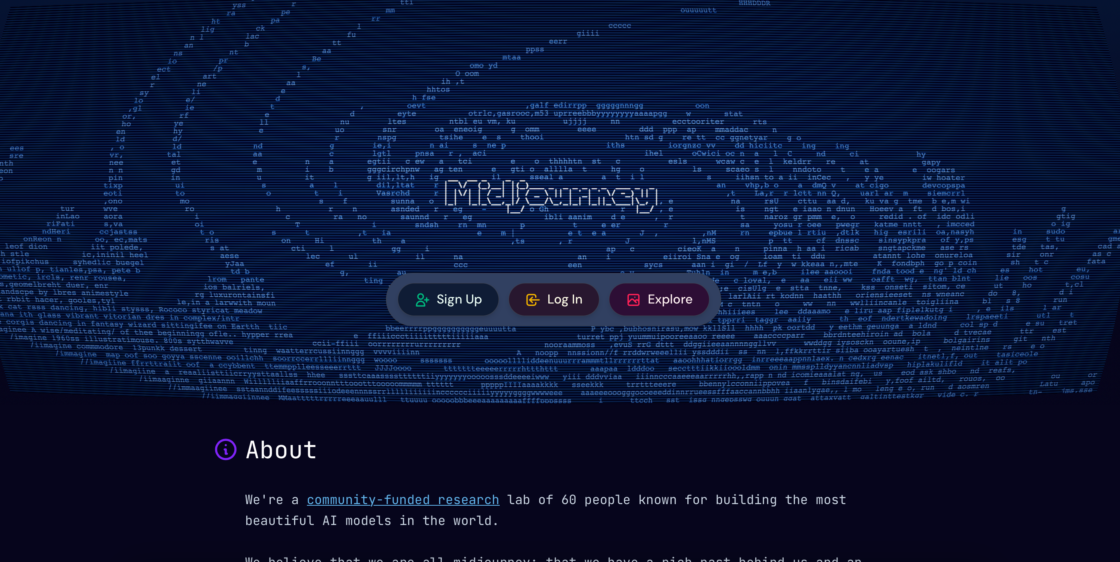
Why freelancers use it: This AI tool allow designers to quickly create visual concepts, logos, and creative work assets. Midjourney generates high-quality artistic images and graphics from text prompts. This makes it ideal for freelancers who need striking visuals. You can explore multiple ideas efficiently and deliver standout visuals without extensive manual work. These tools act almost like a personal designer, helping you generate unique images from creative prompts and test visual directions before committing to final designs.
✅ Tip: Most freelancers combine a few of these tools. For example: ChatGPT + Canva + Grammarly for content creation, or GitHub Copilot + Notion AI + ClickUp AI for development projects. This multiplies productivity while keeping costs low.
Choosing the best AI tool
With the explosion of AI tools for freelancers, selecting the right one can feel overwhelming. The “best” AI tool depends not just on features, but also on your workflow, goals, and client requirements.
Here are some key considerations:
Task-specific needs
Identify the area you want to improve: writing, design, coding, project management, or marketing. For example, ChatGPT excels at content creation, while GitHub Copilot is tailored for developers. Consider whether you need help with expense management, time tracking, social media posts, or complex tasks that require AI capabilities beyond simple automation.
Ease of use
Some AI tools require minimal technical knowledge (e.g., Canva, Lyne AI), while others, like GitHub Copilot, demand a stronger technical background. Choose one that matches your comfort level.
Cost vs. benefit
Evaluate pricing against productivity gains. Many tools offer a free plan or trial versions to test before committing. Consider how much valuable time the tool could save and whether it helps you take on more clients or complete projects faster.
Integration
Consider whether the tool works with your existing workflow. AI that integrates with project management software, communication platforms, or social media can save time significantly. Look for tools that work together. For example, connect your project management tool with time tracking software.
Reliability & accuracy
AI tools can accelerate work, but they aren’t infallible. Cross-check outputs to ensure quality, especially for client-facing tasks. After all, you’re the one who signs off on it.
By weighing these factors, you can adopt AI strategically, boosting efficiency without sacrificing quality or control.
Common mistakes freelancers make with AI tools
Moving on, it’s time to take a closer look at some of the popular pitfalls when using AI technology. Let’s see them and never do them (again).
- Over-relying on AI without human review
AI can make factual errors, miss context, or produce generic content. Always review and edit outputs before sending to clients. - Using too many tools at once
Tool overload creates complexity instead of efficiency. Start with 1-2 AI tools that address your biggest time drains. Add more only when you’ve mastered the basics. - Ignoring data privacy
Many AI tools process your input through their servers. Before uploading client data, briefs, or confidential information, check the tool’s privacy policy. Some tools like ChatGPT offer business plans with enhanced data protection. - Not customizing AI outputs
Generic AI text sounds like AI. Take time to adjust tone, add personal insights, and incorporate your expertise. Clients hire you for your unique perspective, not for what any AI could produce. - Skipping the learning curve
Many freelancers abandon AI tools after one failed attempt. Most tools require 5-10 hours of practice to use effectively. Invest time in tutorials and experimentation before deciding a tool doesn’t work for you. - Failing to disclose AI use when appropriate
Some clients and platforms require disclosure of AI-assisted work. When in doubt, be transparent about which parts involved AI support.
Risks, limitations & ethical considerations
AI opens exciting possibilities for freelancers, but it also brings challenges and responsibilities (can’t forget that!) Understanding the risks helps you use AI safely and ethically.
- AI errors – according to recent studies 23% of AI responses contain inaccurate information. Mistakes in content generation, data analysis, or decision-making can have serious consequences, particularly if you rely on AI for critical tasks.
- Data security – many AI tools require access to sensitive personal or business information, making vigilance essential. Use secure platforms and safeguard client data.
- Bias & fairness – AI systems can inherit biases from their training data, potentially producing unfair or discriminatory outputs. You should critically assess AI recommendations and verify that content aligns with ethical standards.
- Unpredictability – AI may generate unexpected results, which can impact project timelines or client satisfaction. Maintaining oversight and human judgment is crucial.
- Ethical considerations – beyond technical risks, freelancers face questions about authorship, originality, and transparency. Using AI responsibly involves disclosing when AI-assisted work is involved. It ensures AI enhances rather than replaces creative or professional judgment.
By understanding these limitations, you can harness AI as a tool, not a replacement. This maximizes efficiency while protecting quality, security, and ethics.
Setting expectations with clients about AI use
Transparency with clients about AI-assisted work is becoming an industry standard. Here’s how to approach it:
When to disclose AI use:
- If your contract or platform requires it (some agencies have disclosure policies)
- When AI generated substantial portions of deliverables (e.g., more than 30% of content)
- If the client specifically asks about your workflow or tools
How to position AI use positively: Frame it as efficiency that benefits the client: “I use AI tools like Grammarly and ChatGPT to ensure error-free content and faster turnarounds, while maintaining full creative control and customization for your brand.”
Truth be told, most clients value results over methods. So focus on delivering quality work that meets their needs, and be honest if asked about your tools.
Protecting client data when using AI tools
Many AI tools process your inputs on external servers, which creates data privacy concerns. How to minimize them? Follow these security practices:
Before uploading client data:
- Read the tool’s data retention policy (how long they keep your inputs);
- Check if the tool offers a business plan with enhanced privacy protections;
- Verify whether your data is used to train the AI model;
- Ensure the tool complies with relevant regulations (GDPR, CCPA).
But if you want safer alternatives for sensitive work, you can:
- Use locally-run AI tools when handling confidential information;
- Opt for business/enterprise plans that offer data protection guarantees;
- Remove client names, proprietary details, and identifying information before inputting data;
- Use anonymized examples instead of real client briefs when testing prompts.
Tools with stronger privacy protection:
- ChatGPT Team/Enterprise (opt-out of training, data encryption);
- Grammarly Business (SOC 2 compliant, GDPR compliant);
- Notion AI Business (private workspaces, admin controls).
When in doubt, ask clients about their data privacy requirements before using AI tools on their projects.
Conclusion: Artificial intelligence as a collaboration advantage
Artificial intelligence isn’t a threat to freelancers – it’s a powerful tool that elevates human creativity and efficiency. When used thoughtfully, AI helps you produce higher-quality work, streamline repetitive tasks, and deliver projects faster.This frees you to focus on strategy, innovation, and personalized touches that machines can’t replicate.
For businesses, the greatest benefits come from understanding how freelancers leverage AI. Knowing which tools they use, how they review outputs, and where human judgment is applied ensures projects remain accurate, original, and aligned with brand goals. This awareness also allows businesses to set realistic expectations and build workflows that combine AI efficiency with human expertise.
Embracing this collaboration advantage enables businesses to achieve better outcomes while empowering freelancers to work smarter, not harder.
FAQs about AI tools for freelancers
Are AI tools worth the cost for freelancers just starting out?
Yes, many essential AI tools offer free plans that provide significant value. Start with free versions of ChatGPT, Grammarly, Canva, and Notion AI. These alone can save 5-8 hours per week. Upgrade to paid plans only when the free limits become restrictive or when you’re earning enough that the time saved justifies the cost.
Do I need to tell clients I’m using AI tools?
It depends on your contract and platform policies. Many freelance platforms require disclosure of AI-assisted work. And even when not required, remember that transparency builds trust. Many clients don’t mind AI use as long as you customize outputs and maintain quality. Frame it as a productivity tool, not a replacement for your expertise.
Which AI tool should I start with as a freelancer?
ChatGPT is the most versatile starting point for most freelancers. It helps with brainstorming, email drafting, research, and problem-solving across industries. Pair it with Grammarly (for error-free communication) and you’ll cover 60-70% of common AI use cases. Add specialized tools based on your field after mastering these basics.
Can AI tools replace my freelance skills?
No. AI tools handle repetitive tasks and provide suggestions, but they can’t replace industry expertise, client relationships, creative judgment, or strategic thinking. Think of AI as an assistant that handles time-consuming work so you can focus on high-value activities that showcase your unique skills. Clients hire you for your perspective and expertise, not for what AI can produce.
How much time can AI tools actually save me?
It varies by workflow, but most freelancers report saving 8-15 hours per week after 2-3 months of consistent AI tool use. Time savings come from faster email responses, automated scheduling, quicker research, streamlined project management, and reduced revision cycles. The key is choosing tools that address your specific time drains.
What’s the learning curve for AI tools?
Most freelancer-focused AI tools are designed for ease of use. Expect 2-5 hours to learn basic features and 10-20 hours of regular use to become proficient. Tools like ChatGPT and Grammarly are intuitive from day one. More complex tools like GitHub Copilot may take 20-30 hours to master. Budget learning time during slower work periods.
Are there privacy risks with using AI tools for client work?
Yes. Many AI tools process your inputs on their servers, and some use that data for model training. So before uploading client information:
- Check the tool’s privacy policy;
- Consider business/enterprise plans with data protection guarantees;
- Remove sensitive details from inputs;
- Ask clients about their data privacy requirements.
How do I know if an AI tool is actually helping or just adding complexity?
Track specific metrics for 30 days: hours spent on tasks before and after, client satisfaction scores, number of revisions requested, and revenue per hour worked. If you’re not saving at least 3-4 hours per week or seeing quality improvements within a month, the tool isn’t the right fit. Good AI tools reduce complexity, not add it.
Disclaimer: This article is for informational purposes only and does not constitute professional advice for your specific business situation. AI tool features, pricing, and capabilities may change over time. Always verify current tool specifications before making purchase decisions.
This article was created with the assistance of AI technology.
| Author: Ela Binkowska |